
A workspace using AWS dynamic provider credentials was moved from the Default Project to a new Platform project in HCP Terraform. Its next run fails because the AWS role could not be assumed with web identity. No IAM policies or workspace variables changed. What is the most likely cause?
Select an answer to reveal the explanation.
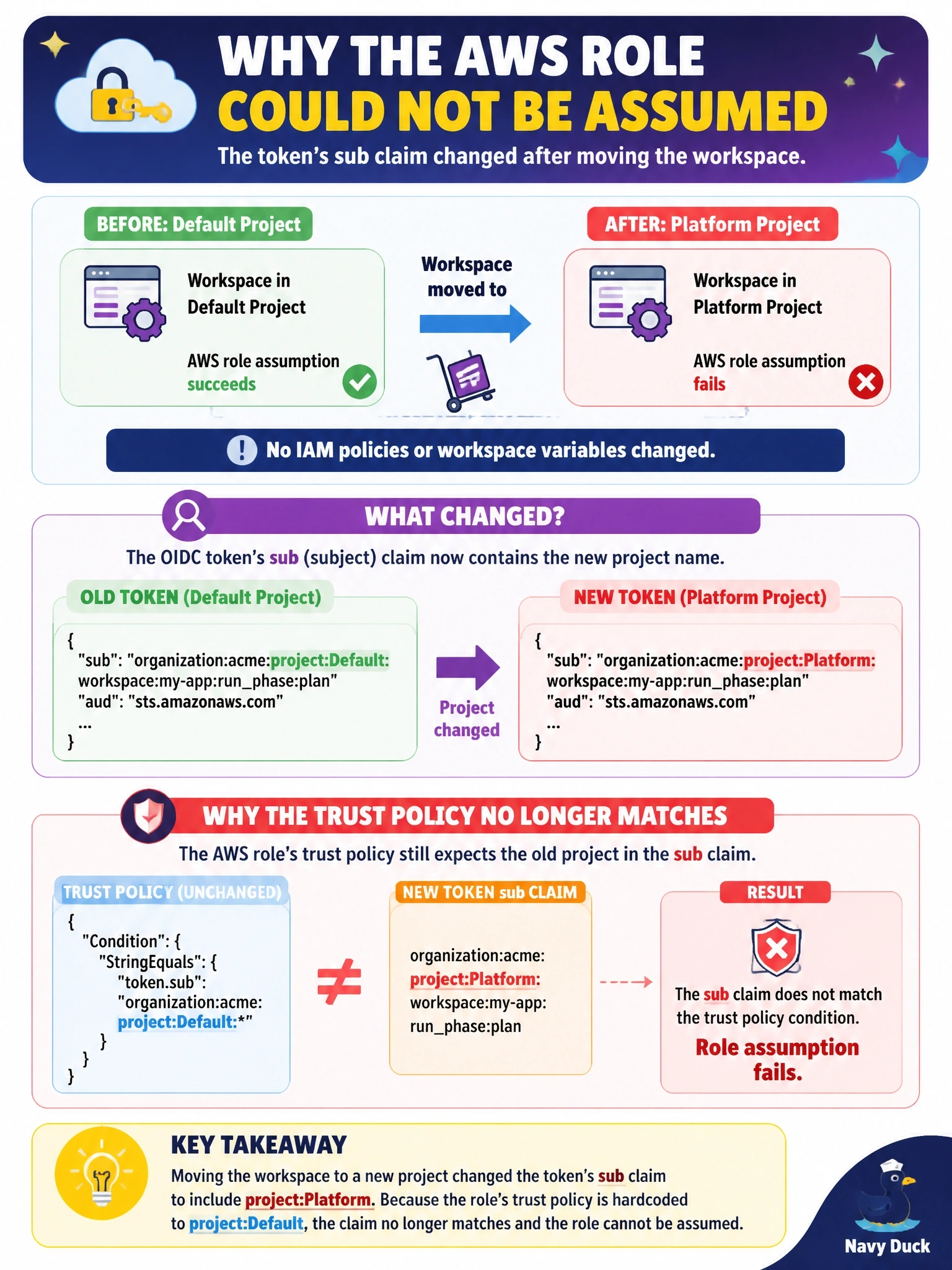
Short Explanation
Here's the gotcha: the identity token spells out the full address, organization, project, workspace and run phase. Move the workspace and the address on the badge changes, but the bouncer's list in the trust policy still has the old one. Nothing else moved, so the subject match is your suspect.
Full Explanation
An HCP Terraform workload identity token's subject is built from the organization, project and workspace names plus the run phase, for example organization:acme:project:Platform:workspace:app:run_phase:plan. Trust policies usually match that subject with StringEquals or StringLike, so when a workspace moves to another project the subject changes and the existing condition stops matching. AWS then rejects AssumeRoleWithWebIdentity even though nothing in IAM or the workspace was edited. Moving a workspace between projects does not remove its variables; the role ARN is still set, and the error is a trust failure, not a missing configuration. There is no per-project switch that enables dynamic credentials; the feature is driven entirely by the environment variables on the workspace or its variable sets. The audience claim does not encode the project; it defaults to aws.workload.identity unless TFC_AWS_WORKLOAD_IDENTITY_AUDIENCE overrides it, so the aud condition still matches. Exam caveat: renaming the organization, project or workspace has the same effect, which is why some teams match on a stable workspace path pattern and plan renames as change requests. Operational check: decode the subject shown in the run's error or token, compare it character by character with the trust policy condition, and update the project segment.