
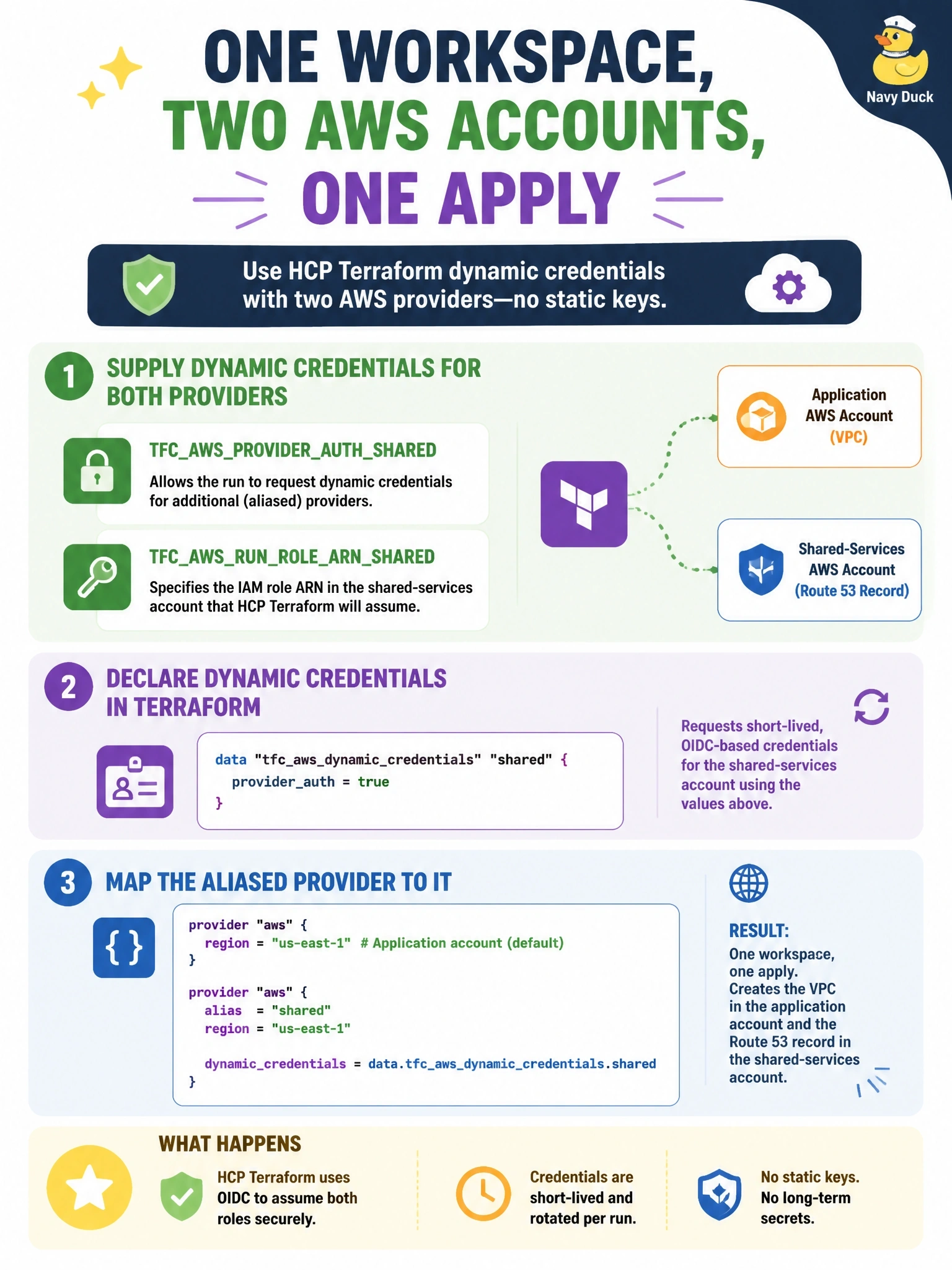
A single HCP Terraform workspace must create a VPC in an application AWS account and a Route 53 record in a separate shared-services account in the same apply, using two aws provider blocks, one of them aliased. Both accounts already trust HCP Terraform's OIDC provider, and static keys are not allowed. How should the workspace supply credentials to both providers?
Select an answer to reveal the explanation.
Short Explanation
Think of each provider block as a guest who needs its own wristband. HCP Terraform hands out extra wristbands when you add a tag to the variable names, and the tfc_aws_dynamic_credentials variable tells each aliased provider which band is its. The trap is trying to cram two roles into one variable; there's no such list mode.
Full Explanation
HCP Terraform supports multiple dynamic credential configurations in one workspace by appending a tag to the environment variable names, for example TFC_AWS_PROVIDER_AUTH_SHARED and TFC_AWS_RUN_ROLE_ARN_SHARED alongside the untagged defaults. The configuration declares a variable named tfc_aws_dynamic_credentials with default and aliases attributes; HCP Terraform populates it with the shared config file for each configuration, and the aliased provider sets shared_config_files from the aliases map using the tag as the key, while the default provider uses the default entry. Both providers then receive short-lived credentials for their own roles in the same run. Adding a second variable with the same key is not possible within a workspace, and even if it were, nothing would bind it to the aliased provider. The role ARN variable takes a single ARN; there is no list syntax that returns several credentials. A run trigger that starts another workspace breaks the requirement that both changes happen in one apply and splits a single change across two states. Exam caveat: tags may only use letters, numbers and underscores, and the default configuration still needs its own untagged variables. Operational check: plan once and confirm each provider's API calls appear in the correct account's CloudTrail.