
A provider release fixes a bug the team keeps hitting, and the new version falls within the configuration's existing version = "~> 5.40" constraint. Running terraform init in the repository, which has a committed lock file, still installs the older release. What should the engineer do?
Select an answer to reveal the explanation.
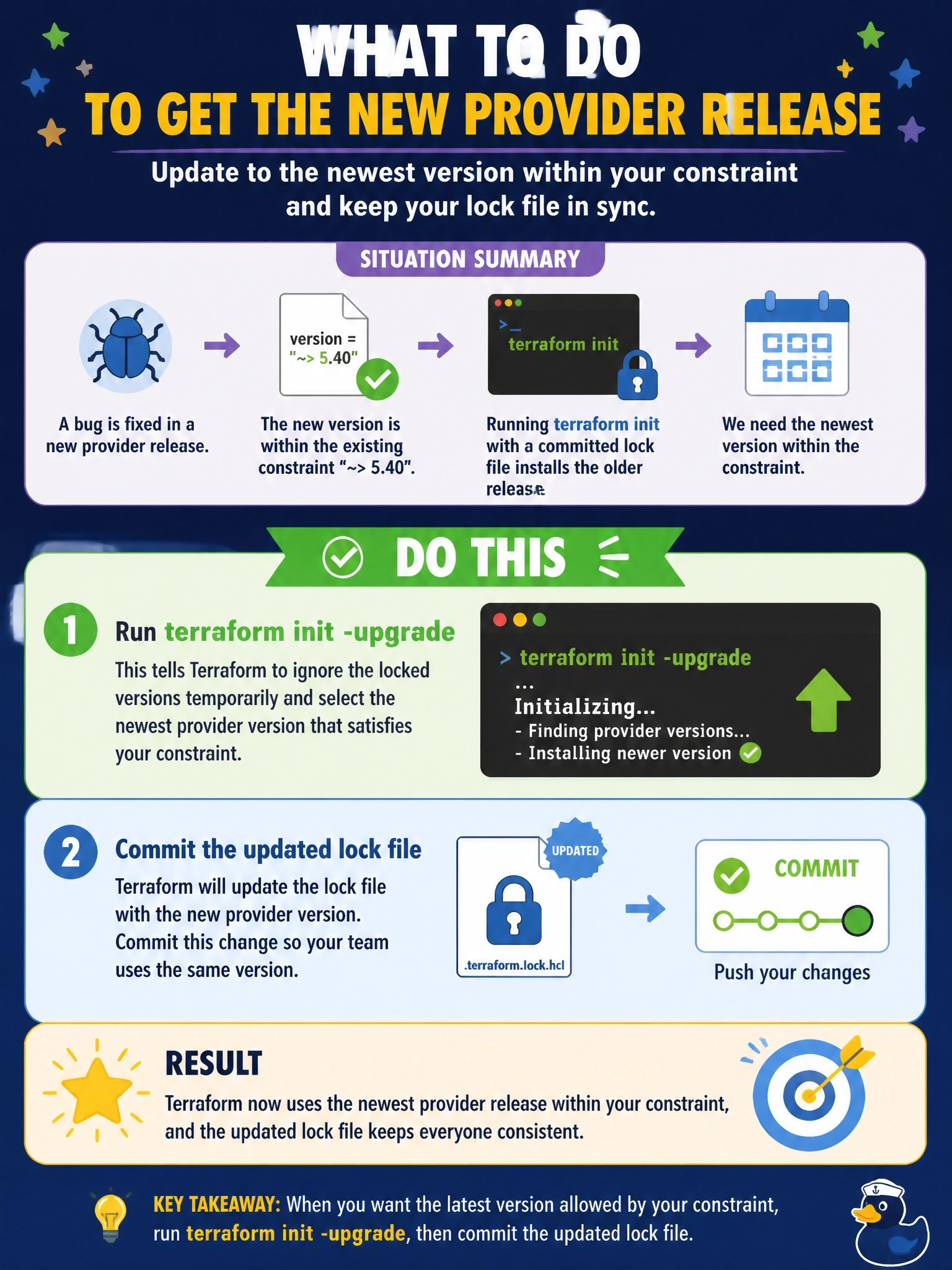
Short Explanation
Your lock file is doing its job: it remembers what you picked and keeps picking it. To move forward, you have to tell Terraform explicitly that you want newer, and that's the -upgrade flag. Then commit the updated lock file so everyone else gets the fix too.
Full Explanation
When the dependency lock file already records a selection for a provider, terraform init re-selects that exact version even if a newer release matching the constraint is available. This is what makes runs reproducible across machines and pipelines. terraform init -upgrade tells Terraform to disregard the existing selections and choose the newest version allowed by the constraints, updating the lock file accordingly; committing that change lets reviewers see the version bump and makes every other environment pick up the fix. Deleting the .terraform directory removes the installed plugins, but the lock file in the repository still holds the old selection, so init downloads the same old release. Widening the constraint changes nothing while the locked version still satisfies it, because init keeps a locked version that remains valid. A fresh plugin cache directory only changes where provider packages are stored; selection still comes from the lock file. Exam caveat: -upgrade applies to all providers and modules at once, so review the lock file diff for unintended bumps. Operational check: after the upgrade, confirm the lock file entry for the provider shows the new version and run a plan to make sure it introduces no unexpected changes.