
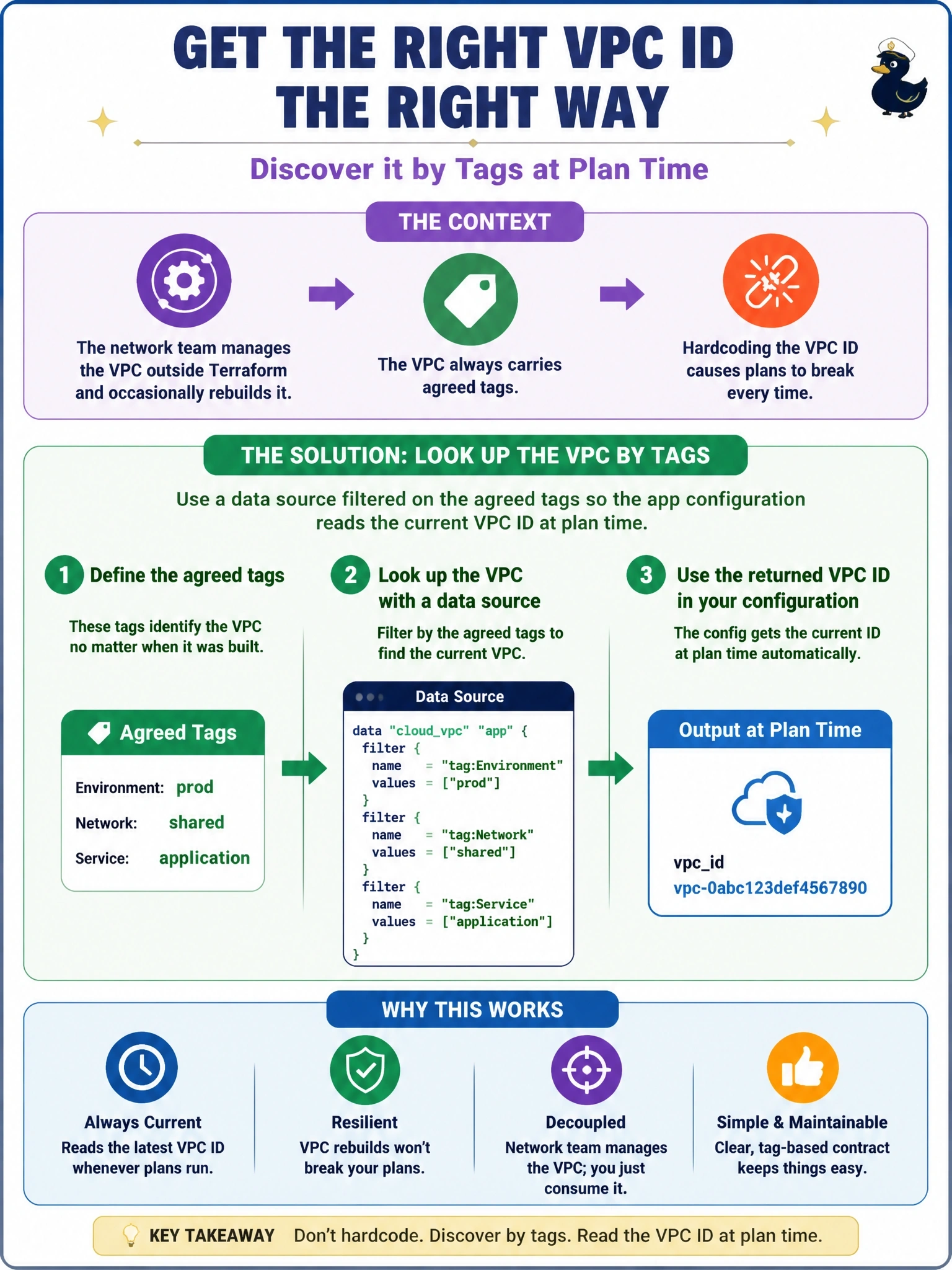
An application configuration hardcodes a VPC ID. The VPC belongs to a network team that manages it with its own tooling outside Terraform and occasionally rebuilds it, which breaks the application's plans each time. The VPC always carries agreed tags. How should the application configuration obtain the VPC ID?
Select an answer to reveal the explanation.
Short Explanation
A hardcoded ID is like writing down a friend's hotel room number: fine until they change rooms. A data source asks the front desk every time you plan. And importing the VPC would be like moving into their room, which isn't yours to manage.
Full Explanation
Data sources let a configuration read information about objects it does not manage. A VPC data source filtered on the agreed tags queries the provider during planning and returns the current ID, so when the network team rebuilds the VPC, the next application plan picks up the new ID automatically, with no code change and no ownership conflict. HashiCorp describes provider-specific data sources as the most resilient way to share information between separate configurations. Importing the VPC would make the application configuration its manager: Terraform would try to reconcile it with the app's configuration and could plan to modify or destroy an object another team owns, and two tools would compete over it. terraform_remote_state reads outputs from a Terraform state, but the network team does not use Terraform, so there is no state to read. Moving the ID into a tfvars file keeps it static, so every rebuild still requires a manual edit and a failed plan first. Exam caveat: a data source that matches zero or several VPCs fails the plan, so the tag filter must match exactly one object. Operational check: run terraform plan and confirm the data source resolves to the expected VPC ID shown in the cloud console.