
A pipeline's plan job fails with an error acquiring the state lock. The lock details show the operation, the user, and a creation time from a few minutes ago, and another pipeline job targeting the same state may still be running. What should the engineer do?
Select an answer to reveal the explanation.
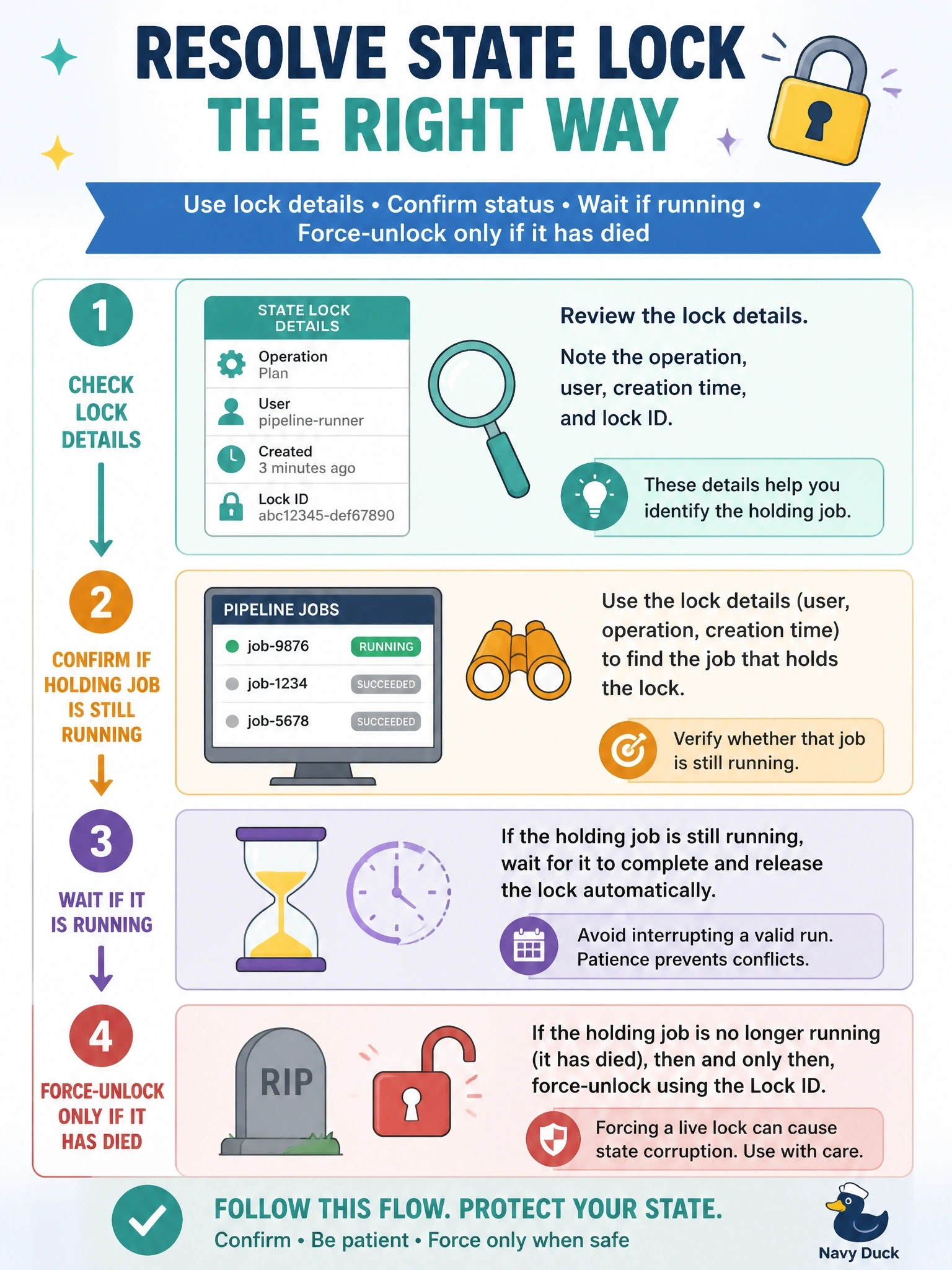
Short Explanation
A state lock is a 'room occupied' sign, not a bug. Before you kick the door in with force-unlock, check whether someone's actually in there. Unlock while another job is writing and you've got two writers scribbling over the same state.
Full Explanation
State locking ensures only one operation writes to a state at a time. When a job cannot acquire the lock, Terraform reports the lock ID along with who holds it, what operation is running and when it started. A lock created minutes ago by another job on the same state usually means legitimate contention, so the right first step is to check that job's status: if it is still running, wait or queue behind it; if it has crashed or been cancelled and left a stale lock, terraform force-unlock with that lock ID clears it. HashiCorp warns to be very careful with force-unlock, because unlocking while another process holds the lock can cause multiple writers and corrupt state; it should be used only to remove a lock you have confirmed is abandoned. Forcing an unlock immediately assumes a crash without evidence. Running with -lock=false disables the protection while a concurrent writer may be active. Editing the backend's lock record directly has the same risk as force-unlock while skipping its confirmation. Exam caveat: pipelines should serialize jobs per state, for example with concurrency controls, so lock errors become rare. Operational check: match the lock's who and created fields to a pipeline run before taking any action.