
A terraform apply fails with a vague provider error, and the team needs the provider's detailed debug output, which for this provider includes its API requests and responses. They want the output saved to a file and do not need Terraform core's internal logs. Which settings should they use?
Select an answer to reveal the explanation.
Short Explanation
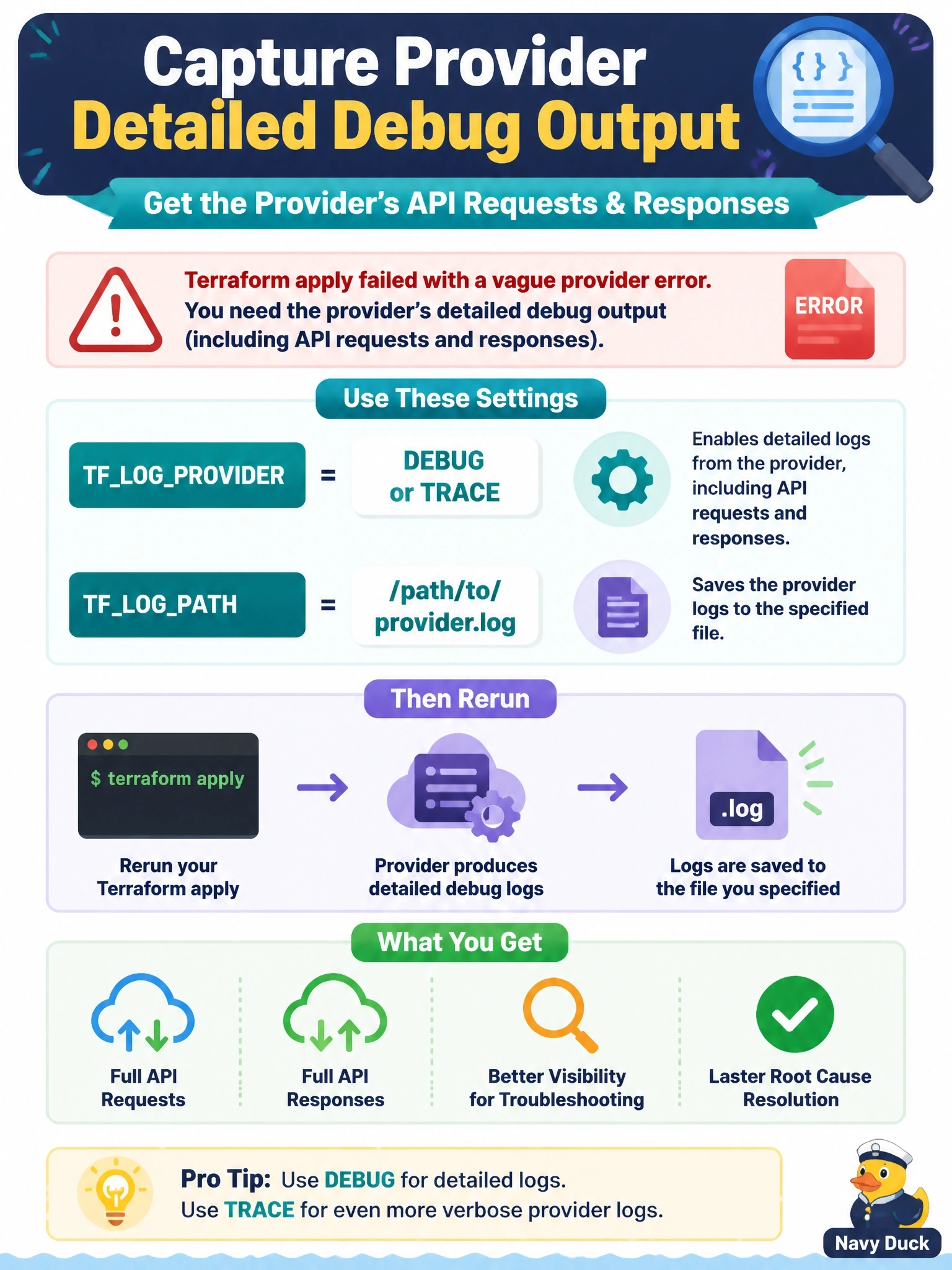
Terraform's logs come in two channels: core and provider. You want the provider channel turned up, and you want it written somewhere you can read later. Setting just a log path is like pointing a camera at the room without pressing record; nothing gets logged.
Full Explanation
Terraform logging is controlled by environment variables. TF_LOG enables logs from both Terraform core and providers, while TF_LOG_CORE and TF_LOG_PROVIDER take the same level values but enable only one of the two subsets. Setting TF_LOG_PROVIDER to DEBUG or TRACE produces the provider plugin's own log lines, which is where providers that log HTTP traffic emit their request and response details, and TF_LOG_PATH sends the output to a file for later analysis or for attaching to a bug report. TF_LOG_PATH alone enables nothing; the documentation states that a log level must also be set for any logging to occur. TF_LOG_CORE limits output to Terraform core, such as graph walking and plan evaluation, which excludes the provider's own messages. The -json flag changes the user interface output to machine-readable messages about plan and apply progress; it does not include provider debug logs. Exam caveat: trace logs can contain sensitive values such as credentials, so treat log files as secrets and scrub them before sharing. Operational check: rerun the failing command with the variables set and search the log file for the failing API call near the error timestamp.