
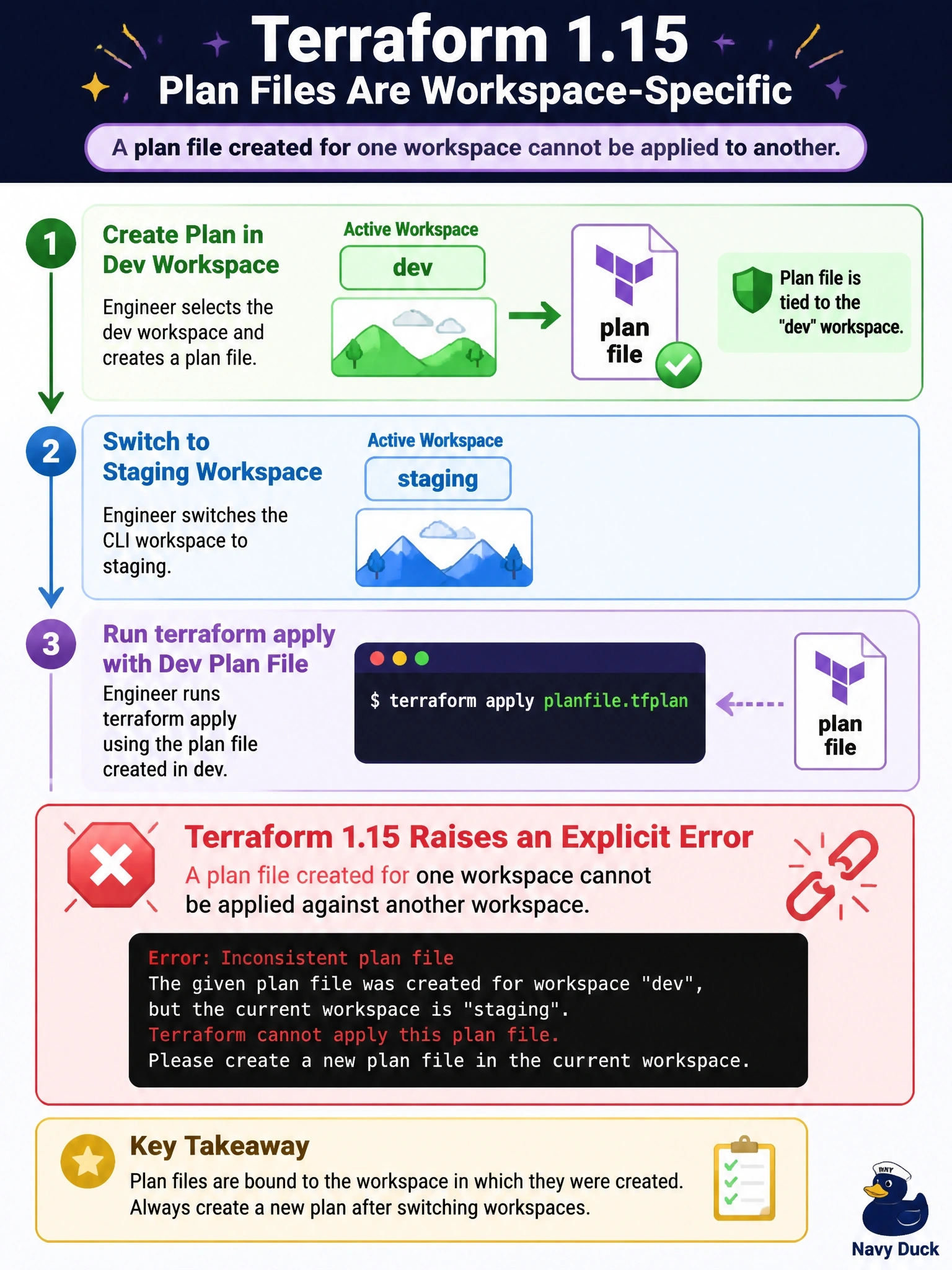
An engineer creates a plan file while the dev CLI workspace is selected, then switches to the staging workspace and runs terraform apply with that plan file on Terraform 1.15. What happens?
Select an answer to reveal the explanation.
Short Explanation
A plan file is addressed to one workspace, like a letter with a name on it. In 1.15, if you try to deliver it to a different workspace, Terraform refuses at the door. The trap is assuming the file quietly works anywhere.
Full Explanation
A saved plan is computed against the state of the workspace that was selected when it was created, so its actions only make sense for that state. Terraform 1.15 added an explicit error when a plan file intended for one workspace is applied against another, so the engineer receives a clear failure instead of an attempt to apply dev's changes to staging. The fix is to select the intended workspace and create a new plan there, or switch back to dev to apply the existing file. Treating the plan as workspace-agnostic is exactly the mistake the check now catches; applying dev's actions to staging's state could create, change or destroy the wrong objects. Terraform never changes the selected workspace on its own during apply. Applying a plan file never triggers a re-plan or prompt; Terraform executes the file's recorded actions or fails, and a fresh plan for staging requires running plan in that workspace. Exam caveat: the same discipline applies in pipelines that use TF_WORKSPACE or workspace selection steps; the plan and apply stages must target the same workspace, and plan artifacts should be named for it. Operational check: in the pipeline, record the selected workspace when saving the plan, verify it matches before apply, and expect 1.15 to fail the apply if it does not.