
An HCP Terraform organization has grown to dozens of workspaces across three business units. Each unit's team should manage only its own workspaces, and the organization wants to keep one private registry and organization-wide policies. How should workspaces be organized?
Select an answer to reveal the explanation.
Short Explanation
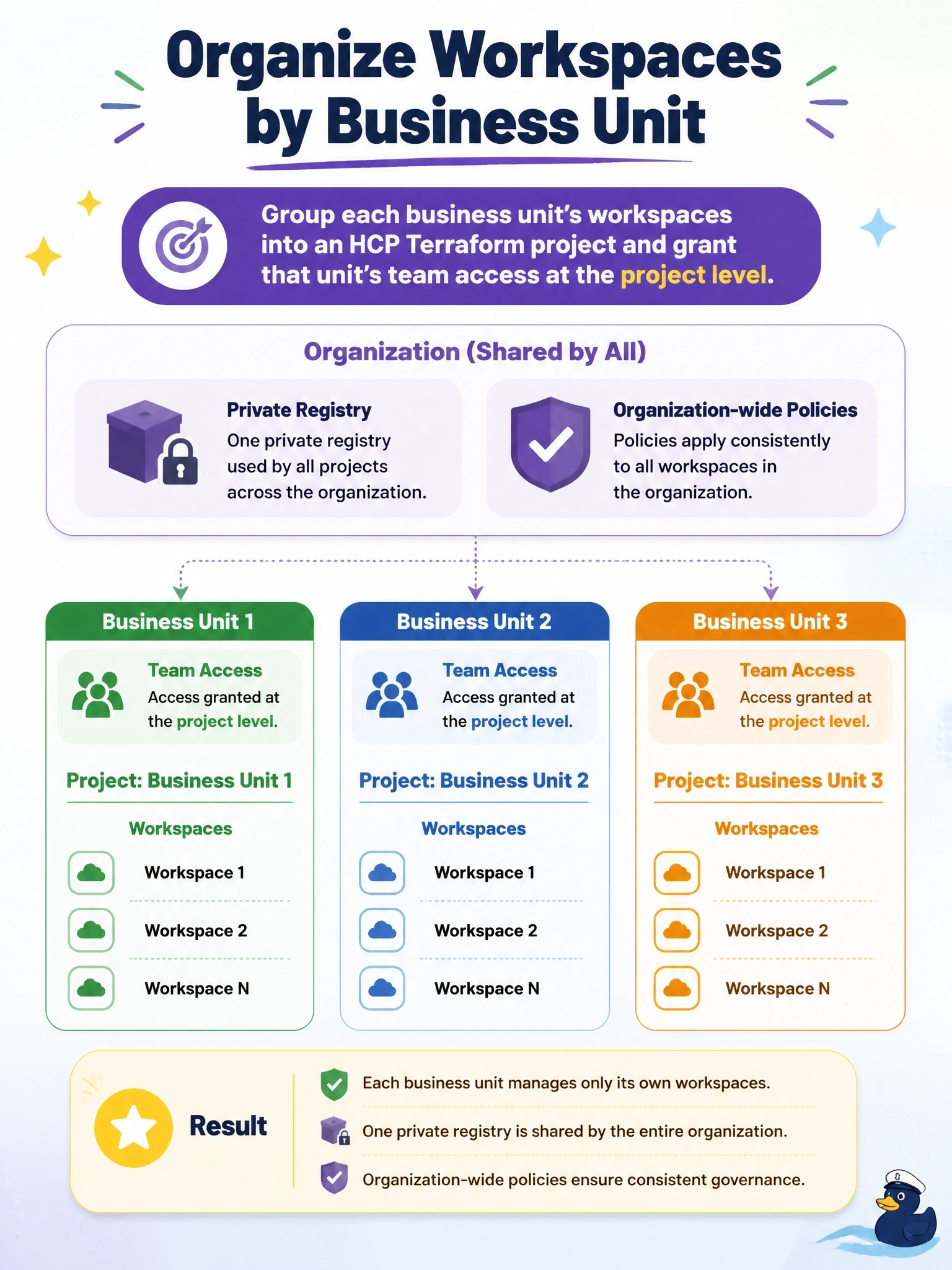
Projects are folders with a lock on them: you put a business unit's workspaces in one, give that team the key, and they manage what's theirs. The trap is spinning up separate organizations, which would split the shared registry and policies you said you wanted to keep.
Full Explanation
In HCP Terraform, a project is a container within an organization that holds one or more workspaces, Stacks or both, and teams can be granted access at the project level. Placing each business unit's workspaces in its own project lets that team manage its workspaces, with permissions applying across everything in the project, while the organization keeps a single private registry, organization-wide policy sets and shared administration. Project tags can also be inherited by workspaces created in the project, which helps reporting. Separate organizations do provide isolation, but each organization has its own registry, teams, policies and settings, which contradicts the requirement to keep one private registry and organization-wide policies. Workspace tags are labels for organizing, filtering and selecting workspaces; they do not grant team permissions. Variable sets distribute variable values to the workspaces or projects they are applied to and have no role in deciding which teams can view or edit a workspace. Exam caveat: creating projects requires a team with the manage all projects organization permission, and project-level access can be combined with workspace-level permissions where finer control is needed. Operational check: create a project per business unit, move the workspaces into it, assign each unit's team to its project, and sign in as a member to confirm they see only their unit's workspaces.