
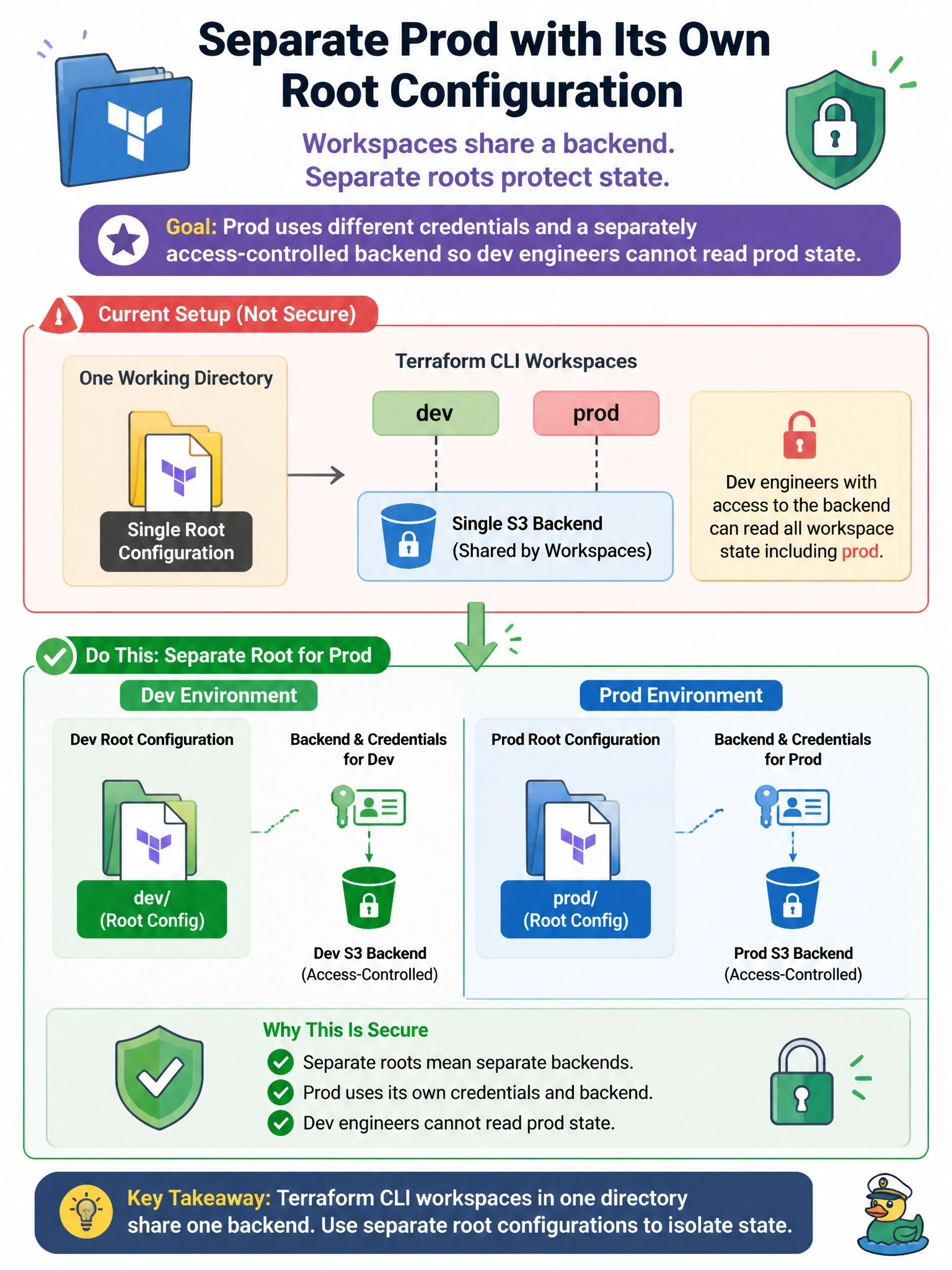
A team uses one working directory with Terraform CLI workspaces named dev and prod on a single S3 backend. Security now requires prod to use different credentials and a separately access-controlled backend, so dev engineers cannot read prod state. What should they do?
Select an answer to reveal the explanation.
Short Explanation
CLI workspaces are like rooms in the same house: different furniture, same front door and same key. If you need a different lock and a different key for prod, you need a different house. The trap is thinking workspace select swaps backends; it doesn't.
Full Explanation
Terraform CLI workspaces let one working directory keep multiple state instances, but all of them live in the same backend with the same backend configuration. The documentation states that because workspaces within a working directory use the same backend, they are not a suitable isolation mechanism for deployments that require separate credentials and access controls, and recommends alternative approaches for that case. The fix is a separate root configuration for prod, often a thin directory that calls the same shared modules, with its own backend, such as a different bucket or HCP Terraform workspace, and credentials that only authorized engineers and pipelines can use. A key prefix only changes where each workspace's state object is written inside the same bucket; it does not issue new credentials, and access control would still rely on the same backend identity. Selecting a workspace switches which state instance Terraform reads and writes, never which backend or credentials it uses. Marking outputs sensitive only redacts display; the values and every other attribute remain readable to anyone who can read the state. Exam caveat: HCP Terraform workspaces are different from CLI workspaces and can each carry their own permissions, variables and credentials. Operational check: after the split, confirm a dev identity receives access denied when attempting to read the prod state location.