
An engineer changes a provider constraint from "~> 5.40" to "~> 5.60" and runs terraform init, which reports that the locked 5.45 does not match the new constraint. What does running terraform init -upgrade do here?
Select an answer to reveal the explanation.
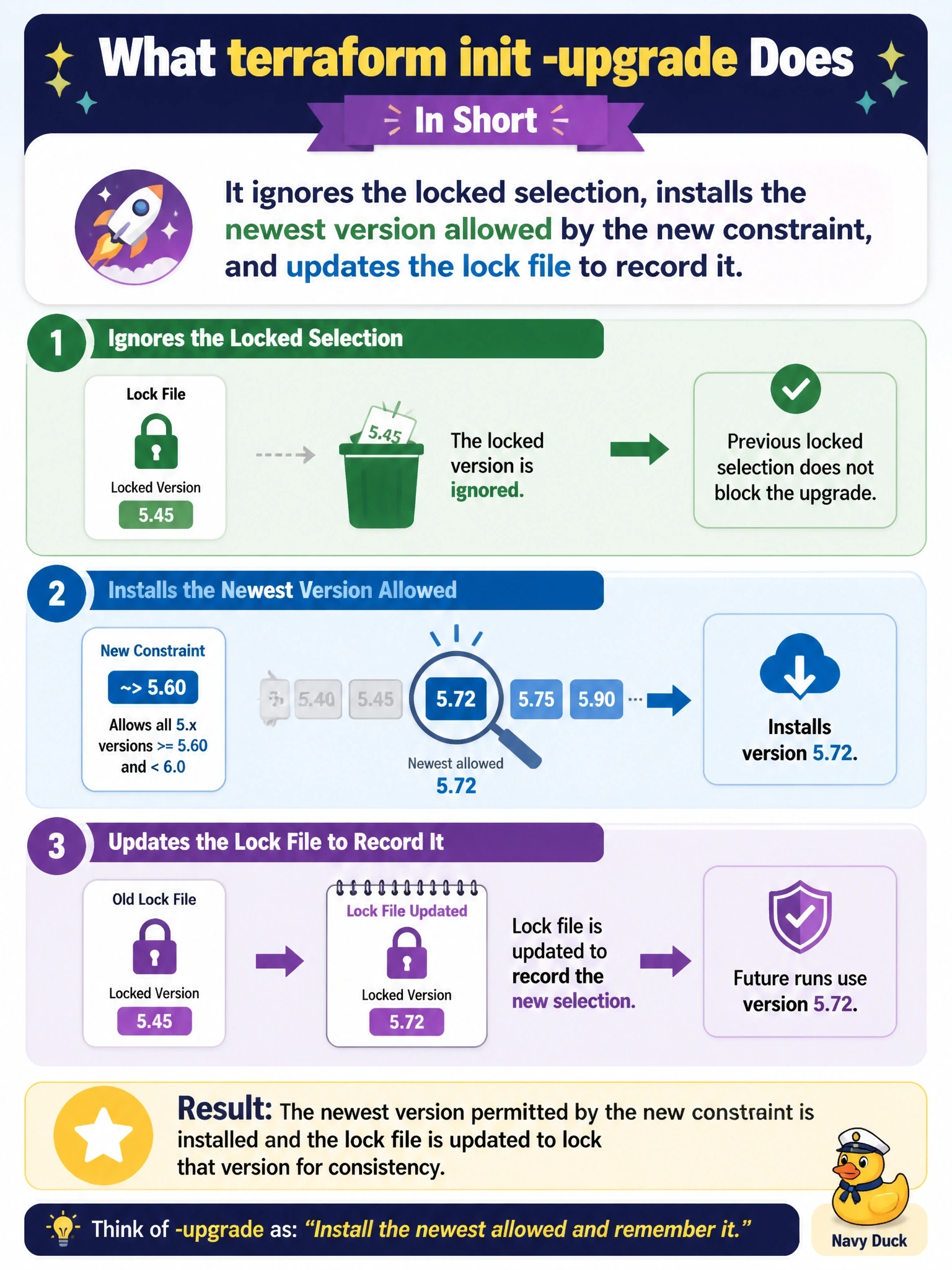
Short Explanation
The lock file is Terraform's memory of 'we agreed on this version'. When you deliberately move the goalposts, init -upgrade says 'fine, pick the newest that fits now and remember that instead'. Then you commit the new lock file. The trap is thinking it touches the Terraform binary itself.
Full Explanation
During terraform init, Terraform installs the provider versions recorded in the dependency lock file so that everyone gets the same selections. When a constraint changes so that the locked version no longer satisfies it, Terraform reports the conflict rather than silently choosing another version. The -upgrade option tells init to ignore the selections recorded in the lock file and take the newest available version that matches the configured constraints, here the latest 5.x release at or above 5.60, and then writes that selection and its checksums to the lock file. The engineer then reviews the plan with the new provider and commits the updated lock file so CI and colleagues use the same version. init never upgrades the Terraform CLI; the binary is installed by whatever tooling the team uses. The lock file stores the constraints that were in force for reference, but init does not keep an incompatible locked version while editing that field to match. Leaving the lock file unchanged would defeat its purpose, since the next init on another machine would install a different version than the one tested. Exam caveat: -upgrade also updates modules to the newest versions allowed by their constraints, so run it deliberately. Operational check: run init -upgrade, inspect the lock file diff to confirm only the intended provider changed, run a plan, and commit both files together.