
A CI runner was killed mid-apply, and every later run for that workspace now fails with an error that the state is locked, showing a lock ID and the dead runner as the holder. What should the engineer do?
Select an answer to reveal the explanation.
Short Explanation
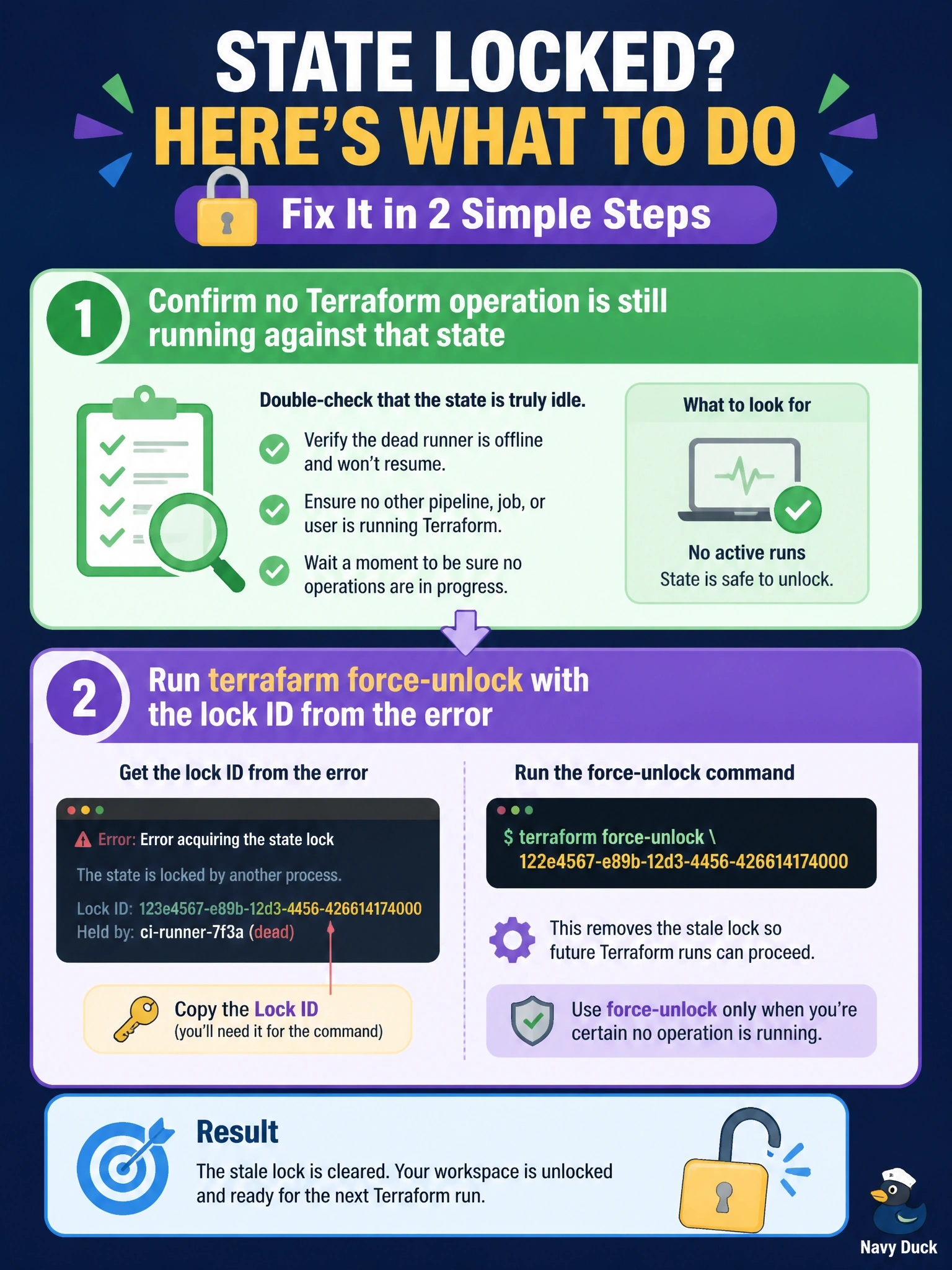
A stale lock is like a 'room occupied' sign left on a door after the person went home. You check the room really is empty, then take the sign down with force-unlock and the lock ID. The trap is skipping that check, because force-unlock trusts you completely.
Full Explanation
Terraform releases its state lock automatically at the end of an operation, but if the process is killed the release never happens and the lock persists in the backend. The documented recovery is terraform force-unlock LOCK_ID, which removes the lock for the current configuration without touching infrastructure. The command requires the unique lock ID that Terraform prints when it fails to acquire the lock, which ensures the unlock targets the right lock. The documentation warns to use it only for your own lock when automatic unlocking failed, because unlocking while someone else really holds the lock allows multiple writers. That is why the engineer must first verify that no run is still active. Disabling locking with -lock=false on every future run removes the protection against concurrent writes altogether and turns a one-time cleanup into a permanent risk. Deleting the state object destroys Terraform's record of every managed resource, so the next plan would try to create everything again. Force-unlock performs no liveness check of the holder; it simply removes the lock after confirmation, and -force skips even that prompt. Exam caveat: local state cannot be unlocked by another process. Operational check: inspect the CI system and backend for in-flight runs, record the lock ID, unlock, then run a plan to confirm state is consistent.