
A product manager built a custom triage agent in Copilot that classifies feedback by urgency and product area for a mobile team. The team wants it discoverable in their GitHub project with version control and shared ownership. Where should the manager store the agent to save an agent to a GitHub project?
Select an answer to reveal the explanation.
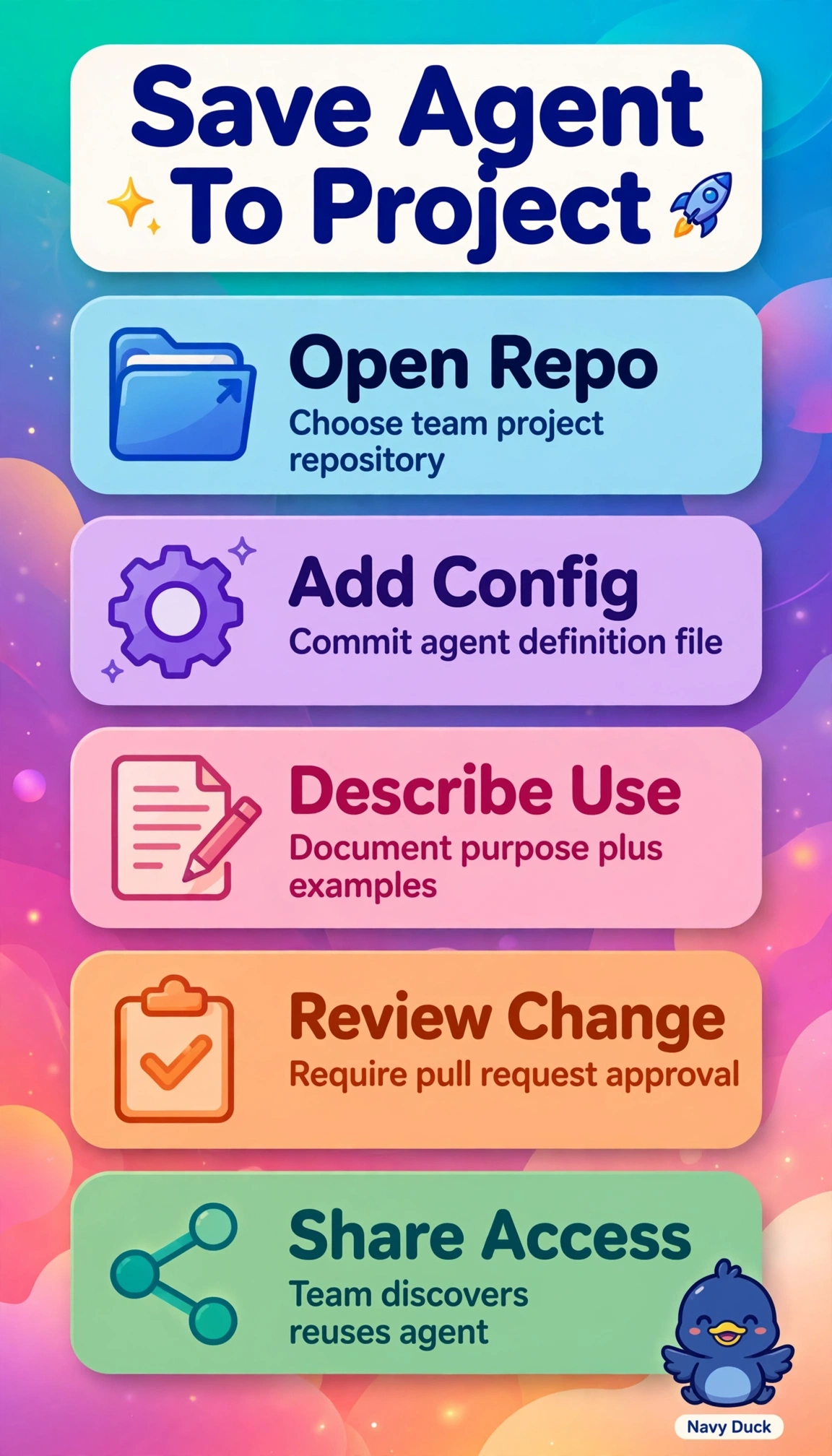
Short Explanation
Great helpers deserve a shared home, not a sticky note. Saving the repository definition makes your agent findable and versioned for all.
Full Explanation
Saving the agent configuration in the project repository is correct because it places the triage logic alongside the mobile team work where it is discoverable, inherits Git version history with branching, pull requests and rollback, and uses repository permissions for true shared ownership, allowing urgency and product-area classification to evolve collaboratively. Saving the configuration in a personal repository is a sound backup pattern with version history, yet it fails the concept of shared ownership and project discoverability because access remains tied to an individual account rather than the GitHub project team. Storing the configuration in the team shared library in Teams is a common collaboration pattern for discovery and reuse, yet it fails the concept of repository version control because Teams file storage does not provide Git history, diff review and controlled merging required by the scenario. Publishing the agent to the organization Copilot catalog is a standard enterprise distribution pattern with shared reuse, yet it fails the concept of project-scoped versioning because the agent lives outside the GitHub project lifecycle and cannot be iterated with code context. As an exam caveat, when version control, discoverability and shared ownership are stated together with GitHub project, prefer repository storage over general sharing locations that satisfy only two of the three. As a practical check, confirm the configuration file is visible in the project repository, accessible to team roles, and shows commit history after a small update.