
A technical project manager tracks five customer-reported defects in GitHub Issues across two sprints, but developers close code changes without traceability and QA cannot verify fixes. Which method best links pull requests to issues for collaboration?
Select an answer to reveal the explanation.
Short Explanation
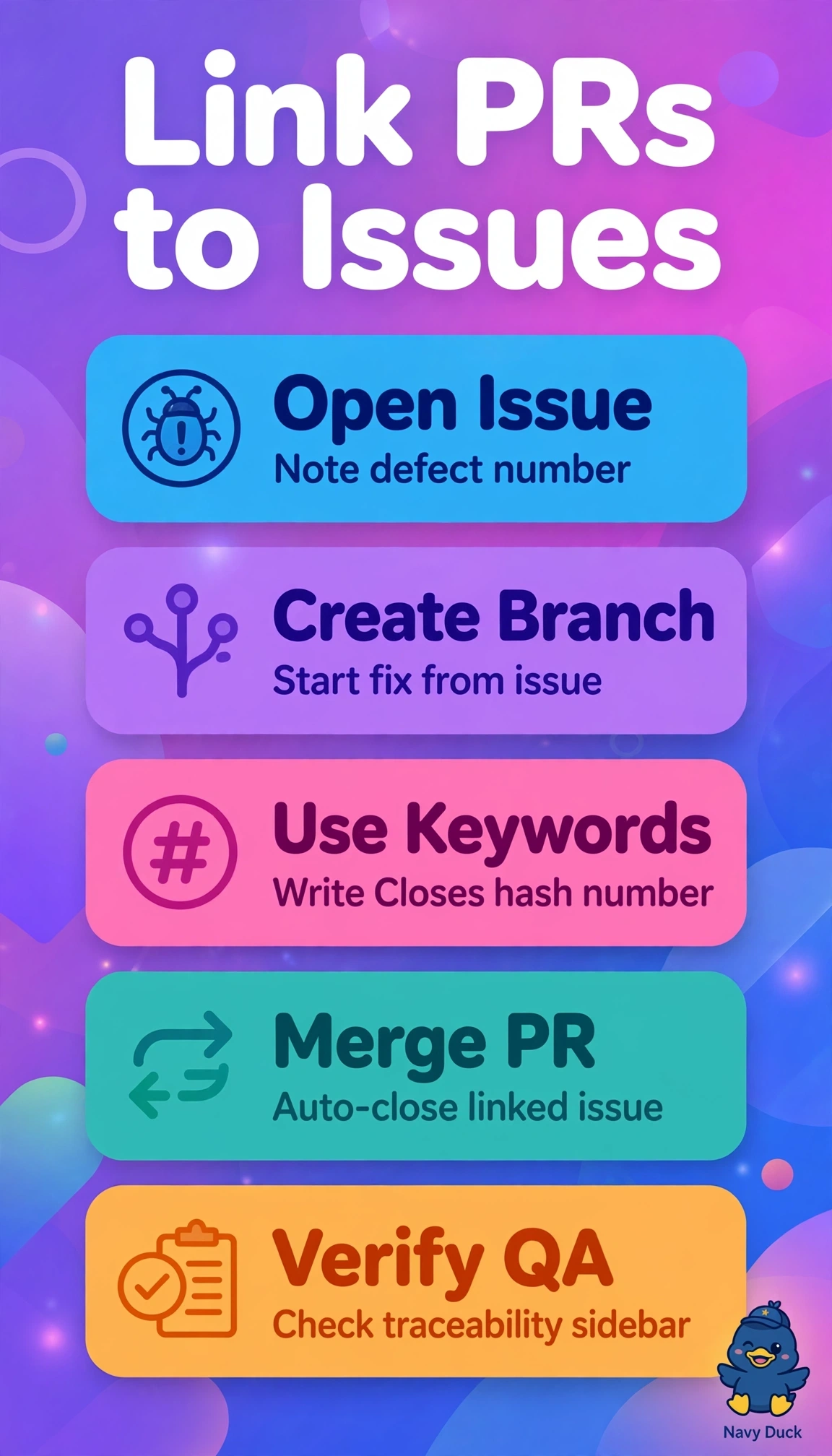
You get traceability without extra meetings here. Using Closes #123 in the pull request description links the code to the issue and closes it automatically when the pull request merges to the default branch.
Full Explanation
Adding Closes #123 to the pull request description links the code change to the customer-reported defect and automatically closes the issue when the pull request merges to the default branch. That gives developers a traceable connection between work and reported intent, while QA can verify the fix through the linked issue and pull request history. Mentioning #123 in pull request comments creates a clickable reference, but a mention alone does not trigger automatic closure on merge; the issue may remain open unless someone closes it. Adding Closes #123 to a pull request targeting a feature branch supports early review, but the target matters: merging to a feature branch does not automatically close the issue, because closure occurs when the pull request merges to the default branch. Pasting the pull request URL into issue comments gives QA a manual traceability link, but it does not provide automatic closure, so someone must update the issue separately. An exam caveat is to distinguish a clickable reference from a closing reference and check both the keyword and the merge destination. For a practical check, create a test issue, include Closes #123 in the pull request description, confirm the issue and pull request are linked, then merge the pull request to the default branch and verify that the issue closes.