
What does enabling 'Require two-factor authentication' at the organization level do to members who don't have 2FA enabled?
Select an answer to reveal the explanation.
Short Explanation
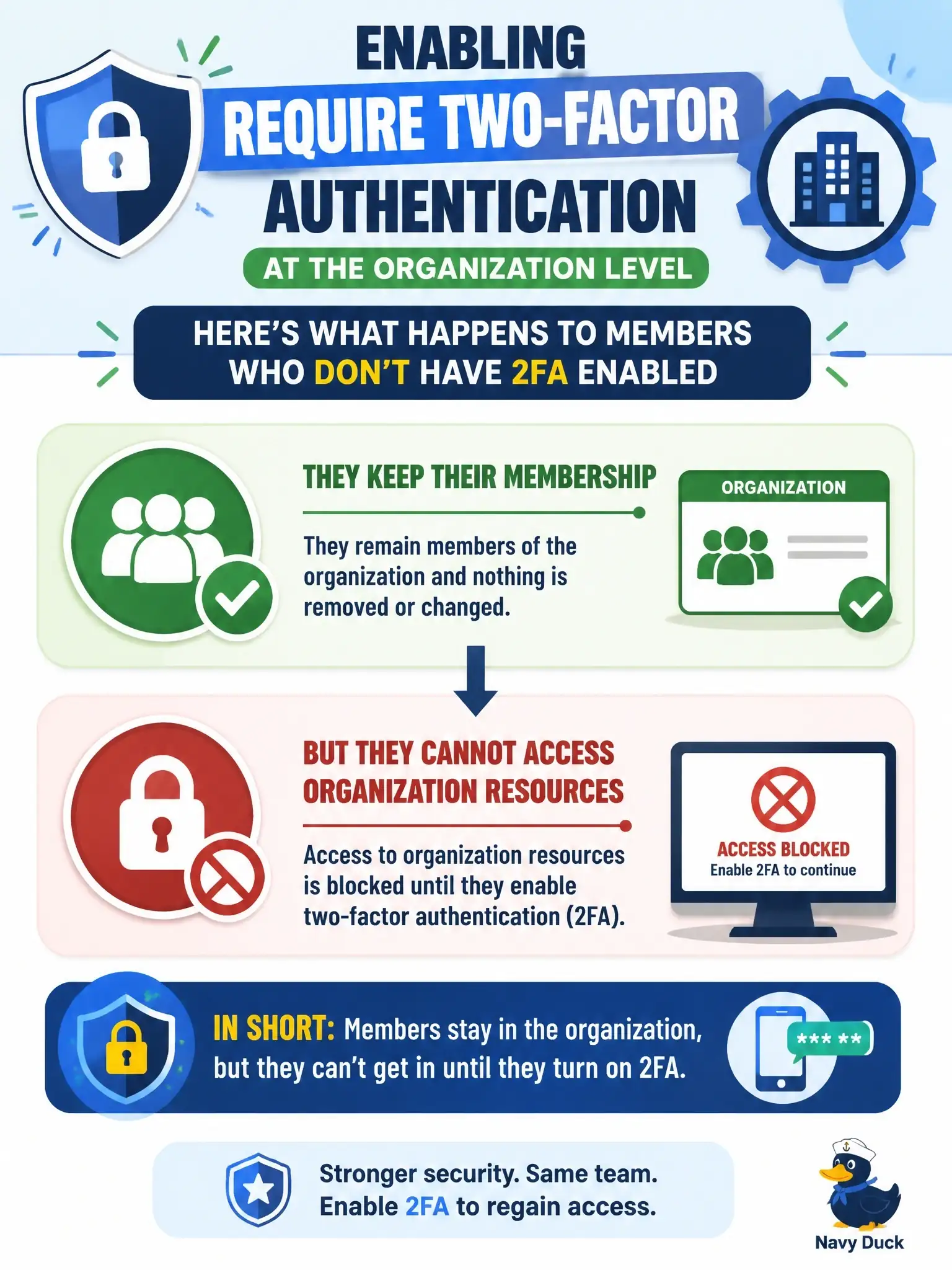
It's a locked door, not an eviction. Once an org requires 2FA, members without it stay on the roster and keep using a seat, but they can't get at any organization resources until they turn 2FA on. The people who actually get removed are outside collaborators.
Full Explanation
When an organization owner enables Require two-factor authentication, GitHub treats each affiliation differently. Members and billing managers who have not enabled 2FA retain their membership, and they continue to consume seats, but they cannot access the organization's resources until they enable 2FA on their personal account. Outside collaborators without 2FA are handled more strictly: they are removed from the organization, lose access to its repositories, and also lose access to their forks of the organization's private repositories. An owner can reinstate a removed outside collaborator's access privileges and settings if that person enables 2FA within three months of removal. Immediate removal therefore describes outside collaborators, not members, which is why it does not answer this question. A warning email with no further action understates the requirement, because access is blocked as soon as the setting applies. A seven-day grace period before removal does not exist in the organization setting. Losing only private repository access is too narrow, since the block covers all organization resources rather than a subset of repositories. Exam caveat: GitHub asks the owner to confirm the change and shows who will be affected, so owners should notify members before enabling it. Operational check: review the organization's people list filtered by 2FA status before enabling the requirement, and review outside collaborators afterward to plan any reinstatements.