
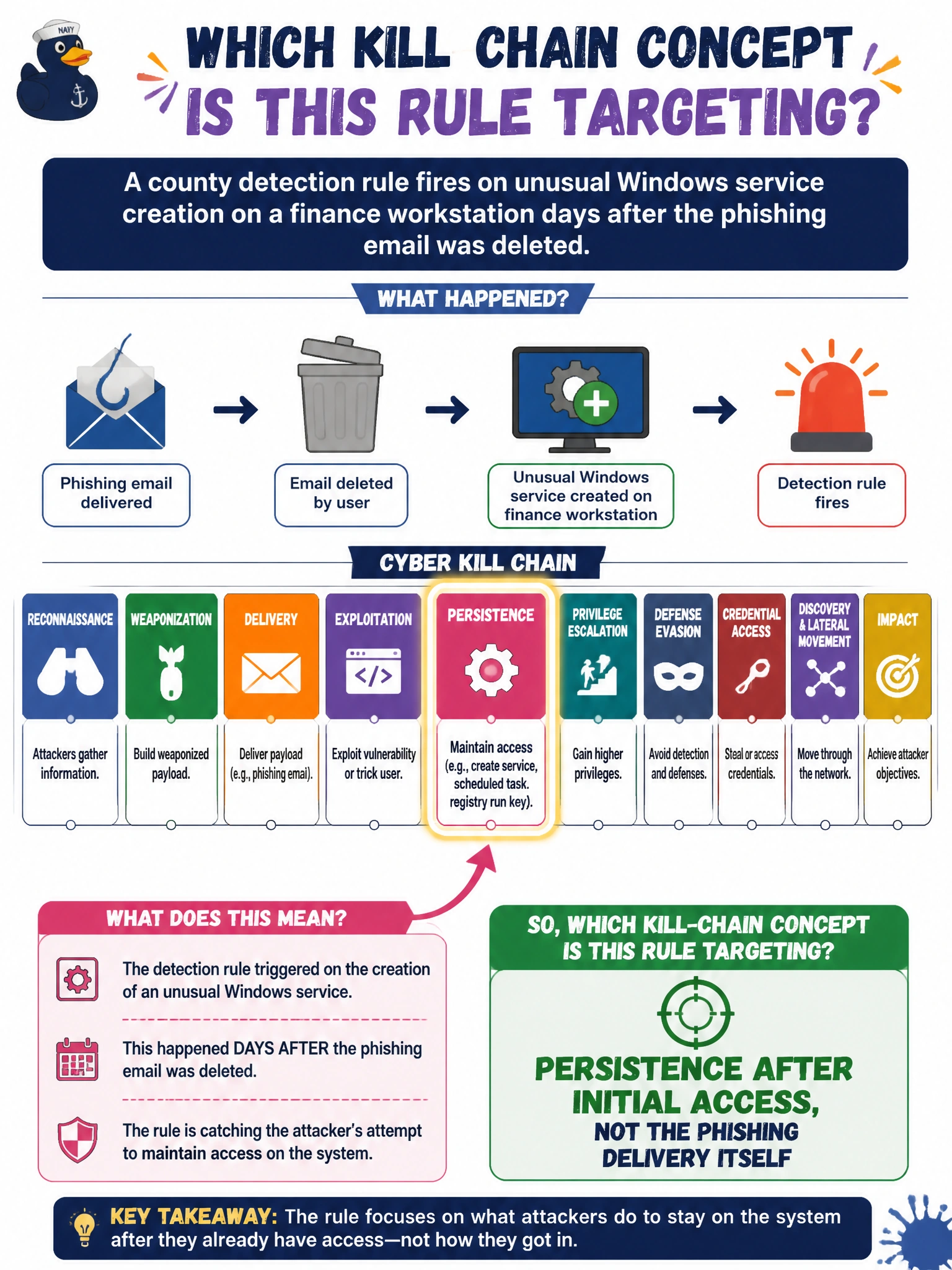
A county detection rule fires on unusual Windows service creation on a finance workstation days after the phishing email was deleted. Which kill-chain concept does the rule primarily target?
Select an answer to reveal the explanation.
Short Explanation
Weird new services popping up later aren’t the phishing email—they’re the malware hanging around. County rules aimed at service creation are hunting persistence after the door was already opened. Delivery and stay-behind are different chapters.
Full Explanation
Persistence is the kill-chain concept covering mechanisms that keep access or malware active after initial delivery is gone—new services, tasks, Run keys, and similar stay-behind methods. A county detection rule that fires on unusual Windows service creation on a finance workstation days after the phishing email was deleted primarily targets persistence after initial access, not the phishing delivery content itself. That timing and artifact matter in municipal finance IR: the lure may already be wiped from the inbox while the adversary’s stay-behind service remains.
Only the initial phishing delivery content in the user’s inbox fails because the email is already deleted and the rule watches service creation, a post-access persistence signal. Network vulnerability prioritization with AI agents fails as the primary concept; that is Domain 7-style assessment workflow, not what a service-creation detection is aiming at. Deepfake video lip-sync quality factors are irrelevant to Windows service persistence on a finance PC.
Exam caveat: delivery, exploitation, persistence, and payload objectives are separate chapters. A late service-creation alert is classic persistence hunting even when phishing started the story.
Operational check for county responders: investigate the new service’s binary path and account context, remove unauthorized services and related files, check for additional persistence, rotate credentials if the finance workstation could have exposed them, and hunt the estate for the same service name/hash—do not stop at confirming the original phishing mail is gone.