
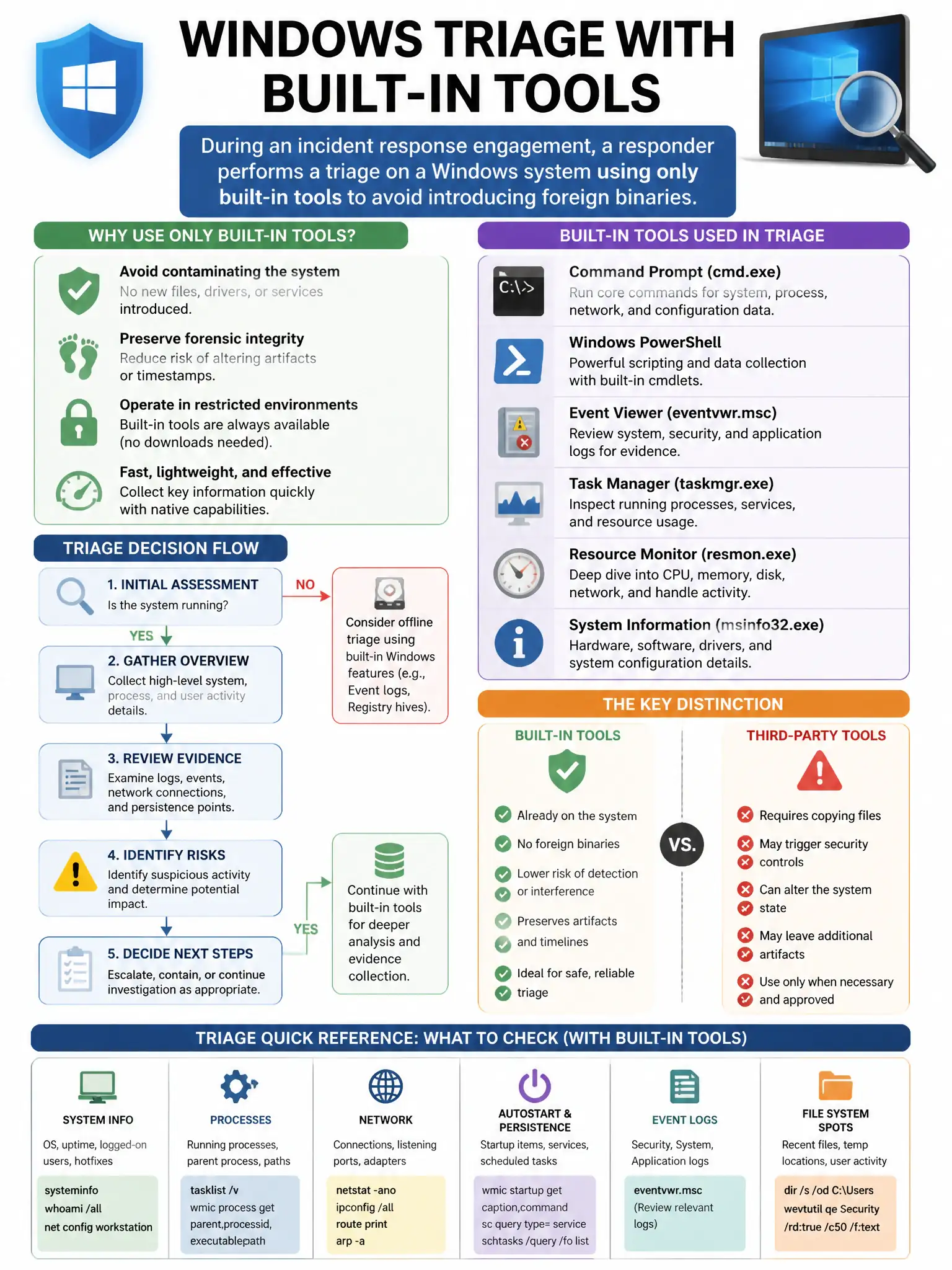
During an incident response engagement, a responder performs a triage on a Windows system using only built-in tools to avoid introducing foreign binaries. Which Windows built-in command shows all current network connections with their associated process IDs?
Select an answer to reveal the explanation.
Short Explanation
You want the command that lists every active TCP connection and UDP listener with numeric addresses and the owning process ID. That’s netstat -ano, so you can tie suspicious sockets to processes without dropping foreign binaries.
Full Explanation
The command that displays all active TCP connections and UDP listeners with numeric addresses and the owning process ID is netstat -ano; the -a flag shows all connections and listeners, -n displays numeric addresses, and -o shows the owning process ID, allowing the responder to correlate suspicious connections to processes without installing third-party tools. The command showing network adapter configuration (IP, MAC, DNS settings) is wrong because it does not show current connections or process associations. The command showing incoming SMB sessions from remote clients is wrong because it does not show all network connections. The command showing the ARP cache (IP-to-MAC mappings) is wrong because it does not show active TCP/UDP connections or process IDs.