
An organization wants to reduce the risk from malicious macros in Microsoft Office documents received via email. Which defense is most effective for this specific threat?
Select an answer to reveal the explanation.
Short Explanation
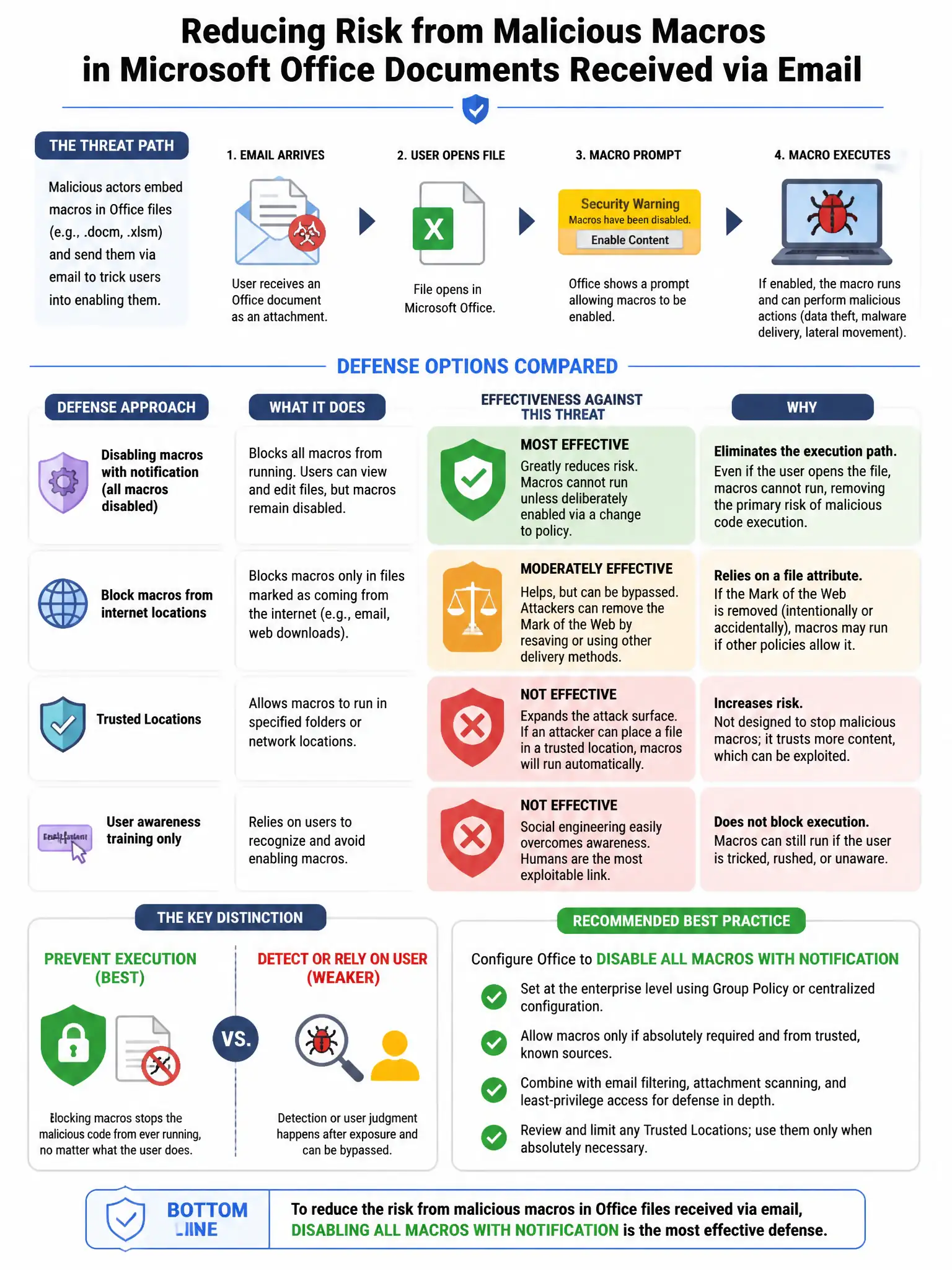
Here's the deal — you need to disable macros by default and block macros in internet-originated Office files using the Mark of the Web. That directly stops malicious macros from running when documents arrive from email or downloads. Firewalls, switching office suites, and spam filters don't block macro execution the same way.
Full Explanation
Disabling macros by default and using Group Policy to block macros in documents originating from the internet, including files with the Mark of the Web NTFS alternate data stream, is the most effective defense because it directly targets the attack vector: malicious macro documents delivered by email or downloaded from the web. A host-based firewall on workstations is wrong because firewalls control network traffic; they do not prevent macros from executing inside Office documents that are already on the system. Requiring users to switch from Microsoft Office to LibreOffice is wrong because changing office suites is not a realistic enterprise control, and LibreOffice Basic macros can also be malicious. Installing an email spam filter is wrong because spam filters reduce phishing and junk email volume, but they do not prevent macros from executing in emails that do pass through.