
During an incident, the security team discovers ransomware actively encrypting files on a file server. The server is critical to business operations. What is the most appropriate immediate containment action?
Select an answer to reveal the explanation.
Short Explanation
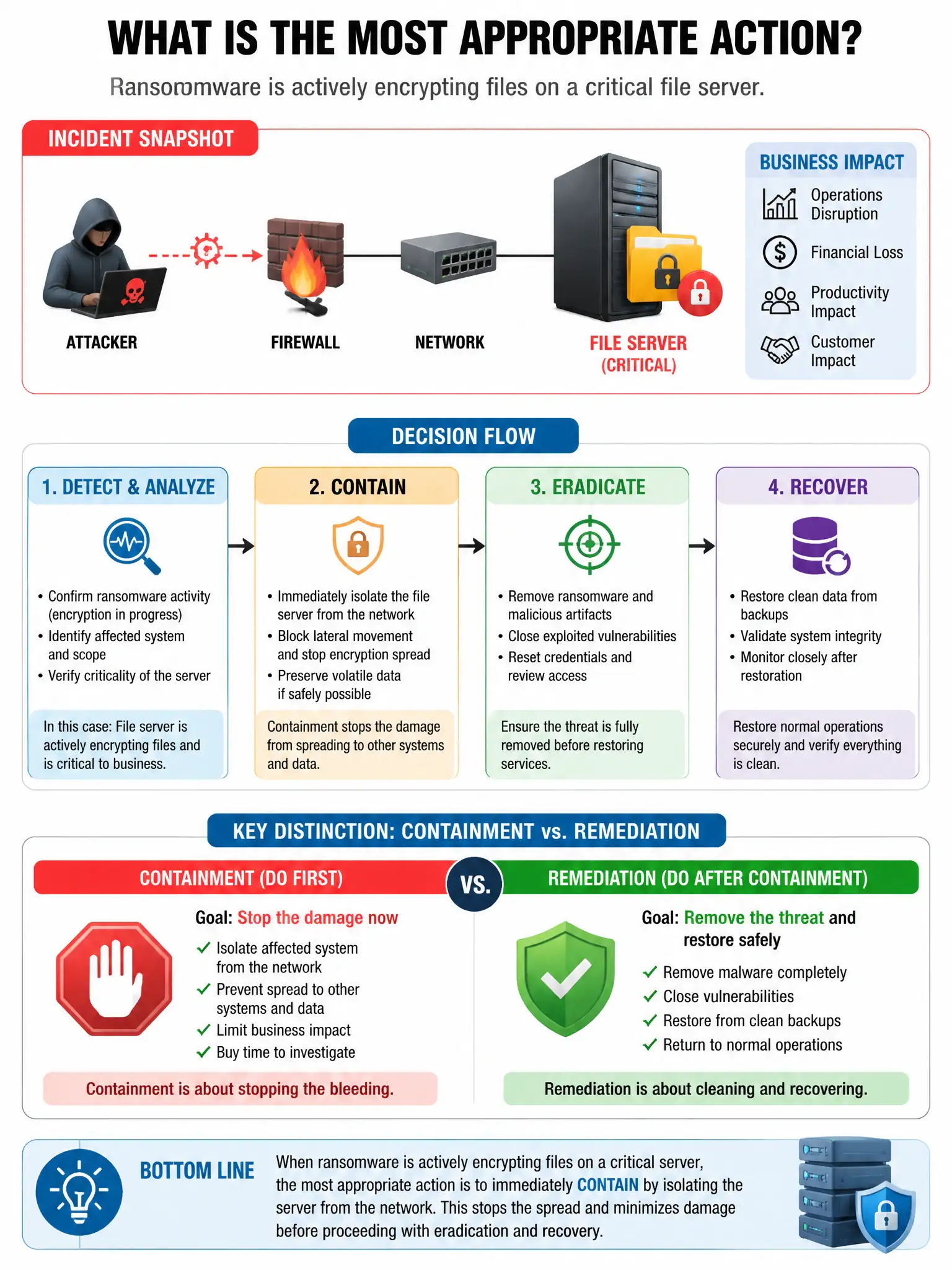
Pull that file server off the network right now. Isolating it stops ransomware from spreading and cuts command-and-control traffic while you keep the system up for forensics.
Full Explanation
The correct action is to isolate the file server from the network by removing its network cable or disabling its switch port. This stops ransomware from spreading to other systems and prevents command-and-control communication while keeping the system running for forensic investigation. Running a full antivirus scan and waiting for results is wrong because active ransomware may keep encrypting and spreading while the scan runs. Immediately powering off the server to preserve memory artifacts is wrong because power-off destroys volatile memory evidence critical to understanding the attack. Changing the admin password and monitoring is wrong because it does not stop active encryption or prevent lateral spread.