
A hardening team is configuring a Windows server to minimize attack surface against credential theft. Which combination of settings BEST reduces exposure?
Select an answer to reveal the explanation.
Short Explanation
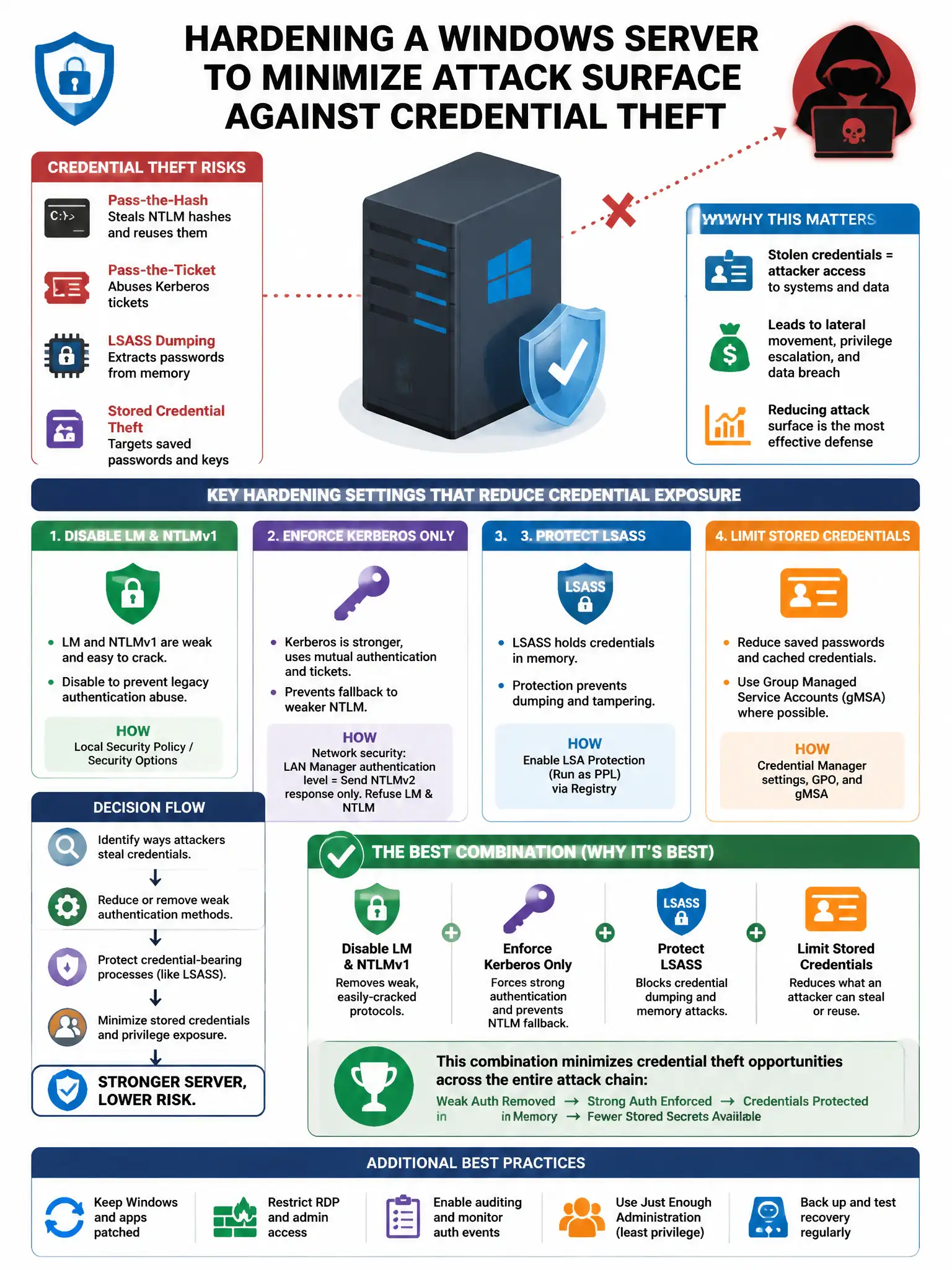
Here's the deal — you want the combination that enables RDP with Network Level Authentication, disables LLMNR and NetBIOS over TCP/IP, enables Credential Guard, and restricts LSA access because those controls directly target credential theft vectors. NLA blocks pre-authentication exposure, disabling LLMNR and NetBIOS stops Responder-style MITM attacks, Credential Guard protects LSASS credentials in a virtualization-based security enclave, and LSA restrictions prevent credential dumping.
Full Explanation
The correct combination enables RDP with Network Level Authentication, disables LLMNR and NetBIOS over TCP/IP, enables Credential Guard, and restricts LSA access. These controls directly target credential theft vectors: NLA prevents pre-authentication exposure, disabling LLMNR and NetBIOS prevents Responder-style MITM attacks, Credential Guard protects LSASS credentials in a virtualization-based security enclave, and LSA restrictions prevent credential dumping. Antivirus plus default Windows Firewall settings is wrong because those controls are insufficient for targeted credential theft techniques. Renaming the built-in Administrator account and enabling a 15-minute screen lock is wrong because renaming is security theater and screen lock does not protect in-memory credentials. BitLocker full-disk encryption plus a BIOS password is wrong because BitLocker protects data at rest on disk and does not address credential theft from a running system.