
A security administrator wants to configure Windows to log all PowerShell script block executions for forensic analysis. Which Group Policy setting enables this capability?
Select an answer to reveal the explanation.
Short Explanation and Infographic
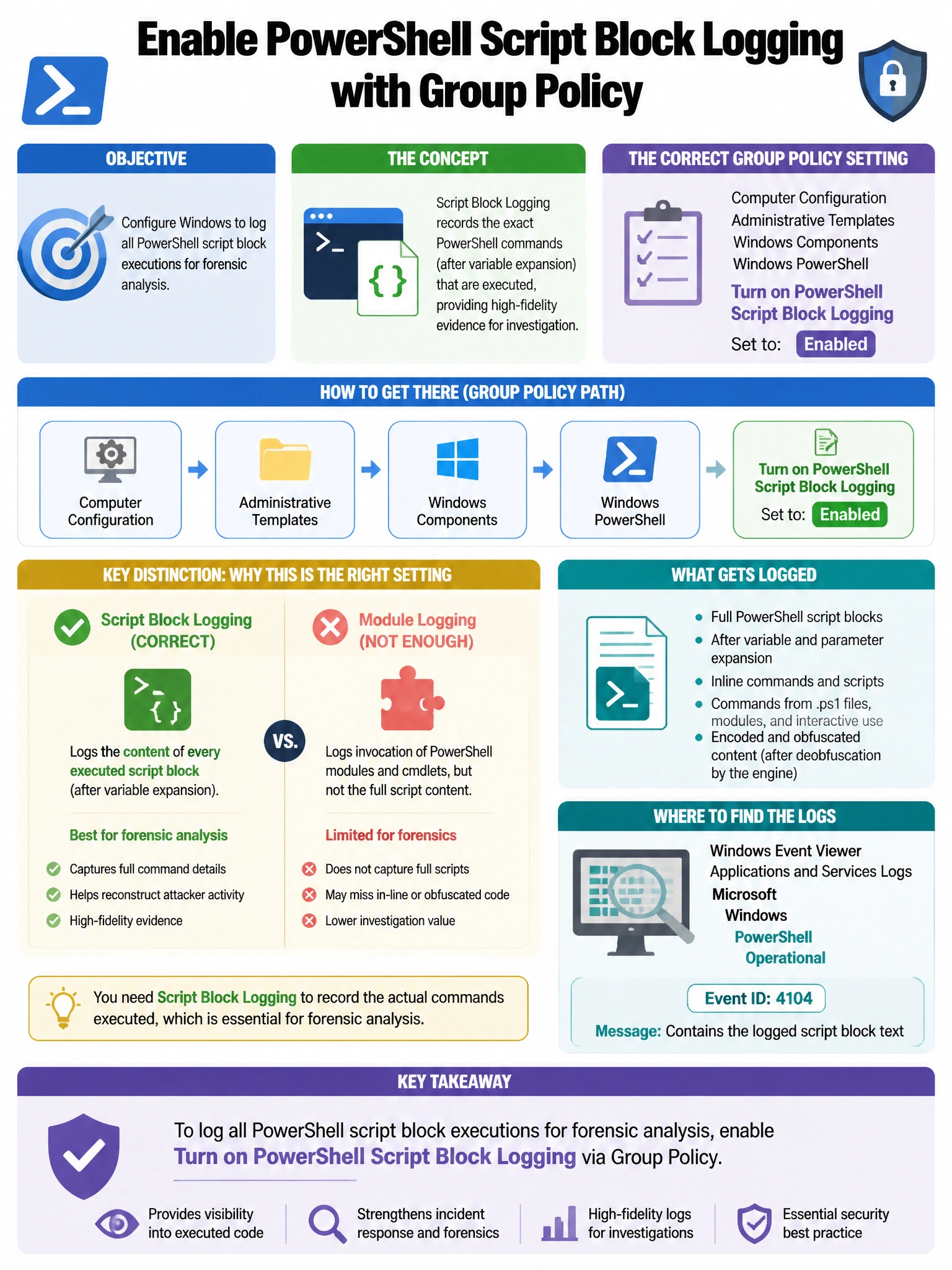
Here's the deal — b is correct because PowerShell Script Block Logging (when enabled via Group Policy) causes PowerShell to log the content of every script block executed (including dynamically generated code and decoded base64 content) to Event ID 4104 in the Microsoft-Windows-PowerShell/Operational event log, providing full visibility into script content. A is wrong because Audit Process Creation (Event ID 4688) logs that PowerShell.exe was executed and its command line, but does not log the full script block content for scripts that load from variables or files.
Full explanation below image
Full Explanation
B is correct because PowerShell Script Block Logging (when enabled via Group Policy) causes PowerShell to log the content of every script block executed (including dynamically generated code and decoded base64 content) to Event ID 4104 in the Microsoft-Windows-PowerShell/Operational event log, providing full visibility into script content. A is wrong because Audit Process Creation (Event ID 4688) logs that PowerShell.exe was executed and its command line, but does not log the full script block content for scripts that load from variables or files. C is wrong because Module Logging logs pipeline execution and module use but does not capture full script block content like Script Block Logging does. D is wrong because restricting Windows Script Host affects VBScript/JScript, not PowerShell, and is not the logging configuration described.