
A penetration tester performs a post-exploitation review of a domain-joined Windows workstation and finds the registry key HKLM\SECURITY\Cache populated with encrypted entries. What do these entries represent and why are they security-relevant?
Select an answer to reveal the explanation.
Short Explanation and Infographic
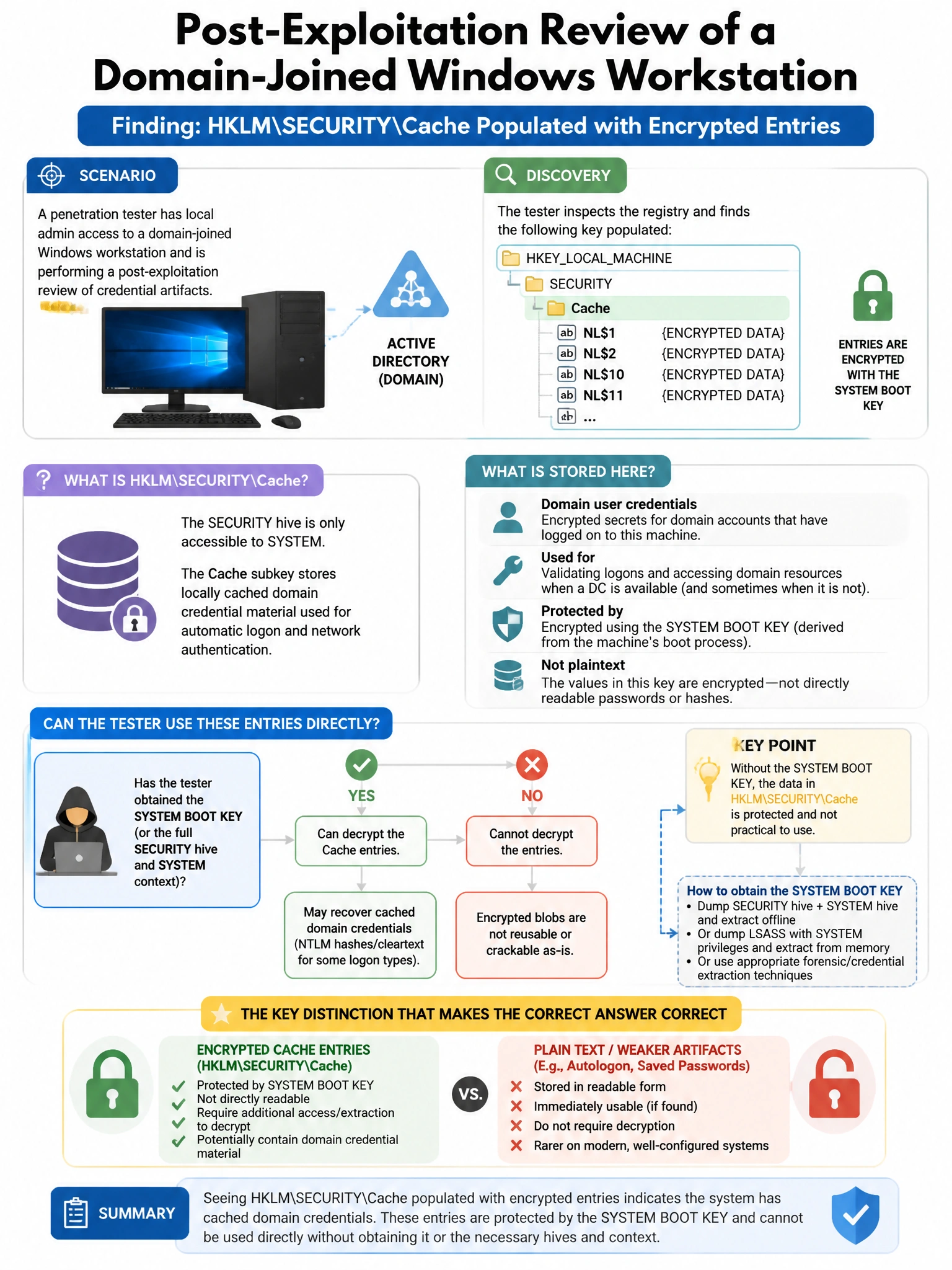
Here's the deal — b is correct because HKLM\SECURITY\Cache (Cached Credentials / Domain Cached Credentials) stores MSCacheV2 hashes of the last 10 domain user logons, enabling offline logon when the DC is unreachable; an attacker who extracts these (using Mimikatz or secretsdump) can crack them offline to recover domain account passwords. A is wrong because Windows Update metadata is stored in a different location; the SECURITY\Cache key specifically contains credential verifiers.
Full explanation below image
Full Explanation
B is correct because HKLM\SECURITY\Cache (Cached Credentials / Domain Cached Credentials) stores MSCacheV2 hashes of the last 10 domain user logons, enabling offline logon when the DC is unreachable; an attacker who extracts these (using Mimikatz or secretsdump) can crack them offline to recover domain account passwords. A is wrong because Windows Update metadata is stored in a different location; the SECURITY\Cache key specifically contains credential verifiers. C is wrong because Windows certificate store credentials are in HKLM\SOFTWARE\Microsoft\SystemCertificates and the personal certificate stores, not SECURITY\Cache. D is wrong because DNS cache is stored in memory and the DNS Client service cache, not HKLM\SECURITY\Cache.