
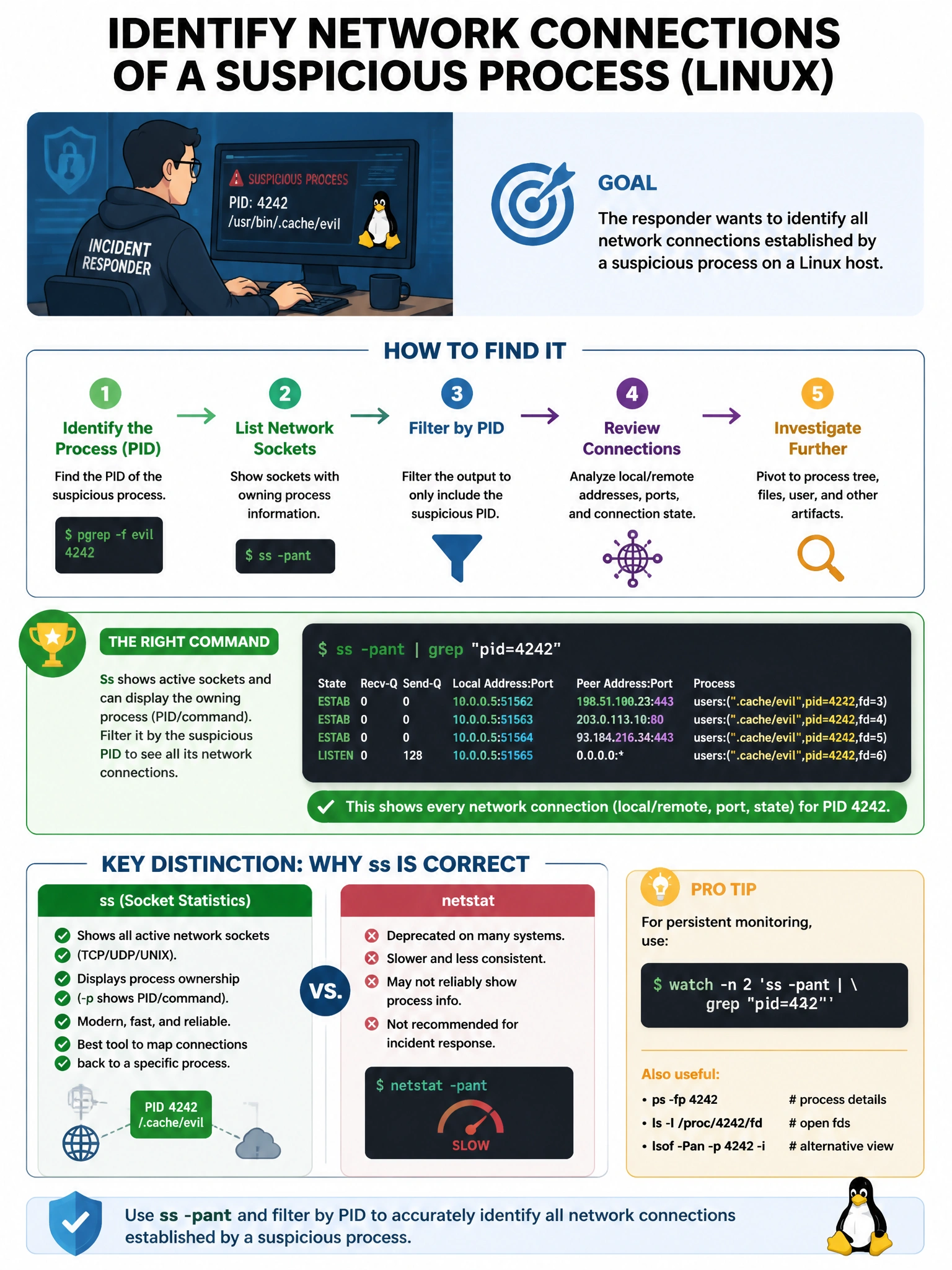
An incident responder is analyzing a compromised Linux host and wants to identify all network connections established by a suspicious process. Which command provides this information?
Select an answer to reveal the explanation.
Short Explanation and Infographic
Here's the deal — d is correct because both ss -tnp / netstat -tnp and lsof -i -n show network connections with their associated PIDs, and using both provides complementary views for thoroughness. A is wrong because ps aux shows processes and their arguments but does not show network connections.
Full explanation below image
Full Explanation
D is correct because both ss -tnp / netstat -tnp and lsof -i -n show network connections with their associated PIDs, and using both provides complementary views for thoroughness. A is wrong because ps aux shows processes and their arguments but does not show network connections. B alone would be correct but C also provides the same capability through a different mechanism. C alone would be correct but using both tools is the best practice for incident response.