
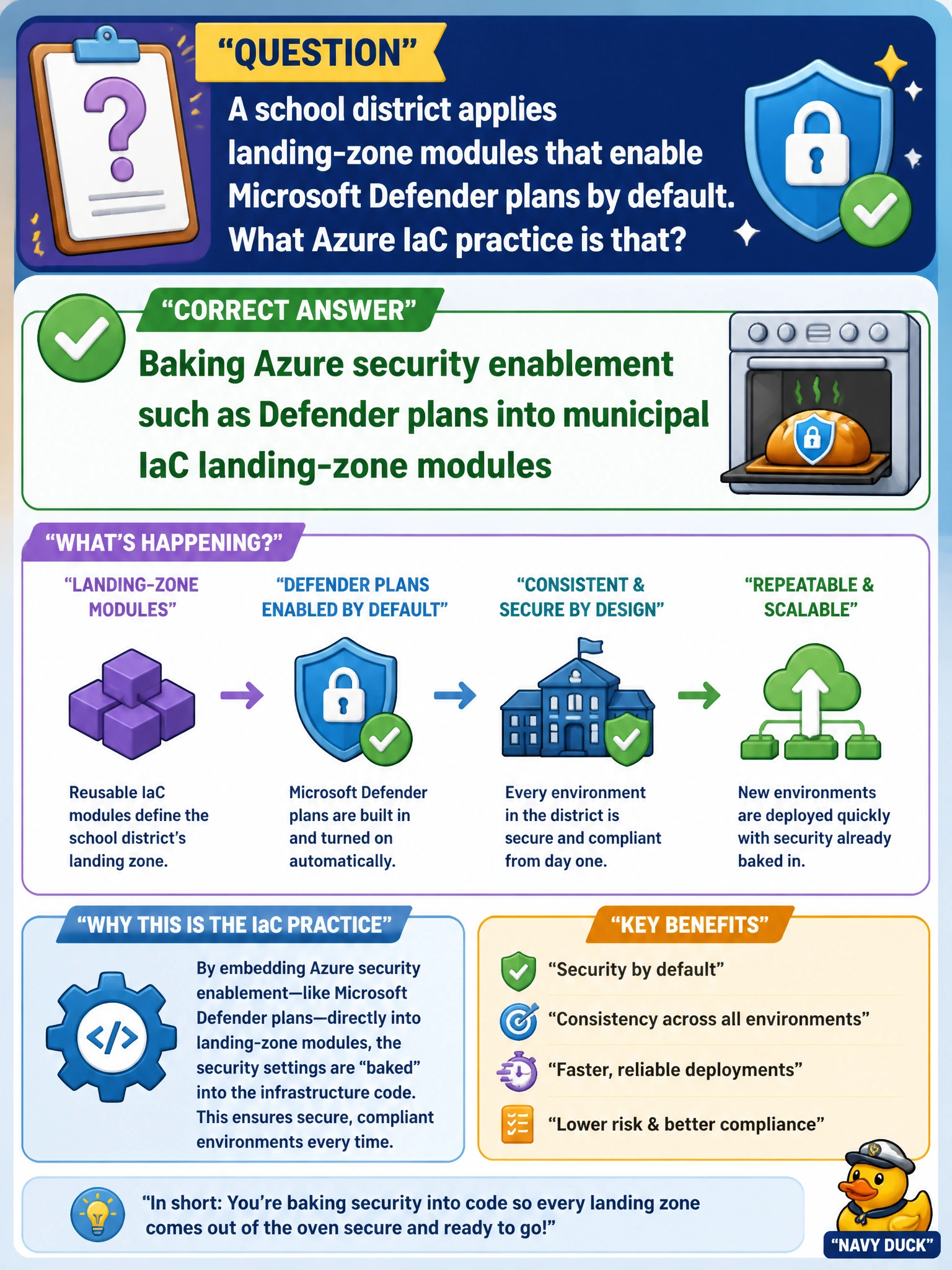
A school district applies landing-zone modules that enable Microsoft Defender plans by default. What Azure IaC practice is that?
Select an answer to reveal the explanation.
Short Explanation
If the landing-zone module is the front door, Defender plans should come with the keys—on by default for school subscriptions. Relying on audit effects for coverage with Policy, linking your Log Analytics workspace, or baking tiers into app templates under your landing zone won't enable Defender by default across your district. Bake security into the module.
Full Explanation
Baking Microsoft Defender plan enablement into municipal landing-zone modules is Azure IaC security enablement by default: when a school district subscription or resource group is provisioned from the landing zone, Defender plans (for servers, storage, Key Vault, etc., as scoped by the district) are turned on as part of the same coded baseline that creates networking and logging. That removes optional post-hoc security steps that teams forget under academic calendar pressure and gives the district a consistent secure posture across classroom, admin, and student-information workloads.
Enabling Defender plan coverage with Azure Policy audit effects in district IaC modules fails as the core practice: audit effects tell you whether Defender is on, but they do not enable plans by default as part of the landing-zone baseline, so it leaves enablement to a separate, after-the-fact governance step rather than baked-in IaC. Activating Defender plan enablement through central Log Analytics workspace linkage in landing-zone modules fails as the IaC practice: workspace linkage is for log collection and visibility, not a mechanism to enable Defender plans when subscriptions or resource groups are provisioned. Baking Defender workload protection tiers into application Bicep templates under district landing-zone modules fails the landing-zone approach: it scatters security enablement across per-app templates instead of applying a consistent district-wide baseline, leading to coverage gaps and inconsistent posture.
Exam caveat: Enabling Defender plans is necessary but not sufficient—agents or extensions may still need deployment for some plans, and recommendations must be triaged into remediations with owners. Also know that Defender for Cloud pricing/plans are selected per resource type; landing-zone modules should enable the plans the district has approved, not assume every plan is free or always appropriate.
Operational check: Review the landing-zone Bicep/Terraform modules for Defender plan resources or policy-driven enablement; provision a new test subscription and confirm plans appear enabled; map secure-score recommendations to school IT owners; and verify continuous export or workbook visibility for the district CISO—not a one-time portal click during module authoring.
Prefer to study offline? Printable PDF study book + test engine ($7.50, unofficial). These questions stay free here.