
A county wants Azure Policy to deny public IP addresses on virtual machines in the courts resource group. What guardrail is that?
Select an answer to reveal the explanation.
Short Explanation
RBAC roles won't block it — you'll limit who can act, but you'll still let courts VMs get public IPs. NSG rules only filter traffic so you'll still have the public IP attached, and locks just freeze changes and won't check for public IPs for you. You've got to deny public IPs on VMs.
Full Explanation
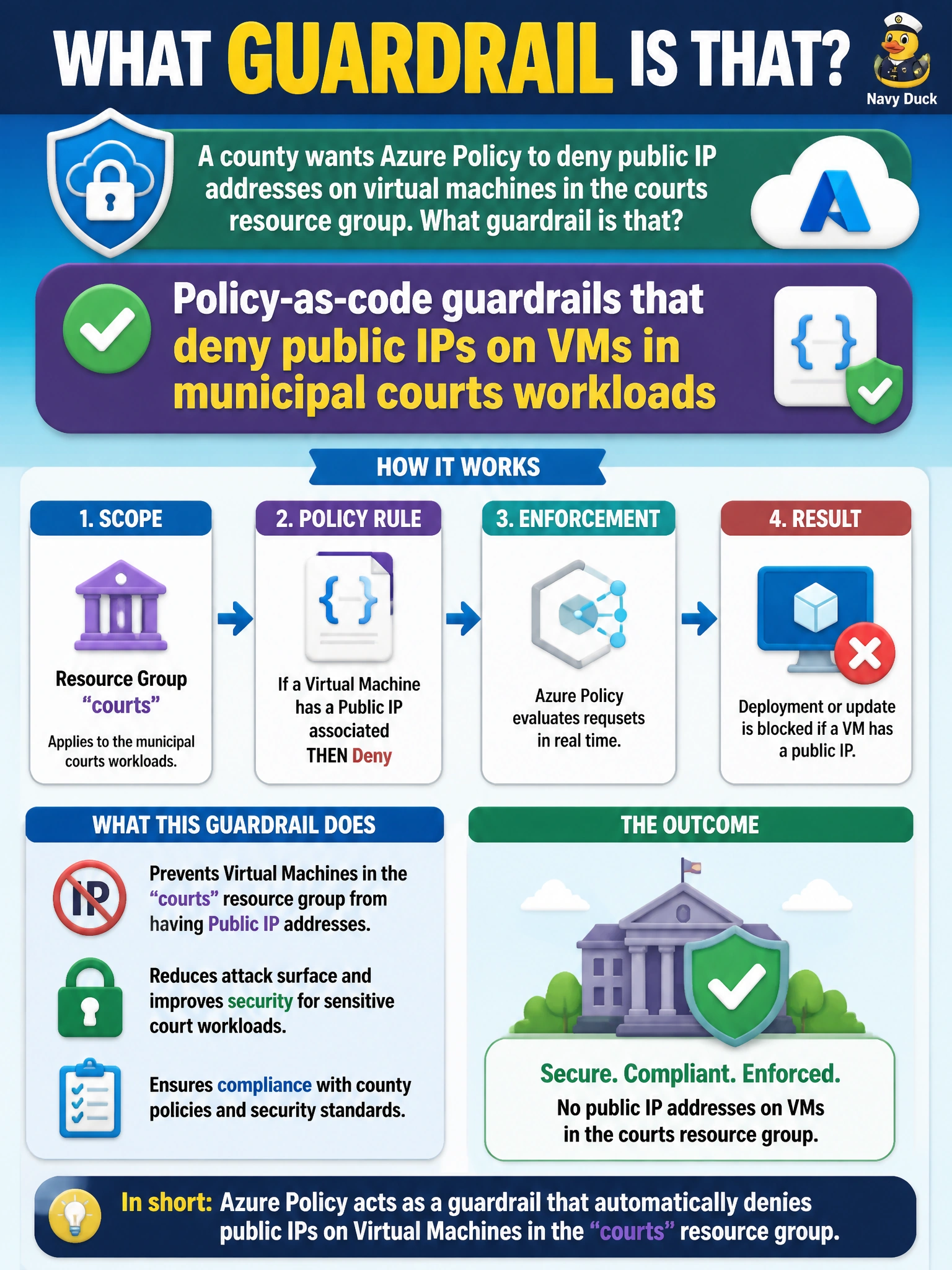
Using Azure Policy to deny public IP addresses on virtual machines in the courts resource group is policy-as-code: a declarative guardrail that blocks noncompliant configurations at create or update time for municipal courts workloads. Courts systems often hold sealed or sensitive case data; attaching a public IP expands the attack surface to the Internet and undermines private connectivity patterns (bastion, private endpoints, VPN). Encoding the deny in Azure Policy means every deployment—portal, CLI, or IaC—hits the same gate. Scope the assignment to the courts resource group or management group so other workloads with different network designs are not incorrectly blocked, and use effects such as Deny (or DeployIfNotExists for complementary controls) with clear exception processes that still leave an audit trail.
RBAC-role guardrails that deny public IPs on VMs in municipal courts workloads fail because RBAC controls who can perform actions, not whether a VM configuration is compliant; it cannot evaluate resource properties at create or update time to deny public IPs on VMs in the courts resource group. NSG-rule guardrails that deny public IPs on VMs in municipal courts workloads fail because NSG rules filter network traffic to and from VMs; they do not block attachment of a public IP at create or update time and leave courts VMs able to receive a public IP. Resource-lock guardrails that deny public IPs on VMs in municipal courts workloads fail because locks prevent deletion or modification broadly; they do not evaluate the public IP property and do not deny public IPs on VMs in the courts resource group while blocking legitimate updates.
Exam caveat: Azure Policy Deny prevents noncompliant creates/updates but does not by itself remediate existing public IPs unless you add remediation tasks or complementary automation. Know the difference between Deny, Audit, and DeployIfNotExists, and remember that exemptions must be time-bounded and justified—not permanent blind spots for courts.
Operational check: Assign a deny-public-IP policy (or initiative) at the courts scope; verify a test VM create with a public IP fails; inventory existing courts VMs for public IPs and remediate; document a short-lived exemption process with owner and expiry; and include policy compliance in the county's secure-score or compliance dashboard for judicial IT leadership.
Prefer to study offline? Printable PDF study book + test engine ($7.50, unofficial). These questions stay free here.