
A Copilot agent that was managing dependency updates is being retired because a third-party solution is replacing it. The agent had a GitHub App installation, a stored fine-grained PAT, a secrets manager entry, an MCP server running on an internal host, and a webhook configured on 15 repositories. What is the correct order of decommission steps to avoid security gaps?
Select an answer to reveal the explanation.
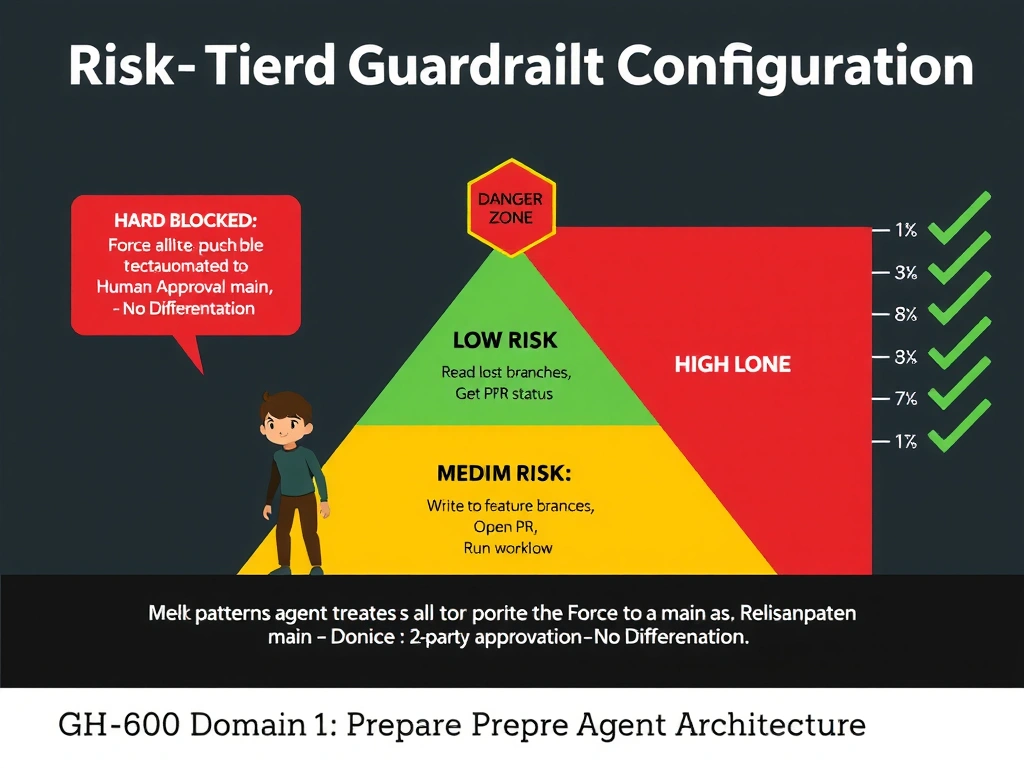
Short Explanation and Infographic
Decommissioning an agent is like closing a contractor's badge access when they leave: you don't wait for the badge to expire, you revoke it immediately and systematically. Credentials left active after an agent is 'retired' are a prime target for attackers—orphaned tokens with no one monitoring their use.
Full explanation below image
Full Explanation
A secure agent decommission procedure must address every attack surface the agent had, in an order that minimizes the window of vulnerability:
1. Revoke the GitHub App installation first: This immediately removes the agent's ability to authenticate to any GitHub API and closes the highest-impact credential. Uninstalling (not just disabling) the App also removes all associated webhooks at the platform level.
2. Revoke the PAT: Fine-grained PATs are separate credentials that must be explicitly revoked. Waiting for expiration can leave weeks or months of active access.
3. Delete secrets from the secrets manager: Removing the credentials from the secrets store ensures no other process can retrieve them and no future misconfiguration can resurrect them.
4. Remove webhooks from all 15 repositories: If the App uninstall didn't remove all webhooks (e.g., manually configured ones), they must be removed to prevent continued webhook delivery to the now-defunct MCP server endpoint, which could be taken over by an attacker.
5. Shut down the MCP server last: This ensures webhook deliveries don't fail noisily while the server is still up, and that no in-flight requests are dropped mid-processing.
Option A (delete source code only) leaves all credentials and webhooks active. Option C (shut down MCP server first, let tokens expire) leaves active credentials that could be exploited. Option D (disable rather than uninstall App) is insufficient—a disabled App can be re-enabled and may still hold webhook subscriptions.