
Your organization's main branch has branch protection enabled requiring two human approvals and passing status checks before merging. A new Copilot agent is configured to auto-approve its own pull requests once its internal confidence score exceeds 95%. During testing, the agent successfully merges a PR to main with only its own approval. What is the most likely cause of this failure?
Select an answer to reveal the explanation.
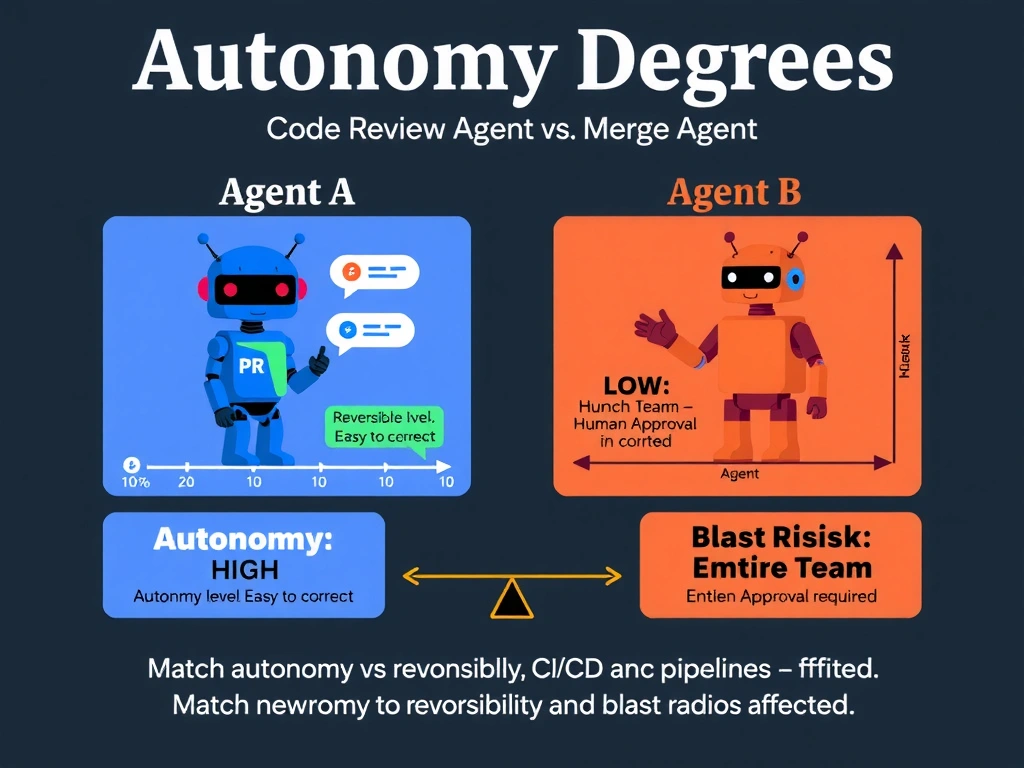
Short Explanation and Infographic
Branch protection rules have a hidden escape hatch: by default, repository admins and GitHub Apps with admin permissions can bypass them. It's like a secure vault with a VIP override key—if the agent's App has admin rights and the bypass option is off, it walks right through the locked door. Always enable 'Do not allow bypassing' to close this gap.
Full explanation below image
Full Explanation
GitHub branch protection rules include a critical setting: 'Do not allow bypassing the above settings.' When this setting is OFF (the default), repository administrators and GitHub Apps with admin-level permissions can bypass all branch protection rules, including approval requirements and required status checks. This is the most likely explanation for why the agent merged with only its own approval despite the two-approval rule.
If the agent's GitHub App was installed with admin permissions (a common but overly permissive configuration), it can bypass branch protection entirely—regardless of the approval count or confidence score.
The two-part fix is: (1) enable 'Do not allow bypassing the above settings' in the branch protection configuration, and (2) reduce the agent's GitHub App permissions from admin to the minimum required (typically 'pull-requests: write, contents: read').
Option A (raising the confidence threshold) addresses the agent's internal logic but not the platform-level bypass—a 99% confident agent with admin bypass can still merge without review. Option C is incorrect: branch protection rules do apply to GitHub Apps; there is no automatic exemption for Apps. Option D (missing status checks) would mean checks were not enforced, but that's a separate issue from the approval count failure—and the scenario specifies that the agent's own approval satisfied the two-approval requirement, pointing to bypass rather than missing checks.