
A developer notices that a GitHub Copilot agent that automates dependency updates is repeatedly failing partway through its task. The agent's final output is missing, but the task did not throw an exception. To identify where the failure is occurring, the developer opens the agent's trace. Which artifact in the trace will most directly reveal where the agent stopped making progress?
Select an answer to reveal the explanation.
Short Explanation and Infographic
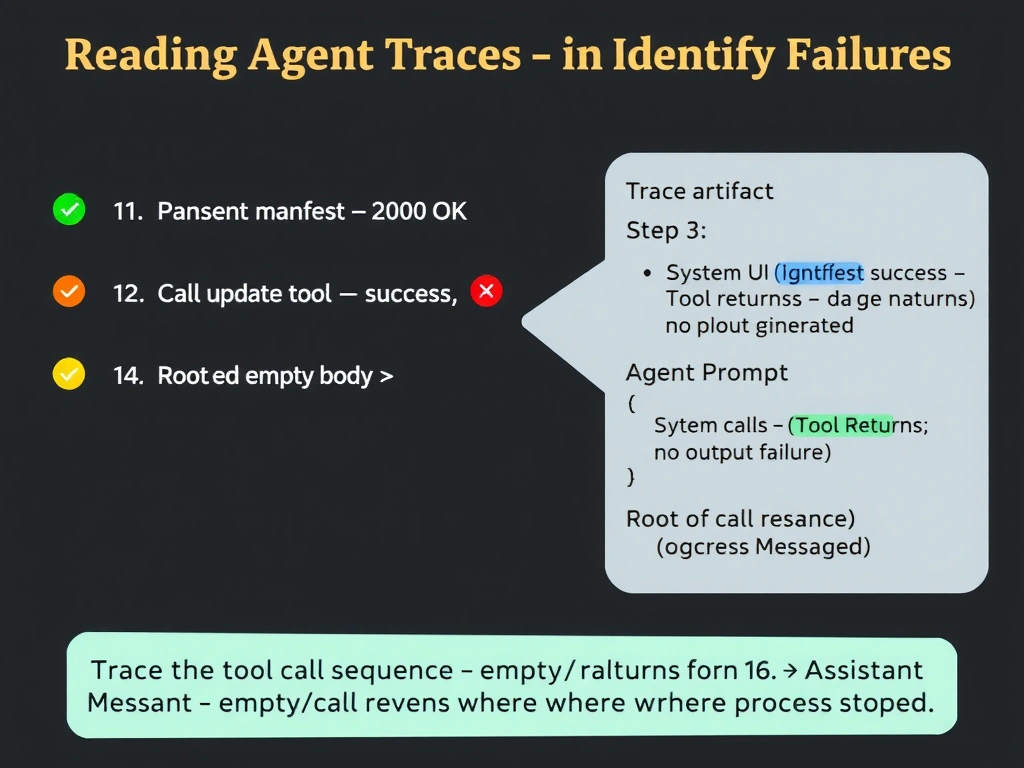
A trace is like a flight data recorder — it captures every action the agent took in order. When an agent stops making progress without throwing an exception, the tool call sequence is the first thing to read: look for the last tool call that returned an empty result, a timeout, or an unexpected response, and that's where the investigation starts.
Full explanation below image
Full Explanation
Agent traces record the full execution history of a run, including each reasoning step, tool invocation, and the tool's return value. When an agent fails silently (no exception, no final output), the failure is almost always embedded in the middle of the trace as a tool call that returned an unexpected or empty result, causing the agent to either loop, give up, or produce no output.
Option B is correct because the sequence of tool calls and their return values is the primary diagnostic artifact for silent failures. By walking through the trace chronologically, a developer can find the exact step where the agent received a response it didn't handle correctly — for example, a dependency manifest fetch that returned an empty body, or a file write that returned a permission error that the agent didn't surface as an exception.
Option A (system prompt in trace metadata) is useful for understanding the agent's instructions but doesn't reveal runtime behavior. The prompt doesn't change during a run and won't show where the agent stopped.
Option C (total token count) is an aggregate metric. It tells you how much the agent consumed but not what it did. High token count might suggest looping, but it doesn't pinpoint the failure step.
Option D (final assistant message) is exactly what's missing in this scenario. The developer already knows the final output is absent. Looking at the final message first is the wrong direction — the trace must be read from the beginning to find the point of failure.