
An agent is producing increasingly irrelevant suggestions as it processes more files. Logs show the context window contains documentation from 40 unrelated files that were loaded during earlier steps of the same session. The agent's suggestions have drifted significantly from the current task. What should the developer do to fix this?
Select an answer to reveal the explanation.
Short Explanation and Infographic
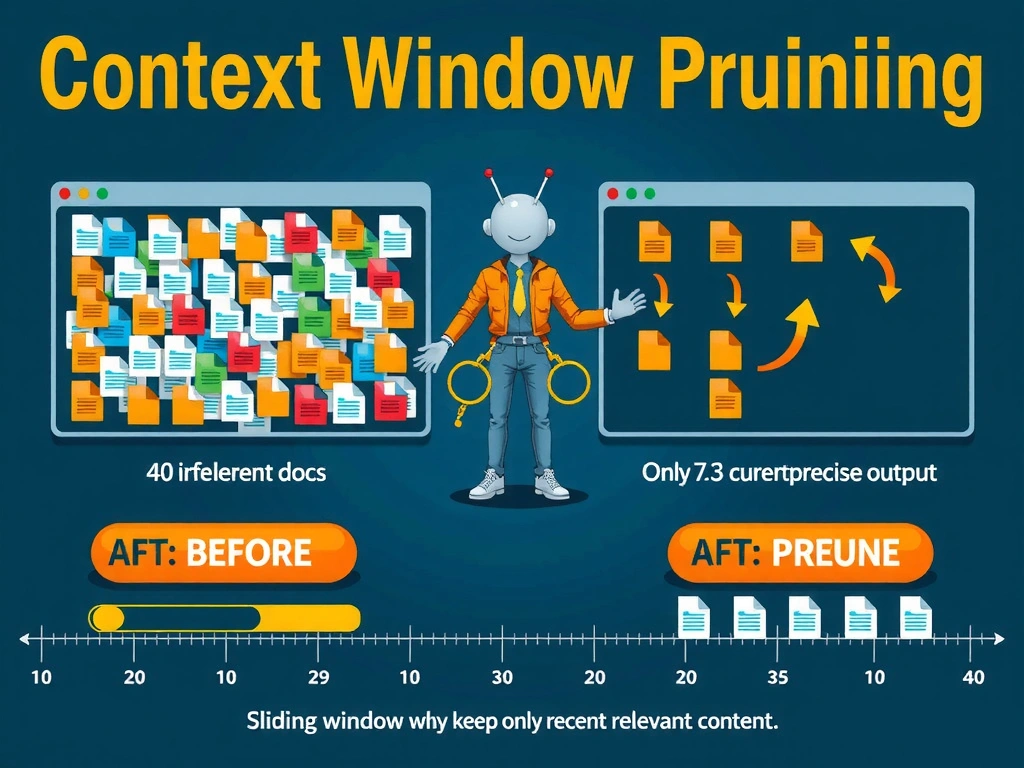
Think of the context window like a whiteboard: when it fills up with old notes nobody needs anymore, the meeting gets confused. The fix is to erase what's no longer relevant — not to buy a bigger whiteboard. Context pruning keeps only the information that serves the current task, eliminating the noise that is steering the agent off course.
Full explanation below image
Full Explanation
Context window pollution is a common failure mode in long-running agents. When an agent loads documentation from many files sequentially without removing previously loaded content, the context window accumulates information that is no longer relevant to the current step. This creates a signal-to-noise problem: the model's attention is diluted across irrelevant content, causing suggestions to drift from the actual current task.
The correct solution is implementing context pruning — a mechanism that actively removes content from the context window once it is no longer needed for the current step. Pruning strategies include sliding window approaches (keeping only the N most recent files), task-relevance scoring (removing content below a relevance threshold), and explicit eviction rules (clearing documentation after the associated file is processed).
Why the other options fail: - Option A (increase context window size) treats the symptom, not the cause. A larger context window still fills up eventually, and larger windows increase latency and cost. The core problem is loading content that isn't needed — size doesn't fix that. - Option C (move all docs to vector store) is a valid architectural choice for some scenarios, but moving everything to a vector store and retrieving it all at once is equivalent to loading it all into context — the same problem persists. The right use of a vector store is selective retrieval of only the most relevant chunk, not bulk loading. - Option D (restart after each file) solves the accumulation problem but is architecturally wasteful and breaks continuity. Important state from earlier steps that is still relevant would be lost on each restart. Targeted pruning is the correct approach.
Proper memory scoping means populating the context window with only the information required for the current step and actively evicting content that is no longer task-relevant.