
A production environment uses a wait timer of 10 minutes as a protection rule. What is the effect on a deploy job that references that environment?
Select an answer to reveal the explanation.
Short Explanation and Infographic
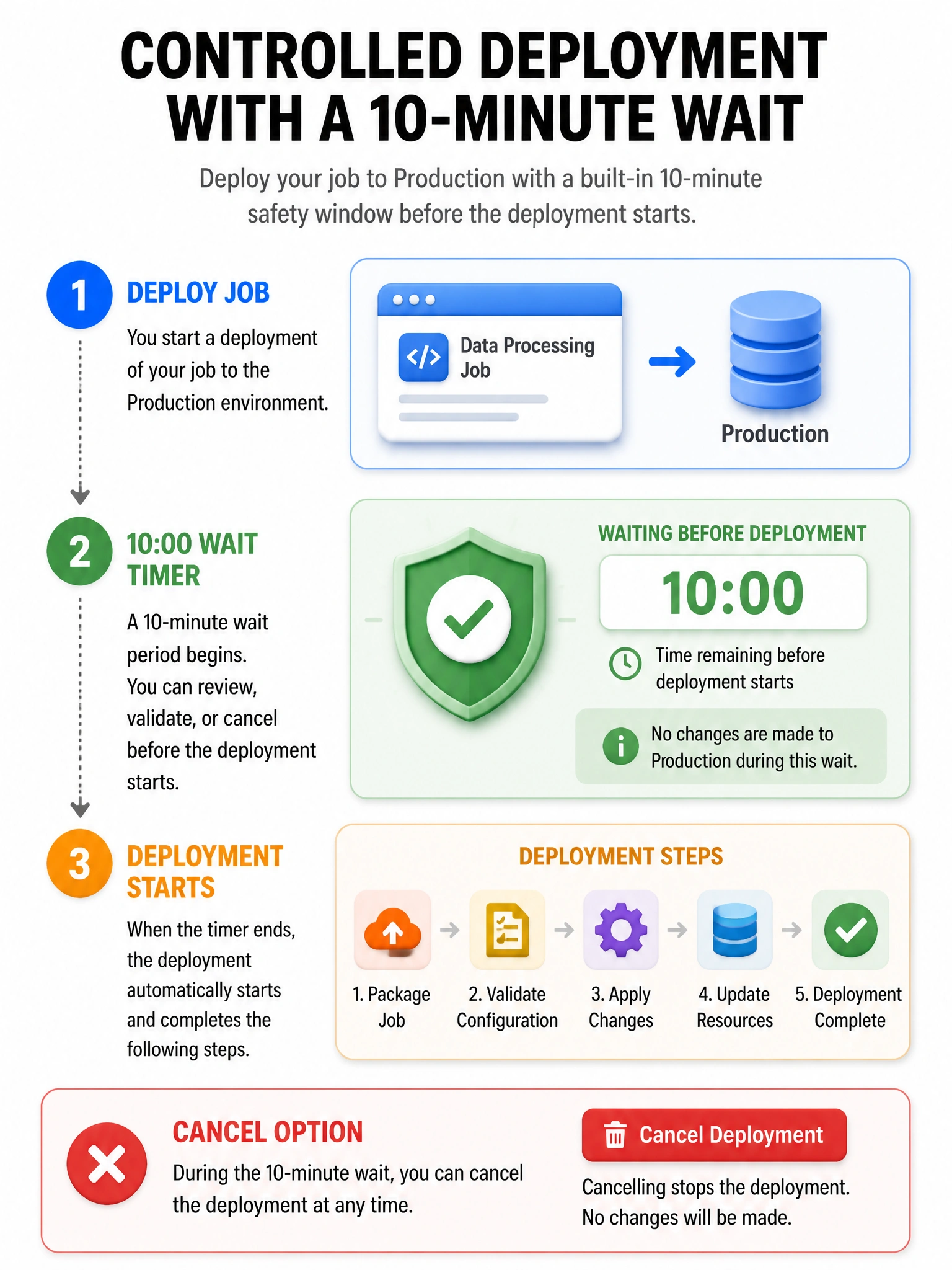
Environment wait timers pause deployment jobs for a cool-down or review window—they do not instant-fail the run, are not schedule-only, and do not rename environments.
Full explanation below image
Full Explanation
Environment protection rules can require human reviewers, restrict which branches may deploy, and impose wait timers. A wait timer holds the deployment in a delayed state so teams can cancel if a bad build is noticed, supporting progressive and safer delivery. It does not automatically fail the workflow. Timers apply based on environment configuration regardless of whether the workflow was started by workflow_dispatch, push, or other allowed events (subject to deployment branch policies). The environment’s name remains as configured. Combine wait timers with required reviewers for high-risk prod, and keep jobs idempotent so a delayed deploy still applies cleanly.