
How do you write a Markdown summary that appears on the workflow run summary page?
Select an answer to reveal the explanation.
Short Explanation and Infographic
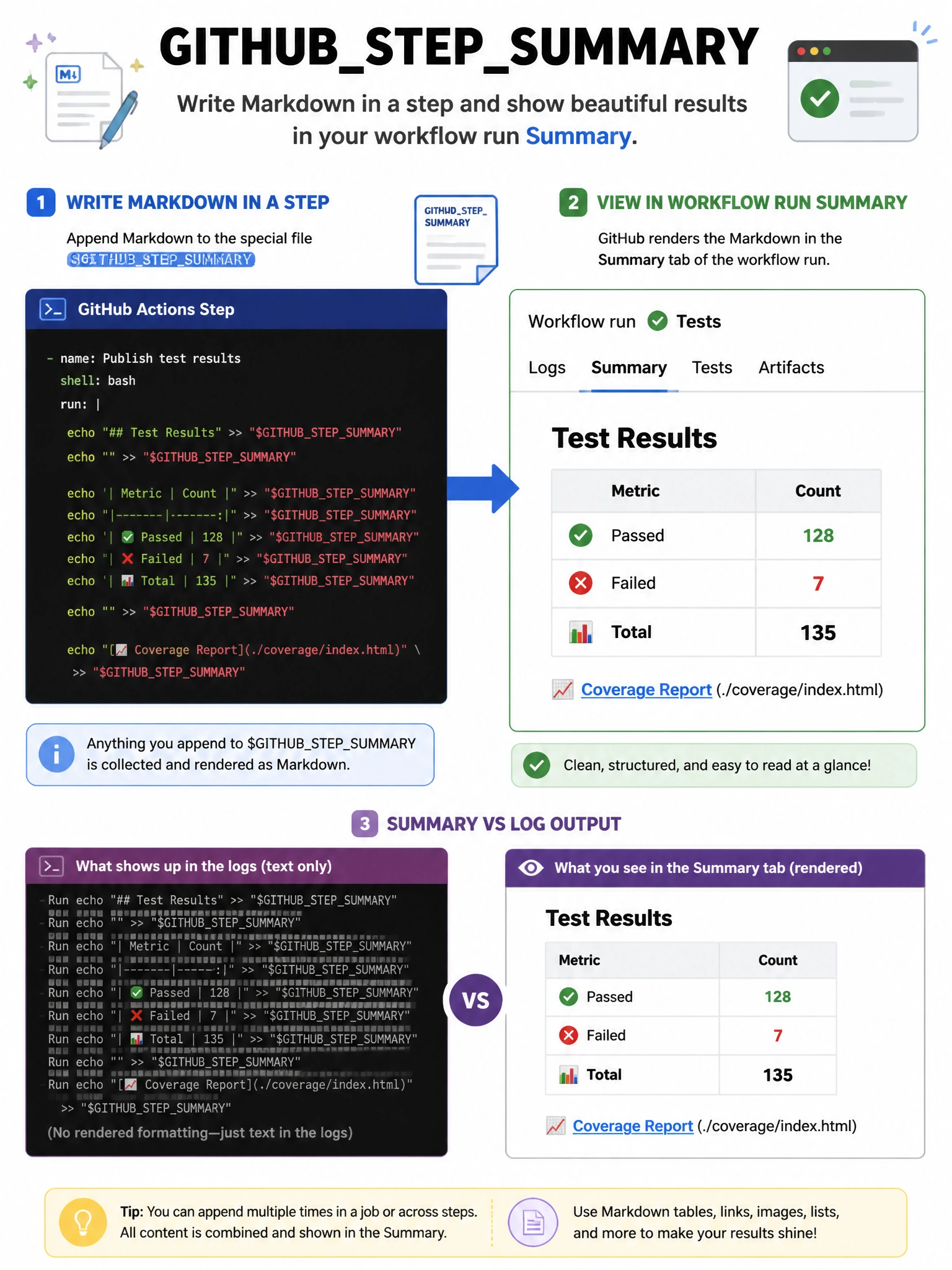
GITHUB_STEP_SUMMARY is the workflow's whiteboard — write Markdown to it and it appears as a rich summary on the run page.
Full explanation below image
Full Explanation
Writing Markdown to the $GITHUB_STEP_SUMMARY file creates content that appears in the 'Summary' section of the workflow run page. You can write any Markdown: headers, tables, code blocks, images. Each step can append to the summary. Example: 'echo "## Test Results\n✅ 142 passed" >> $GITHUB_STEP_SUMMARY'. This is useful for displaying test results, coverage reports, deployment URLs, and other structured information without requiring users to dig through logs. '$GITHUB_OUTPUT' is for step outputs to other steps. 'actions/create-summary' is not an official action (GITHUB_STEP_SUMMARY is the built-in mechanism).