
How do you run all steps of a job inside a specific Docker container in GitHub Actions?
Select an answer to reveal the explanation.
Short Explanation and Infographic
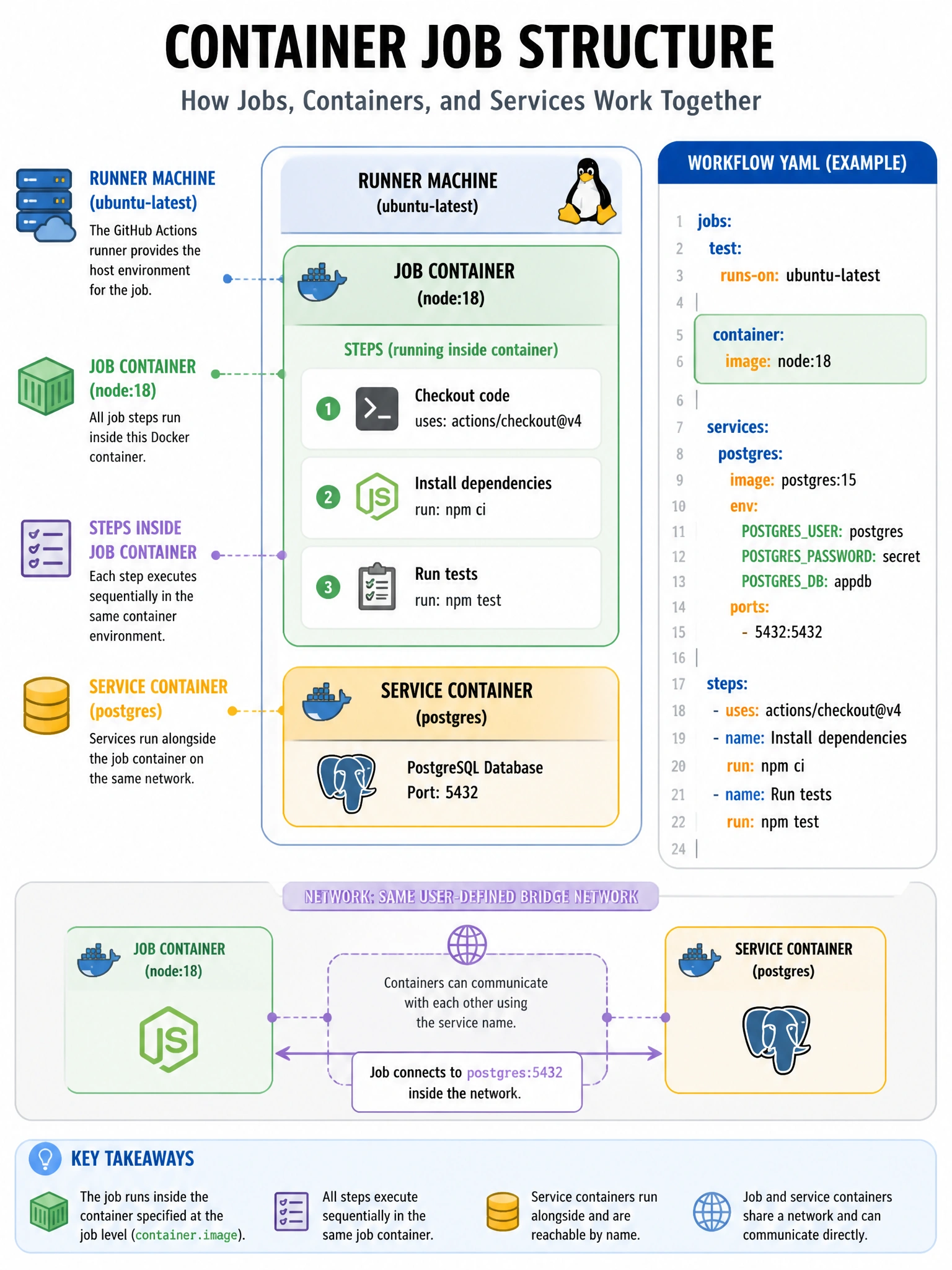
The 'container:' block at job level wraps every step in that Docker image — perfect for ensuring exact runtime versions.
Full explanation below image
Full Explanation
The 'container:' key at the job level (not step level) runs all steps in that job inside the specified Docker container. The syntax is 'container: image: node:18' or shorthand 'container: node:18'. You can also specify credentials for private registries, environment variables, volumes, and ports. The job steps run inside the container, while actions/services run in separate containers on the same network. 'docker:' is not a valid key. 'runs-on: docker:node:18' is not valid syntax. This differs from the step-level 'uses: docker://image' which runs a single action in Docker.