
Which two outcomes should administrators plan for when transferring a repository to another account or organization? (Choose two.)
Select all correct answers, then click Submit.
Short Explanation and Infographic
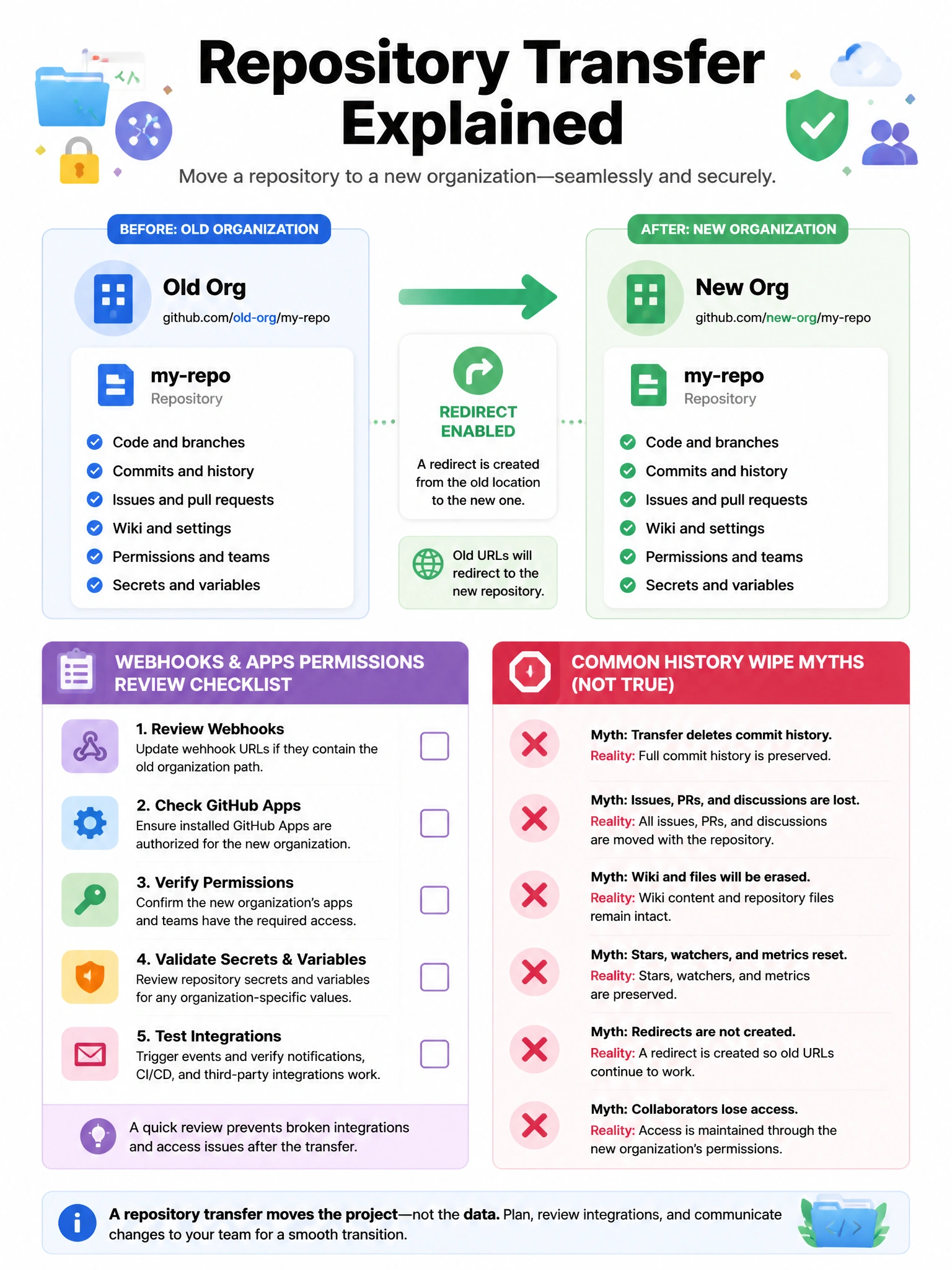
Transfers keep history and redirect URLs, but permissions and integrations need a post-move checkup. History is not wiped or bulk-rewritten.
Full explanation below image
Full Explanation
Repository transfer moves ownership to another user or organization while preserving Git history. GitHub provides redirects from the former URL, yet CI webhooks, GitHub Apps, deploy keys, environments, and team permission mappings often require deliberate remediation because they are tied to the previous owner context. Commit authors are not mass-rewritten to the new owner. History is not discarded. Administrators should inventory secrets, Actions workflows, package bindings, Pages settings, and branch protections before transfer, communicate the new clone URL, and validate production pipelines after the move. Legal and compliance stakeholders may also need to approve data ownership changes between business units.