
What is the GitHub Enterprise Server site admin panel, and who has access to it?
Select an answer to reveal the explanation.
Short Explanation and Infographic
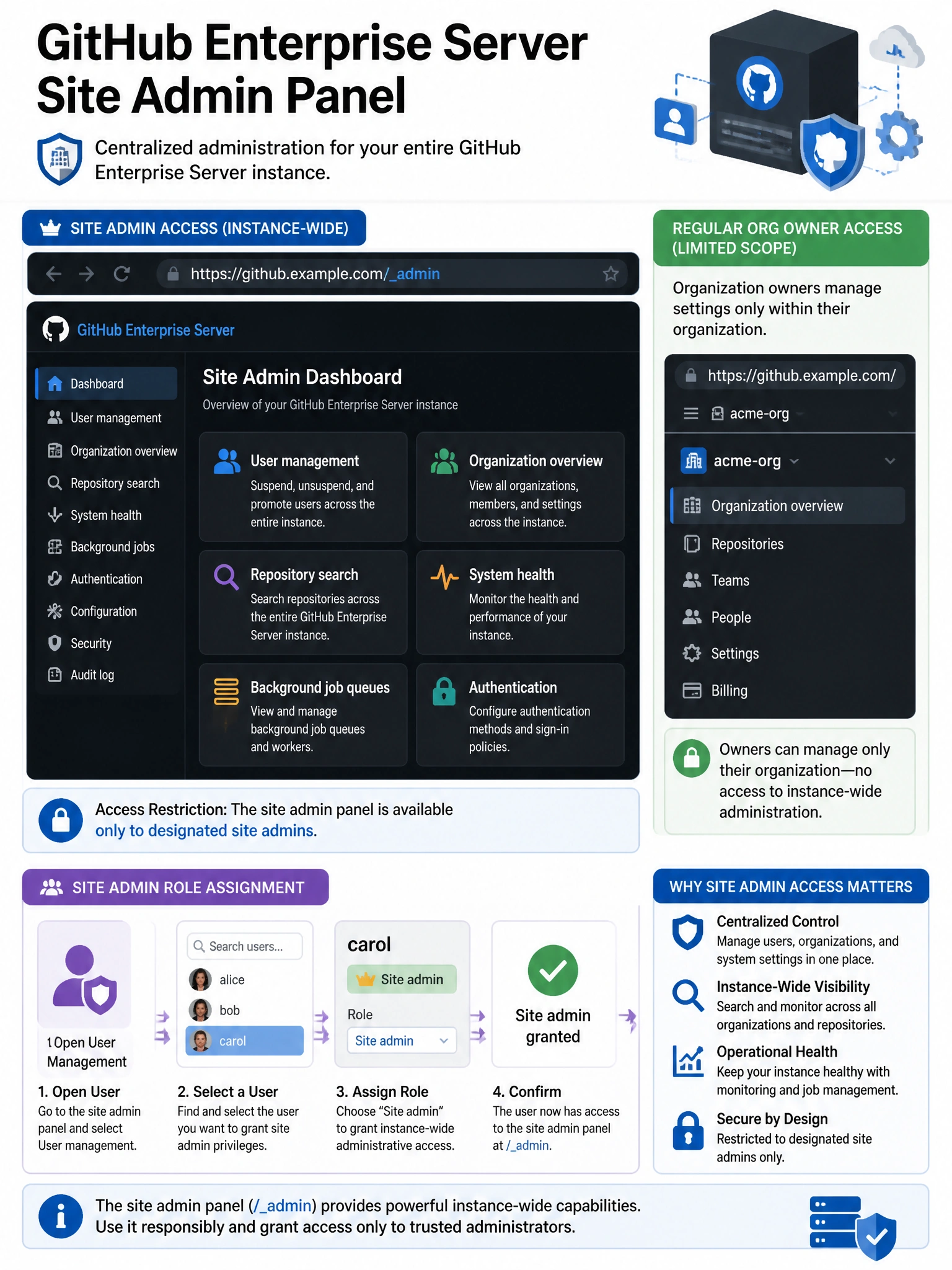
The GHES site admin panel is the master control room — a separate web interface (at /_admin) that only designated site admins can access. From there you manage users at the instance level, search across all repos, and see system health.
Full explanation below image
Full Explanation
The GitHub Enterprise Server Site Admin Panel (accessed at https://<hostname>/_admin or via the stafftools path) is a privileged administrative interface separate from the normal GitHub UI. Access is restricted to users designated as site administrators — a special GHES-specific role above regular organization owners. From the site admin panel, administrators can: manage user accounts (suspend, unsuspend, promote to admin, delete), search across all repositories and organizations on the instance, view system health and background job queues, manage authentication settings, configure hooks and integrations at the instance level, and access detailed organization and user statistics. The Management Console (port 8443) handles appliance infrastructure; the site admin panel handles application-level administration.