
What does enabling 'Require two-factor authentication' at the organization level do to members who don't have 2FA enabled?
Select an answer to reveal the explanation.
Short Explanation and Infographic
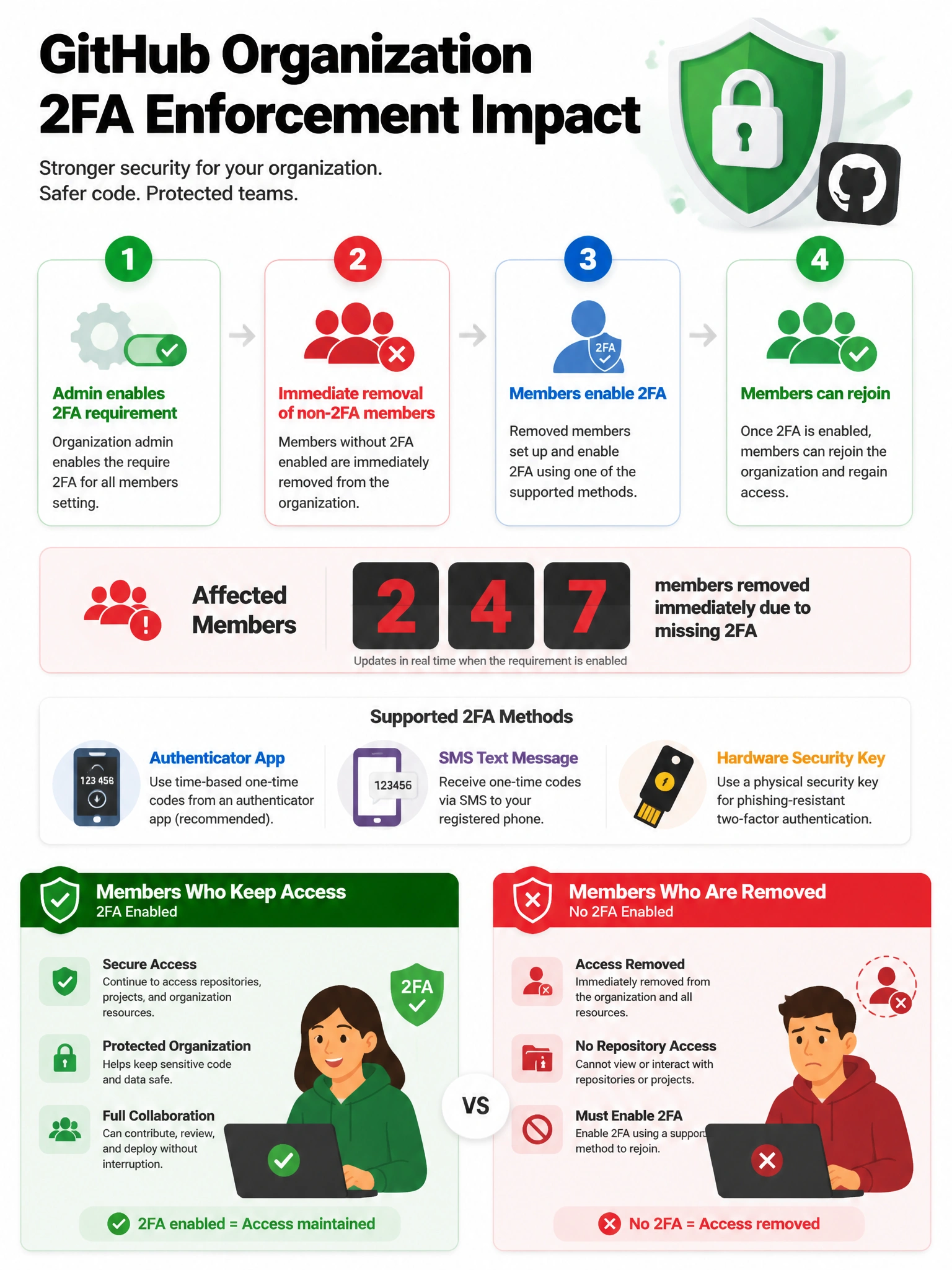
GitHub is serious about 2FA enforcement — it's not a gentle nudge. When an org requires 2FA, anyone without it gets booted from the organization immediately. It's a hard line.
Full explanation below image
Full Explanation
When a GitHub organization owner enables the 'Require two-factor authentication' setting, members who do not currently have 2FA enabled are immediately removed from the organization. They lose access to all organization repositories, teams, and resources. The organization owners receive a report of removed members. Former members can rejoin the organization once they enable 2FA on their personal GitHub account. Outside collaborators without 2FA are also removed. This is an intentionally strict enforcement — GitHub does not provide a grace period at the org level (though owners can communicate with members before enabling the requirement).