
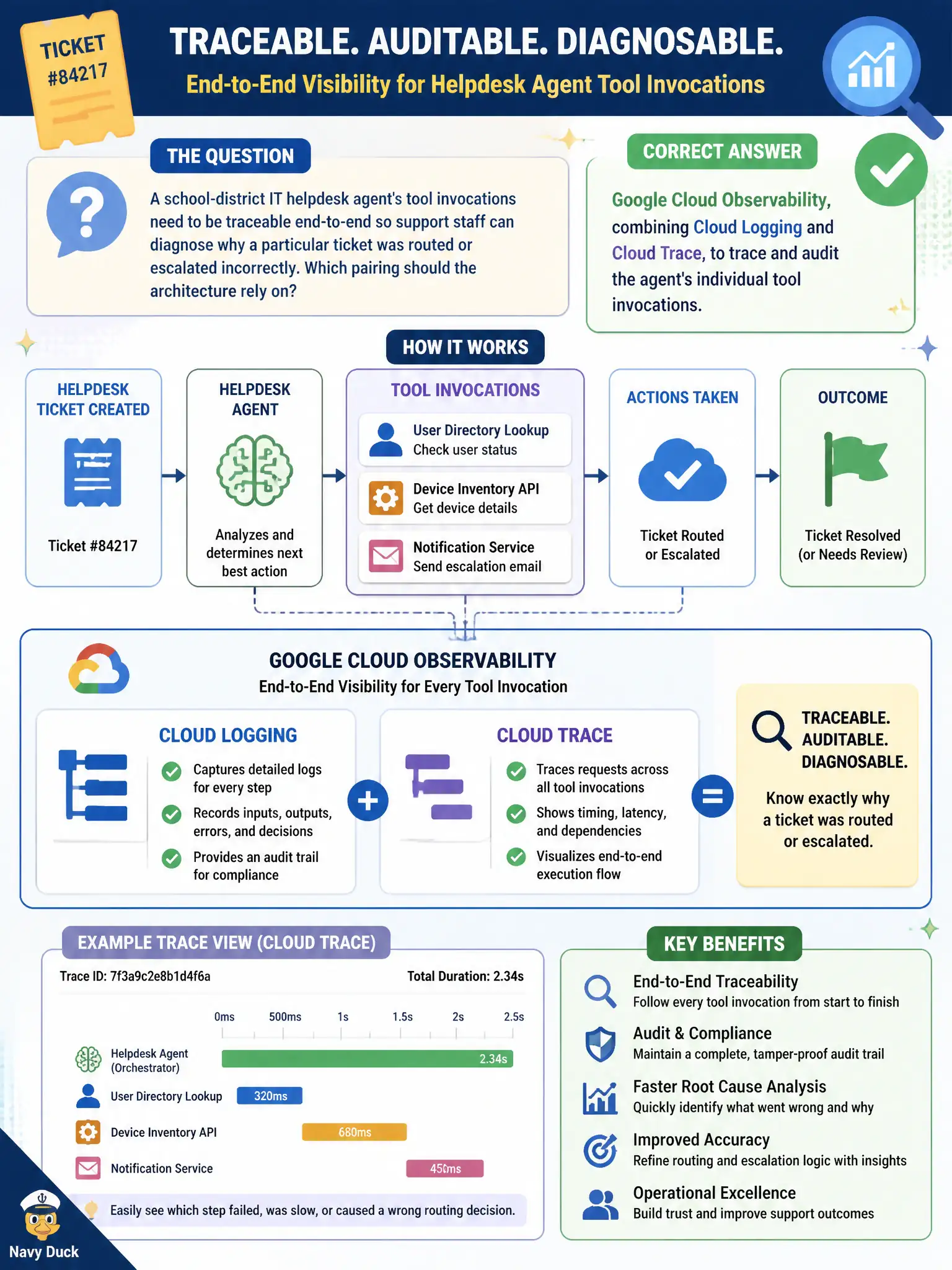
A school-district IT helpdesk agent's tool invocations need to be traceable end-to-end so support staff can diagnose why a particular ticket was routed or escalated incorrectly. Which pairing should the architecture rely on?
Select an answer to reveal the explanation.
Short Explanation
Diagnosing why a ticket got misrouted is like following a delivery from the sorting facility to the wrong doorstep, step by step. Cloud Logging and Cloud Trace together are that step-by-step trail, tied to each invocation the agent made. Knowing which agent version was deployed, which skills were approved, or which manipulation attempts got flagged are all useful facts, but none of them trace the actual path a single ticket took.
Full Explanation
Google Cloud Observability, specifically Cloud Logging paired with Cloud Trace, is built to capture and trace individual invocations end-to-end, letting support staff follow exactly which tool calls fired, in what order, and with what latency for a specific ticket, which is what diagnosing an incorrect routing or escalation decision requires. Agent Registry's version history establishes which agent build was live at the time, useful context for the investigation, but it does not trace the sequence of tool invocations that occurred within a single ticket's handling. Skill Registry's approval manifest confirms which skills the agent was cleared to use in general, a pre-runtime governance fact, not a runtime trace of which specific invocations happened during this ticket's processing. Model Armor's content filter reports flag manipulation or sensitive-content issues in conversation, which is a security-relevant signal unrelated to explaining why a routing or escalation decision went wrong absent any manipulation attempt. A scope caveat: tracing reveals what the agent did, but explaining why it made a particular routing decision may still require examining the reasoning or retrieval context alongside the trace, not the trace alone. As an operational check, support staff can pull the Cloud Trace timeline for the specific ticket's request ID and confirm each tool invocation and its outcome lines up with where the misroute occurred.