
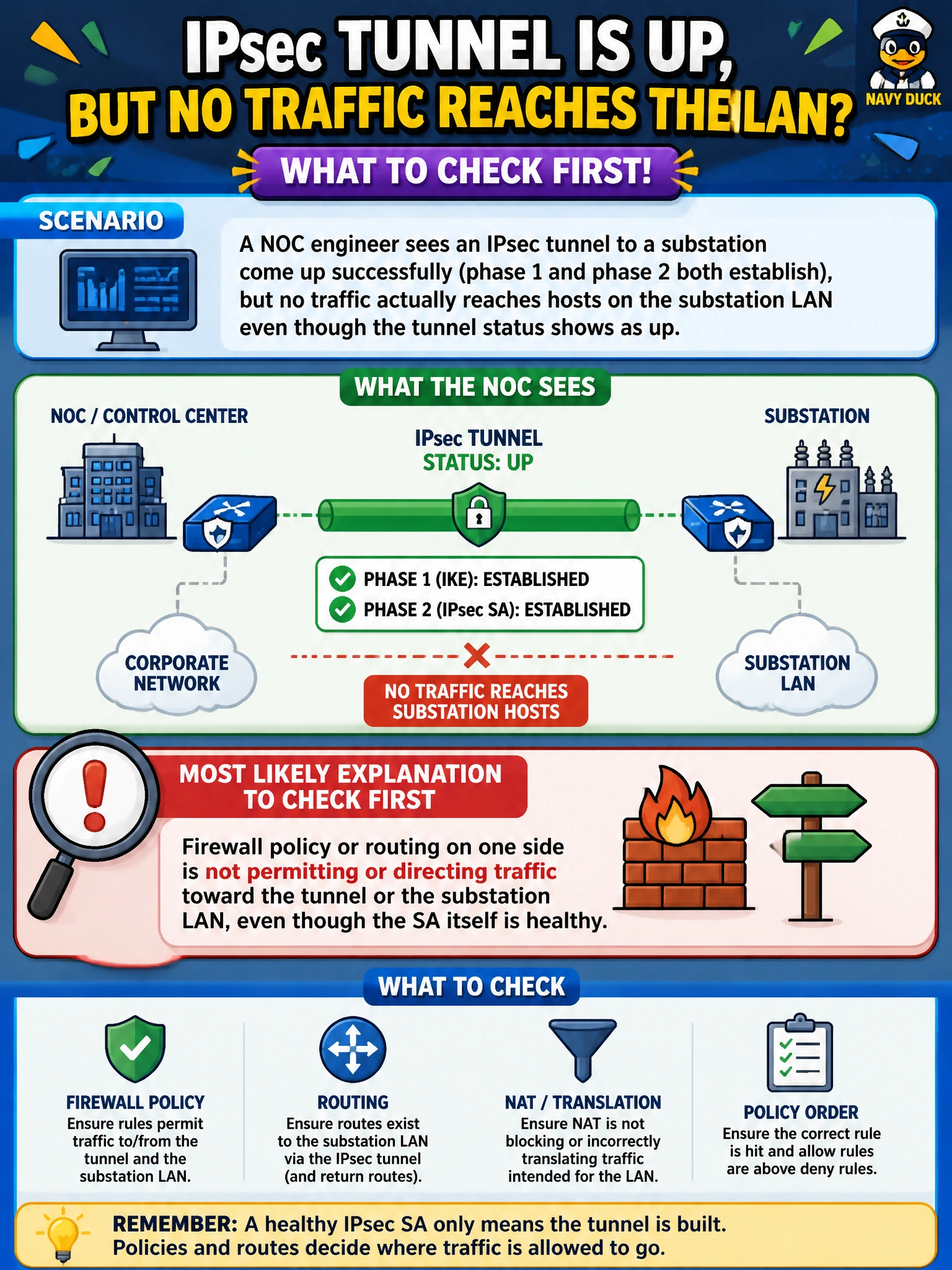
A NOC engineer sees an IPsec tunnel to a substation come up successfully (phase 1 and phase 2 both establish), but no traffic actually reaches hosts on the substation LAN even though the tunnel status shows as up. What is the most likely explanation to check first?
Select an answer to reveal the explanation.
Short Explanation
A tunnel showing 'up' just means the two FortiGates successfully agreed on encryption — it doesn't mean any actual packet has a path to get there or a policy that lets it through. When the SA is healthy but nothing arrives, look past the tunnel itself, at firewall policy and routing on both ends.
Full Explanation
When both phase 1 and phase 2 establish successfully, the cryptographic and negotiation layers are confirmed healthy, so a traffic failure at that point almost always lies in what happens to packets after the SA exists: either firewall policy on one or both FortiGates isn't permitting traffic to or from the substation LAN across the tunnel interface, or the routing table isn't directing traffic toward the tunnel in the first place (for a route-based tunnel) or the phase 2 selectors don't actually match the LAN subnet being tested (for a policy-based one). A wrong pre-shared key would prevent phase 1 from completing at all, since PSK mismatch is an authentication failure evaluated during phase 1 negotiation itself — it cannot produce a scenario where phase 1 succeeds anyway and only data traffic is silently blocked. Similarly, a DH group mismatch would cause phase 1 (or the relevant negotiation round) to fail outright because the two peers couldn't agree on a shared secret derivation method, so it cannot be the cause of an SA that is reported as successfully established. Dead peer detection does not have any mechanism to disable the data path while leaving the tunnel status reported as up; DPD's entire function is to detect an unresponsive peer and, upon failure, tear the SA down rather than leave it running with data silently blocked. The concrete next step is to run a policy lookup and check 'get router info routing-table all' alongside 'diagnose sniffer packet' on the tunnel interface to see whether traffic is even reaching it, then confirm firewall policy explicitly permits the substation LAN as a destination.