
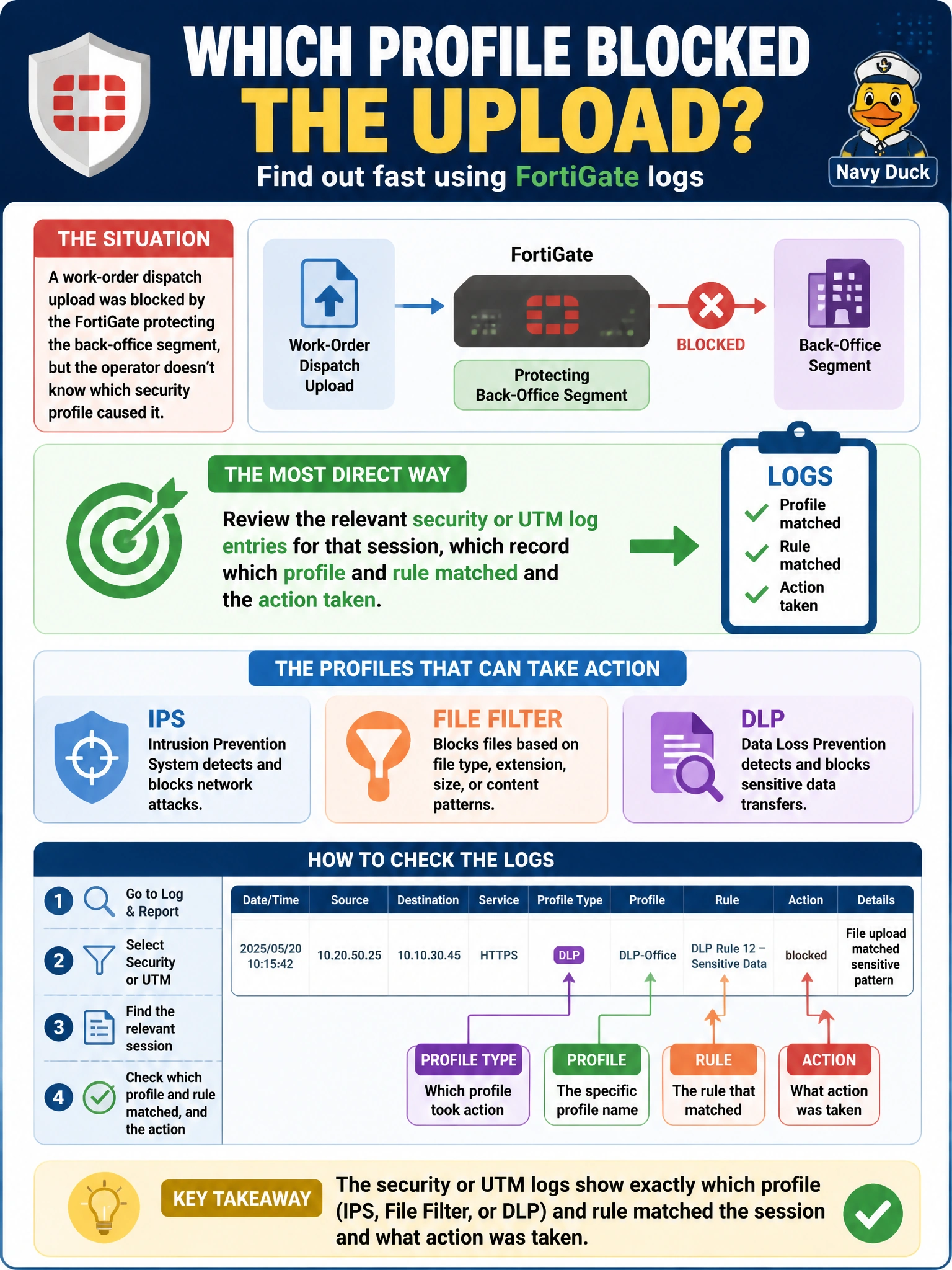
A work-order dispatch upload was blocked by the FortiGate protecting the back-office segment, but the operator doesn't know which security profile caused it. What is the most direct way for an engineer to determine which profile — IPS, file filter, or DLP — took the action?
Select an answer to reveal the explanation.
Short Explanation
The log already wrote down exactly who did it and why — there's no need to guess or start flipping switches on a live network to find out.
Full Explanation
Security and UTM log entries record which specific profile and rule matched a session along with the action taken, giving direct, immediate evidence of exactly which profile caused the block without touching the running configuration at all. That evidence trail is the fastest and safest path to an answer. Disabling all three profiles one at a time in a production policy protecting utility operations is a disruptive way to test, temporarily removing real protection from the segment just to find a root cause that logging can already show. Assuming it was DLP based on a general reputation for misconfiguration substitutes a guess for evidence and risks chasing the wrong profile entirely while the real cause goes unaddressed. Checking the routing table conflates two unrelated layers — routing determines whether traffic can reach a destination at all, while content-inspection profiles decide whether permitted traffic is allowed through based on its content, so a routing table has nothing to say about a security-profile block. A caveat: the policy's logging level needs to capture security events, not just basic traffic summaries, or the specific profile detail needed for this kind of diagnosis may not be recorded at all. To resolve it, pull the log entry for that session by time or source and read its type, subtype, and action fields to identify the responsible profile.