
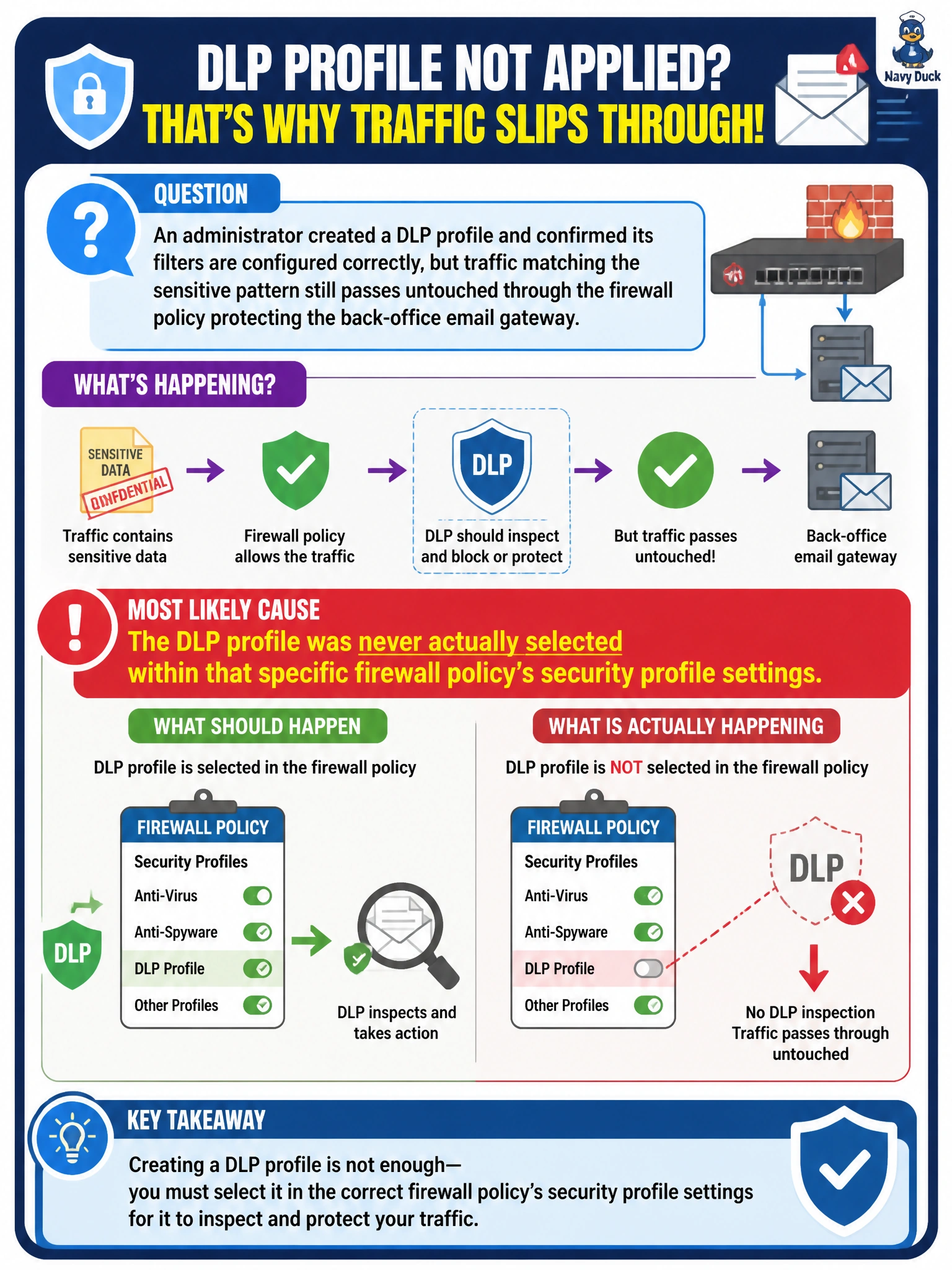
An administrator created a DLP profile and confirmed its filters are configured correctly, but traffic matching the sensitive pattern still passes untouched through the firewall policy protecting the back-office email gateway. What is the most likely cause?
Select an answer to reveal the explanation.
Short Explanation
A perfectly good filter that was never handed to the policy in charge of that traffic is just an idea sitting on a shelf. Nine times out of ten, a profile that seems to do nothing simply isn't attached where the traffic actually flows.
Full Explanation
The most common reason a correctly configured profile appears to have no effect is that it was never referenced in the specific firewall policy handling the traffic in question — perhaps it was attached to a different, unrelated policy, or left out entirely. Since profiles only act on traffic the policy they're bound to actually processes, this gap between object and binding is the first thing to check. There is no restriction in FortiOS tying DLP availability to whether a policy also performs NAT — the two features operate independently and NAT does not disable content inspection. A log action does not disable inspection; it still evaluates and records matches, it simply chooses not to block, so blaming the action for a total lack of effect misreads what log-only actually does. Routing and content inspection are separate layers entirely — a static route determines how traffic reaches its destination, not whether a security profile examines it once the policy has already matched. A caveat: before concluding the profile itself is the problem, also confirm the session is even hitting the intended policy at all, since policy ordering issues can produce the same symptom. To confirm the diagnosis, check the policy's security profile section for the DLP entry and review the DLP log for zero hits, which points to a binding gap rather than a filter problem.