
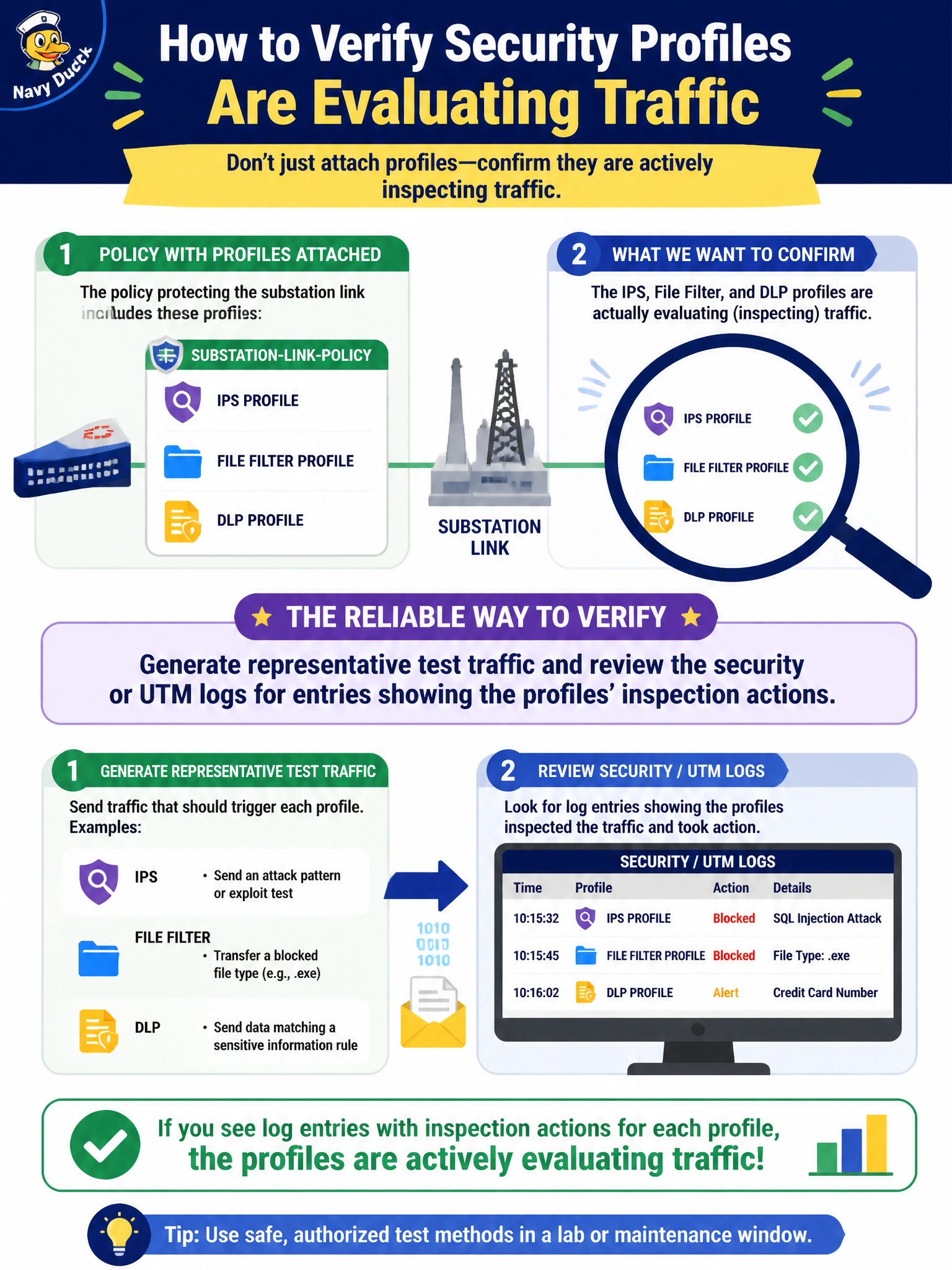
After attaching IPS, file filter, and DLP profiles to the policy protecting the substation link, an engineer wants to confirm the profiles are actually evaluating traffic rather than just being present in the policy configuration. What is a reliable way to verify this?
Select an answer to reveal the explanation.
Short Explanation
Configuration on paper isn't proof anything actually happened. Send real traffic through and watch the logs light up — that's the only way to know the inspection is really running.
Full Explanation
Real verification comes from generating representative traffic and reading the resulting security or UTM log entries, which record which profile evaluated the session and what action it took — direct evidence that inspection actually occurred, not just that it was configured to occur. A policy saving without a configuration error only proves the syntax and object references were valid; it says nothing about whether traffic actually matches that policy or triggers the profiles as expected. Confirming a profile object exists in the general security profile list proves nothing about binding — the object could easily be unused or attached to an entirely different policy that never sees the relevant traffic. An accept action is necessary for a policy to process security profiles at all, but by itself it doesn't confirm the profiles are enabled within that specific policy or that logging is capturing their results. A caveat: logging must be enabled at a level that captures security events, not just basic traffic summaries, or the detail needed to confirm profile activity may simply be missing from the log. To close the loop, search the log for the specific test session by time or source and confirm each profile's action field shows the expected inspection result.