
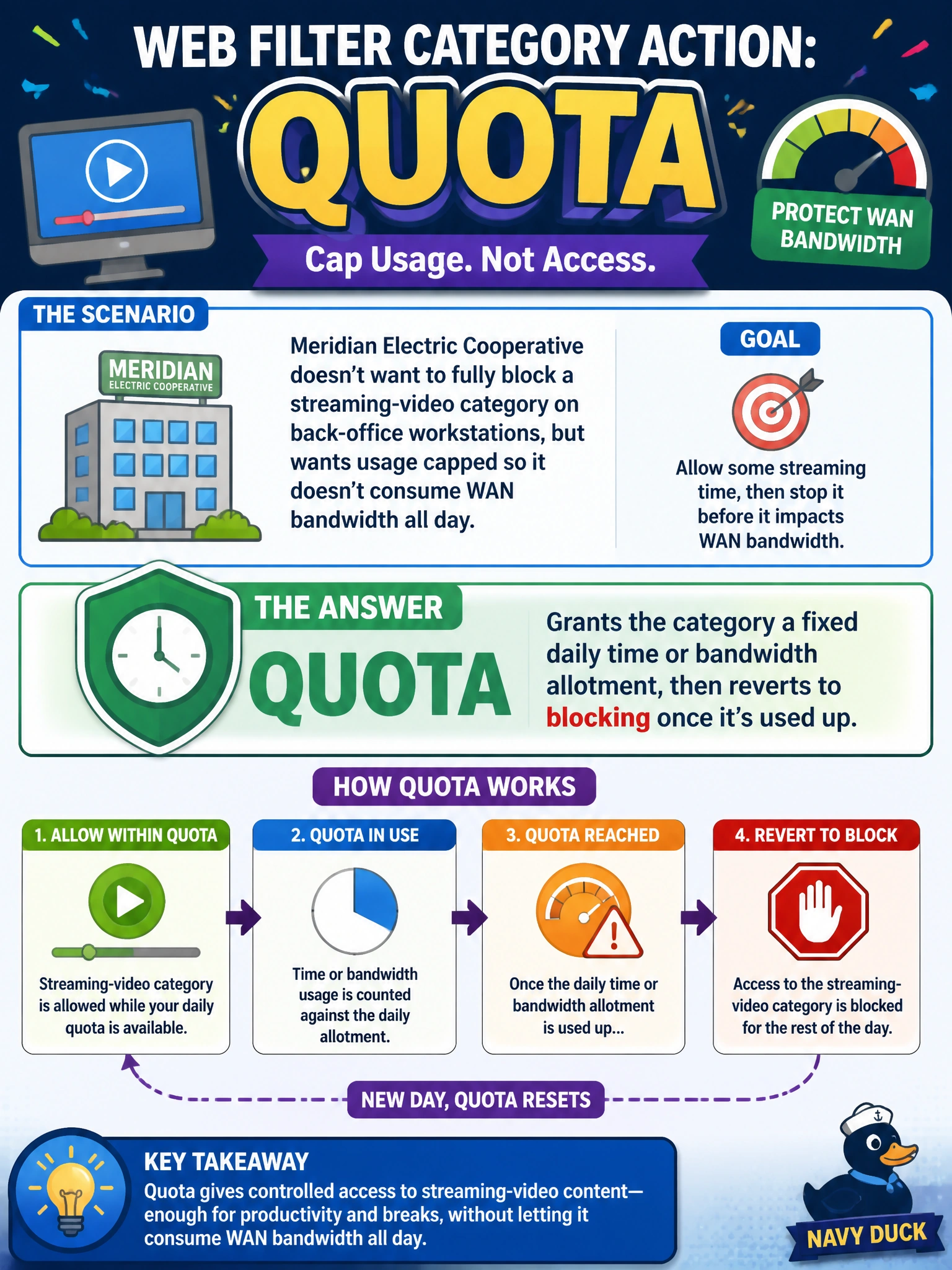
Meridian Electric Cooperative doesn't want to fully block a streaming-video category on back-office workstations, but wants usage capped so it doesn't consume WAN bandwidth all day. Which web filter category action is designed for exactly this?
Select an answer to reveal the explanation.
Short Explanation
Quota works like a data allowance on a phone plan: the category stays open until the clock or the bytes run out for the day, then FortiOS switches it to block until the allotment resets. It's the only action here that actually caps usage instead of just letting it through or interrupting it.
Full Explanation
Quota is the category action built specifically to cap consumption rather than simply permit or restrict a category outright: FortiGate tracks either elapsed time or data volume against a configured daily allotment for the category, allows the traffic while that allotment remains, and automatically switches to a block once it's exhausted, resetting at the next quota period. That combination — bounded access followed by an automatic block — fits Meridian's requirement to limit bandwidth consumption without disabling the category. Warning fails the requirement because it only adds a click-through interruption; a user who accepts the warning can keep streaming indefinitely, with no cap on total usage. Exempt is the opposite of what's needed here — it removes the category from inspection and would let it run unrestricted. Monitor logs the activity for visibility but applies no limit at all, so bandwidth consumption would continue unchecked. One operational caveat: because quotas are tracked per user or source, a workstation shared by several accounts may see the allotment reset unexpectedly depending on how users are identified. Verify a quota is enforcing correctly by checking the web filter log for the quota-exceeded event once the allotment should have been consumed.