
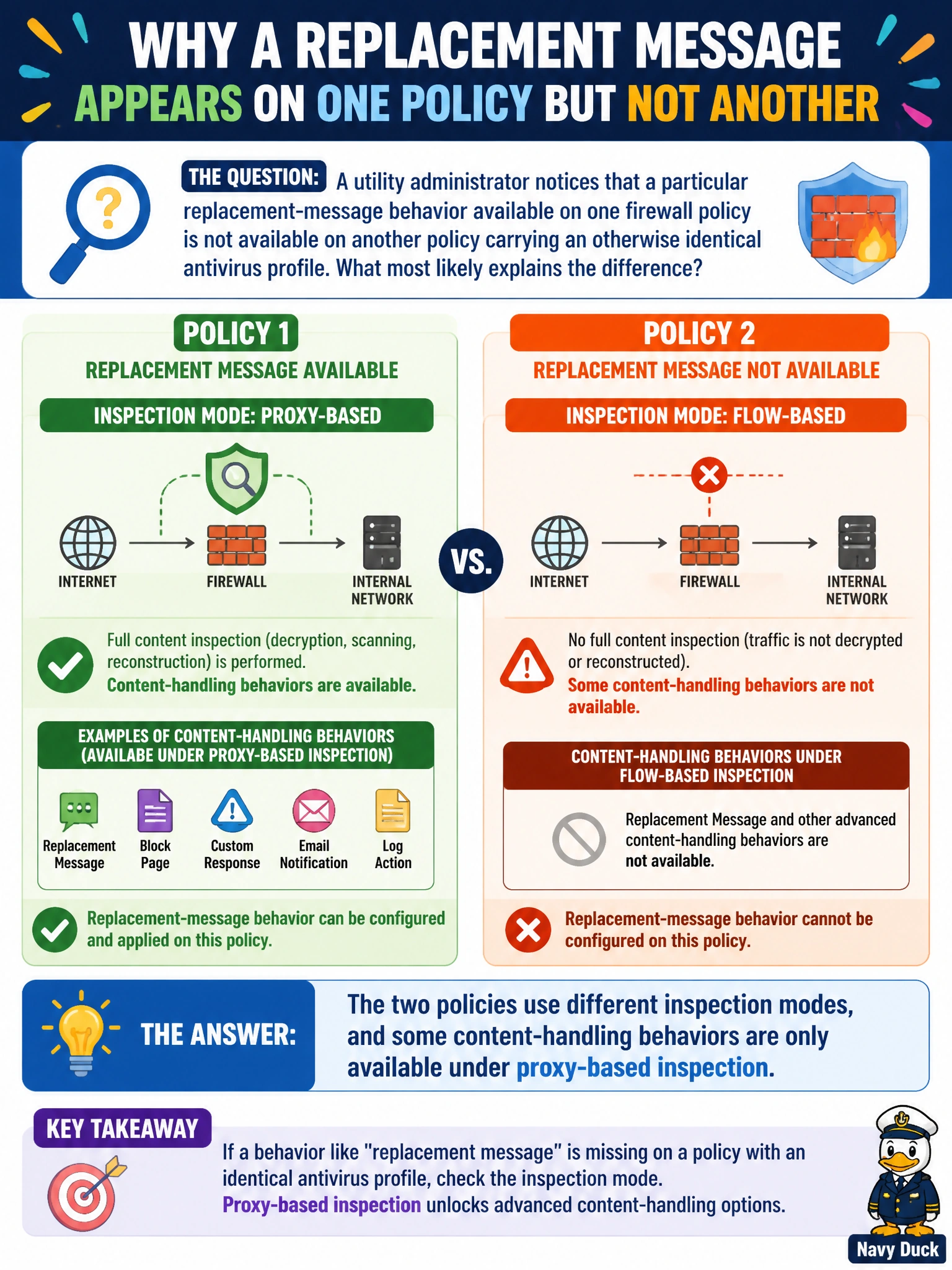
A utility administrator notices that a particular replacement-message behavior available on one firewall policy is not available on another policy carrying an otherwise identical antivirus profile. What most likely explains the difference?
Select an answer to reveal the explanation.
Short Explanation
Not every feature lines up the same way across FortiGate's two inspection architectures. Proxy-based mode's full-object buffering supports certain replacement-message behaviors that flow-based mode's inline streaming doesn't offer in quite the same way. So two policies running the same security profile can still behave differently if one is flow-based and the other proxy-based.
Full Explanation
FortiOS security profiles apply across both inspection modes, but the underlying engines are architecturally different: proxy-based inspection buffers a complete object before deciding what to do with it, which enables certain replacement-message and content-handling behaviors tied to that full-object view, while flow-based inspection streams data through the IPS engine and handles some of those same situations differently. When two policies carry what looks like the same antivirus profile but produce different replacement-message behavior, the inspection mode configured on each policy is the most likely explanation, not the profile itself. Replacement messages are administrator-configured content, not something FortiGuard randomly toggles, so that option misattributes control the administrator actually has. Firmware incompatibility between models is a stretch with no supporting detail in the scenario and doesn't match a symptom isolated to one specific profile behavior. SD-WAN affects link selection and performance-based routing, not how a security profile presents a replacement message, so it is unrelated to this discrepancy. The practical check is to compare the 'Inspection Mode' setting on each policy directly rather than assuming identical profile names guarantee identical behavior.