
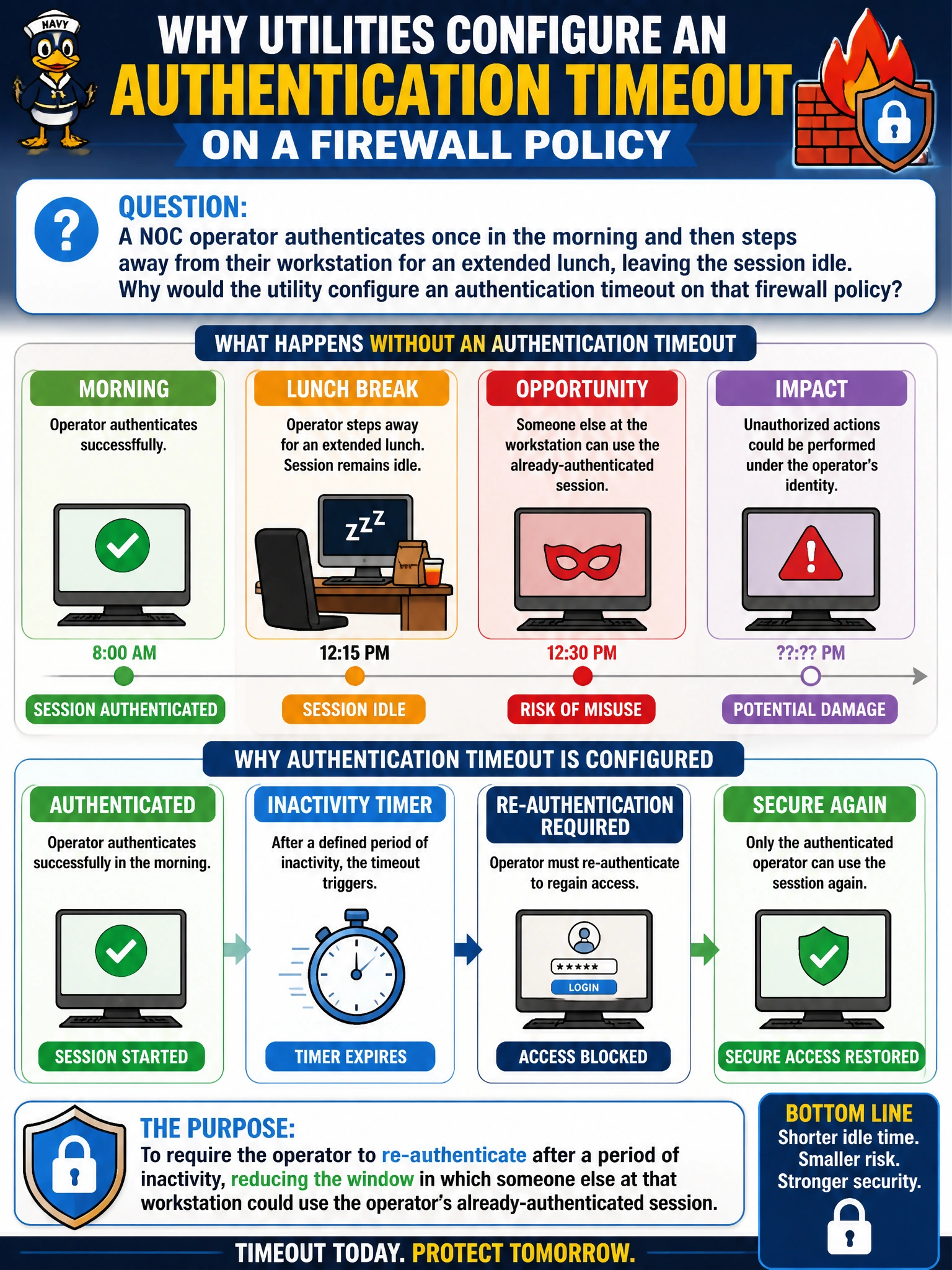
A NOC operator authenticates once in the morning and then steps away from their workstation for an extended lunch, leaving the session idle. Why would the utility configure an authentication timeout on that firewall policy?
Select an answer to reveal the explanation.
Short Explanation
An authenticated session that never expires is a standing invitation for whoever walks up to an unattended desk. A timeout just closes that window — long enough idle, and the FortiGate stops trusting that the same person is still there and asks again. It's a small, unglamorous control that closes a very real gap.
Full Explanation
An authentication timeout forces re-verification of identity after a defined period of inactivity, directly reducing the risk that an unattended, already-authenticated session gets used by someone other than the operator who originally logged in — a realistic concern in a shared NOC environment where workstations may sit unlocked during breaks. This is a session-management control, not a password-rotation trigger; nothing about an idle timeout requires or causes a password change, which is governed by separate password-policy settings entirely. It also does not permanently revoke the account — the operator can simply re-authenticate once they return, since the timeout affects the current session's trust, not the account's existence or standing. There is no mechanism by which staying connected longer upgrades a user's access level; access is governed by group membership and policy configuration, not by session duration, and inventing an escalation-by-time behavior misunderstands how FortiGate authentication works. A practical caveat: setting the timeout too aggressively causes legitimate users to be re-prompted disruptively often, so the value should balance security against usability for the specific environment. To verify the control works, leave a session idle past the configured timeout and confirm the next request triggers a fresh authentication prompt.