
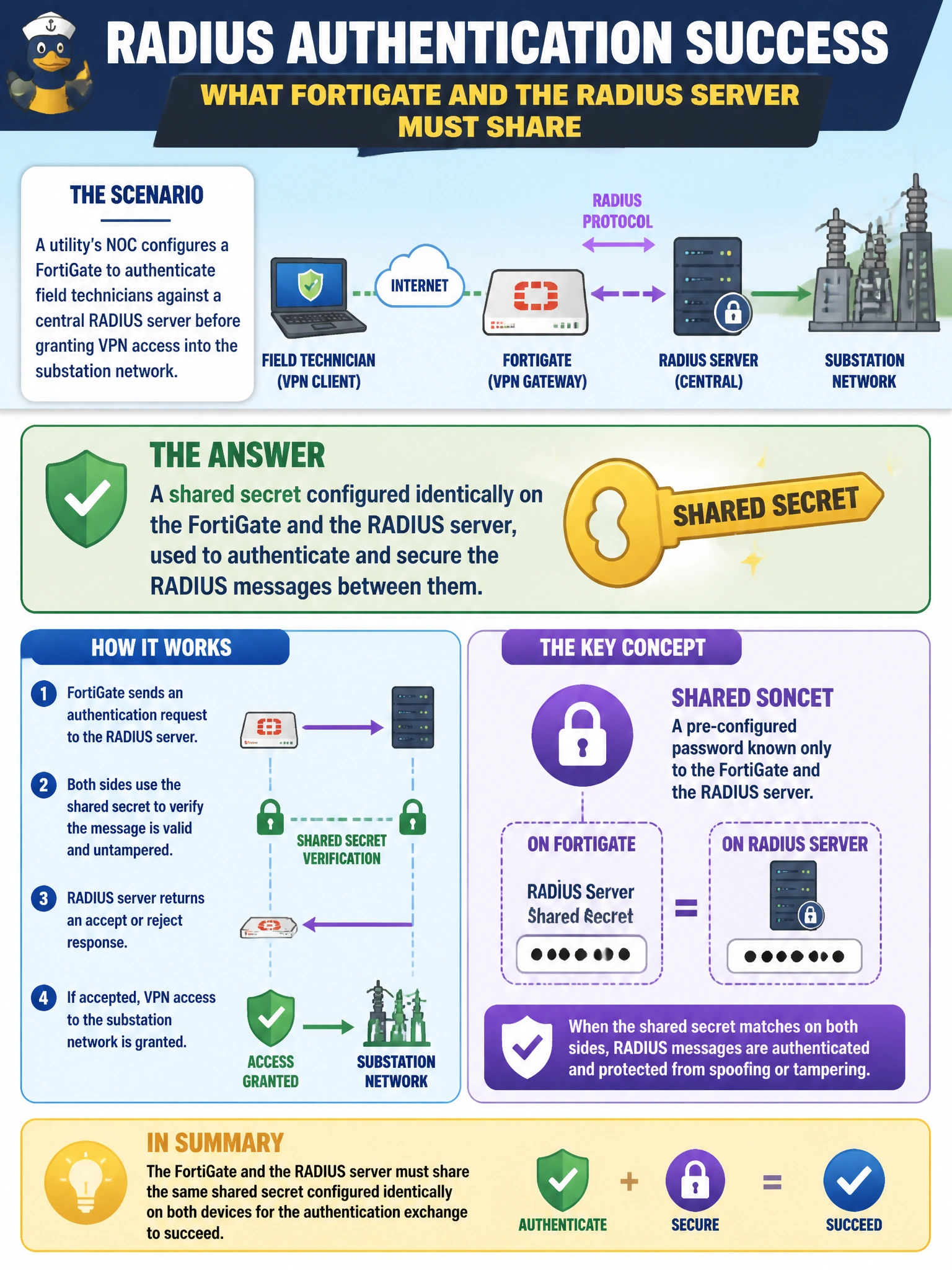
A utility's NOC configures a FortiGate to authenticate field technicians against a central RADIUS server before granting VPN access into the substation network. What must the FortiGate and the RADIUS server share for this authentication exchange to succeed?
Select an answer to reveal the explanation.
Short Explanation
RADIUS works like two parties who agreed on a secret handshake before they'll trust each other's messages. The FortiGate and the RADIUS server both hold that same shared secret, and it's what lets the server trust that the authentication request really came from that FortiGate. Get the secret wrong on either side and every login attempt fails, even with a correct username and password.
Full Explanation
RADIUS authentication depends on a shared secret configured identically on both the FortiGate (acting as the RADIUS client) and the RADIUS server; this secret is used to authenticate the RADIUS packets themselves and to obscure the password field in transit, not to encrypt the whole session. A bind DN is an LDAP concept for locating a directory entry, not something RADIUS uses, so that option confuses the two protocol models. Millisecond clock synchronization is not a RADIUS authentication requirement — that level of precision matters for things like certain token or Kerberos time-based mechanisms, not standard RADIUS password exchange. Caching every technician's password locally on the FortiGate defeats the entire purpose of using a centralized RADIUS server, which exists precisely so credentials are managed and verified in one place rather than duplicated across every network device. One practical caveat: if the shared secret is mistyped on either end, the FortiGate typically logs an authentication failure without a clear 'wrong secret' message, so mismatched secrets are a common first troubleshooting step. To verify configuration, check that the RADIUS server object's secret field matches character-for-character what is configured on the RADIUS server, and test with a known-good technician account.