
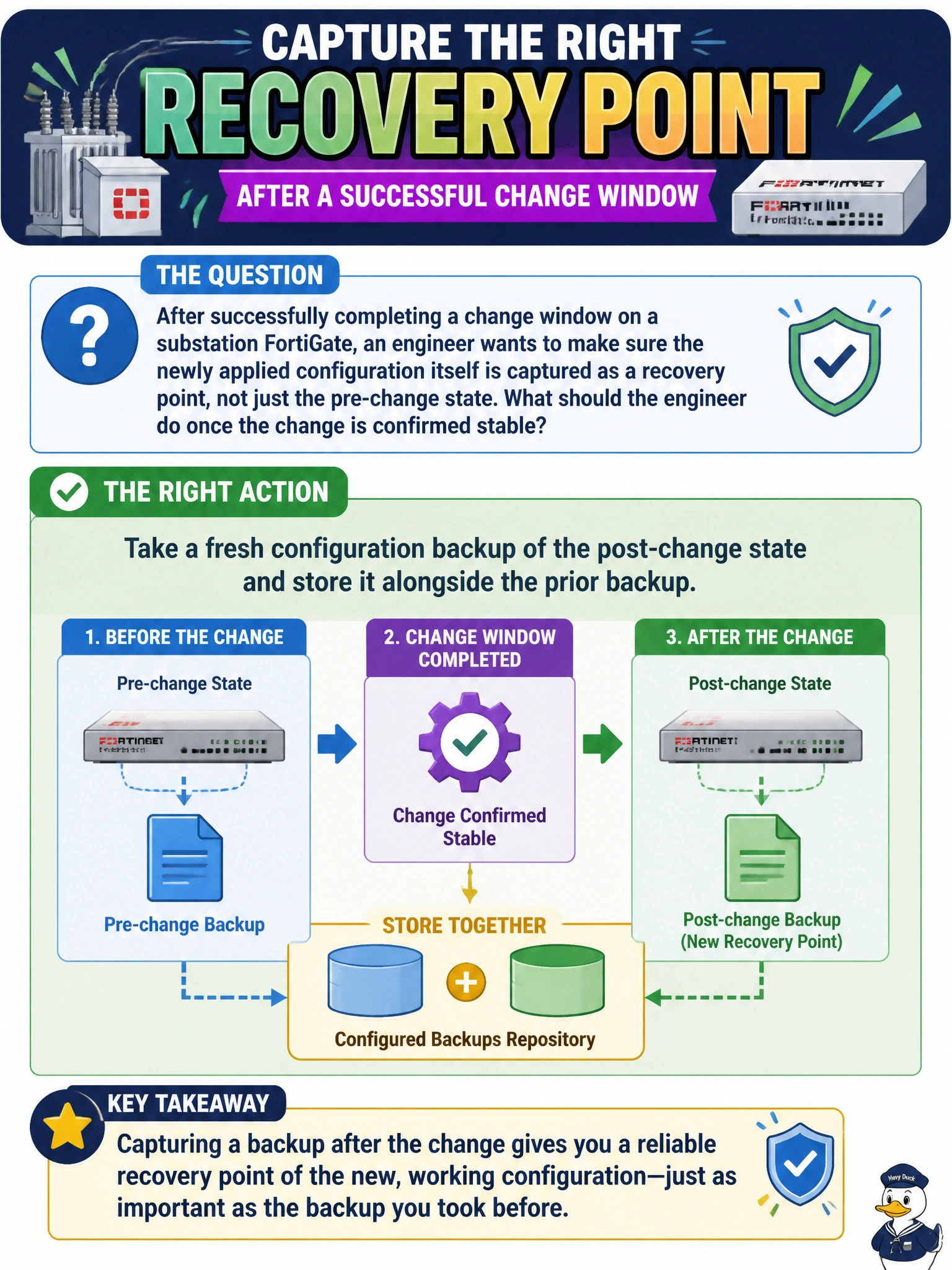
After successfully completing a change window on a substation FortiGate, an engineer wants to make sure the newly applied configuration itself is captured as a recovery point, not just the pre-change state. What should the engineer do once the change is confirmed stable?
Select an answer to reveal the explanation.
Short Explanation
A rollback point from before the change is only half the picture. Once the new configuration is confirmed good, it deserves its own snapshot too, so a future rollback lands on the working state instead of undoing today's fix along with everything else. Backing up isn't a one-time, pre-change-only habit.
Full Explanation
Configuration backups are only useful as a recovery point for the state they were taken in, so once a change is verified stable, capturing a fresh backup of that new configuration preserves it as the current known-good baseline; without it, a future rollback could only reach back to the pre-change state, discarding the legitimate fix along with anything undesirable. Deleting the pre-change backup removes a still-useful historical reference and gains nothing toward the actual goal of capturing the new state. Waiting for the next scheduled maintenance window introduces an unnecessary gap where no backup reflects the device's actual current configuration, leaving it unprotected in the meantime. Disabling configuration change logging removes an audit trail of who changed what and when, unrelated to backups and actively counterproductive for troubleshooting or compliance. The operational check: confirm the new backup file's timestamp and size make sense for the change just made, and store it somewhere distinct from, not overwriting, the prior version so both recovery points remain available.