
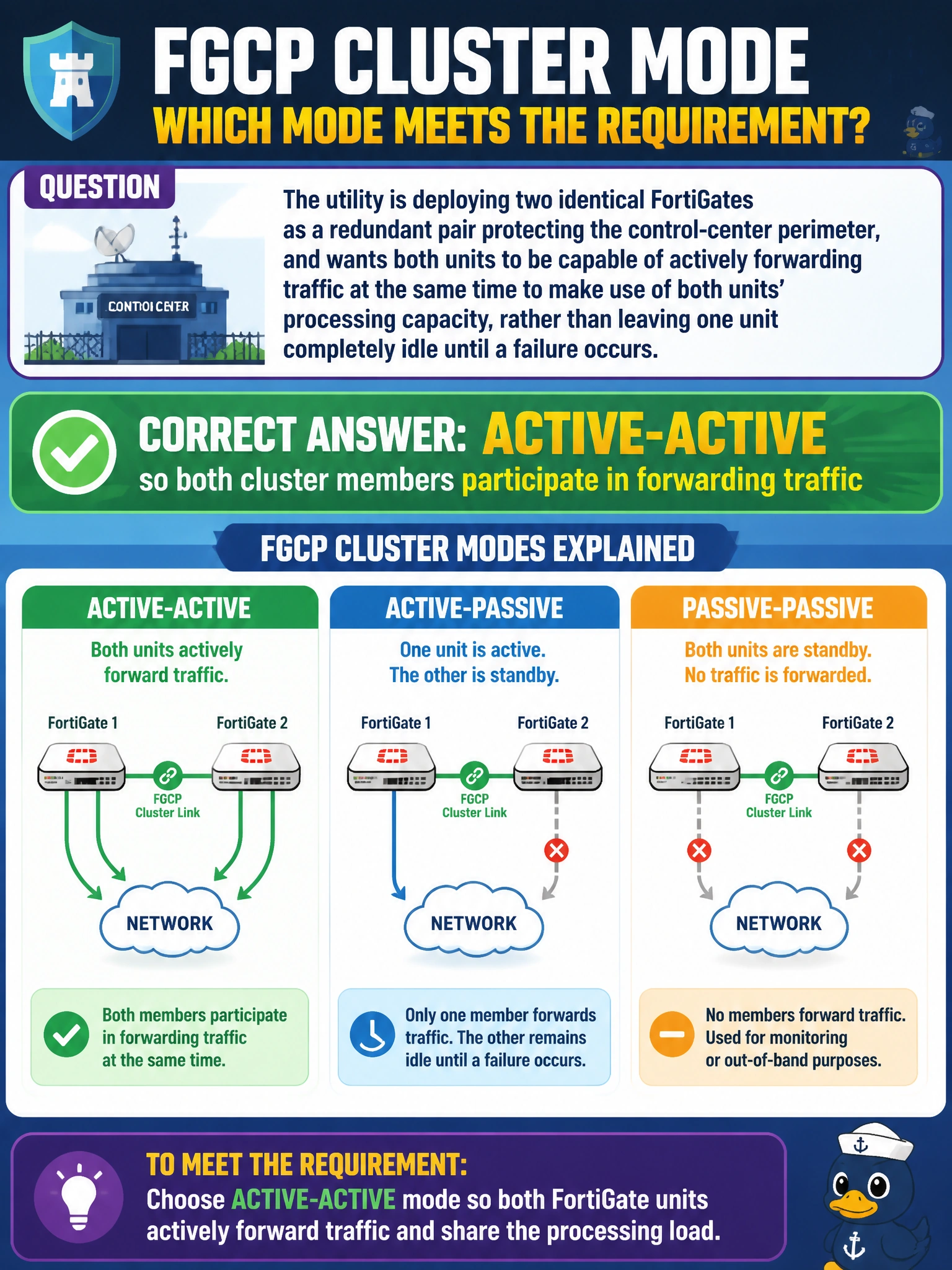
The utility is deploying two identical FortiGates as a redundant pair protecting the control-center perimeter, and wants both units to be capable of actively forwarding traffic at the same time to make use of both units' processing capacity, rather than leaving one unit completely idle until a failure occurs. Which FGCP cluster mode meets this requirement?
Select an answer to reveal the explanation.
Short Explanation
An idle spare firewall is a firewall doing nothing useful most of the time. Set your cluster to active-active FGCP and both members forward traffic simultaneously, with the primary load-balancing sessions across the pair instead of leaving one unit parked on the sidelines.
Full Explanation
FGCP high availability supports two cluster modes: active-passive, where only the primary unit forwards traffic while the secondary remains in hot standby, and active-active, where the primary distributes sessions across all cluster members so every unit's CPU and inspection engines are actively used. Because the utility explicitly wants both units forwarding simultaneously rather than one sitting idle, active-active is the mode that satisfies the requirement. Active-passive fails the requirement by design — its entire purpose is to keep the secondary unit idle and ready, not to share the forwarding load. Describing standalone mode with a manually scripted failover misunderstands FGCP entirely; FGCP is a purpose-built clustering feature with automatic heartbeat-based failover, and bypassing it with external scripting abandons the built-in synchronization of configuration and session state between units. Adding session pickup to active-passive improves failover continuity by preserving existing sessions when a failover occurs, but it does not change the fact that only one unit is actively forwarding traffic beforehand — it solves a different problem than load distribution. When validating an active-active deployment, check that both cluster members show as forwarding traffic in the HA monitor rather than one member consistently reporting near-zero session count.