
A junior operator has just joined the grid-operations NOC team and needs to log in to the FortiGate to view interface status and generate reports, but should not be able to modify firewall policies or system settings. What is the correct way to provision this operator's account?
Select an answer to reveal the explanation.
Short Explanation
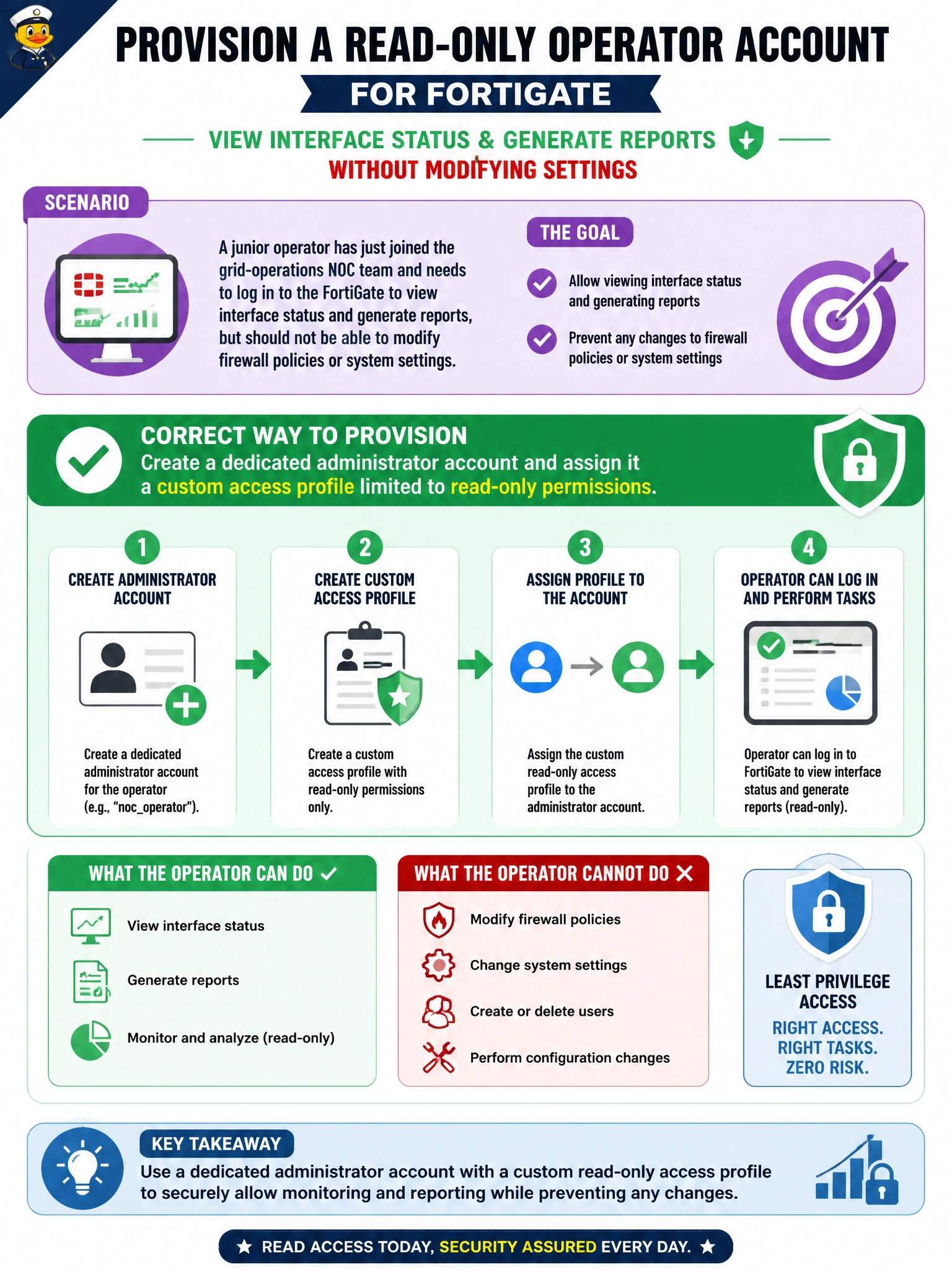
Least privilege starts with a name of your own, not a shared password. Give the operator a dedicated account tied to a custom access profile, and they can see interfaces and pull reports while every menu that could change a policy or a system setting stays grayed out for them.
Full Explanation
FortiGate administrator accounts are each mapped to an access profile that defines, feature by feature, whether the account has no access, read-only access, or read-write access — so creating a distinct account for the operator and binding it to a custom profile with read-only permissions on the relevant features delivers exactly the visibility-without-change capability the NOC wants, and it also preserves individual accountability in the audit log. Sharing the super_admin credentials fails on two fronts: the operator would gain full read-write control over every feature, and every action taken under that login becomes indistinguishable from any other user of the same shared credential. Assuming an account with no access profile assigned defaults to a safe read-only state is incorrect — an access profile must be explicitly selected, and leaving one unassigned does not automatically produce a locked-down account with meaningful permissions. A trusted host restricts which source IP addresses an account may log in from; it has nothing to do with what that account is permitted to do once logged in, so tacking the operator's identity onto an existing super_admin account's trusted-host list would not limit their capabilities at all. To confirm the setup, log in as the new account and verify that firewall policy and system configuration pages appear locked or hidden while monitoring pages remain accessible.