
Field-service technicians bring laptops to a switching station and connect to a dedicated FortiGate interface for temporary network access. The utility wants those laptops to automatically receive an IP address, default gateway, and DNS server from the FortiGate itself, with no separate server on site. What should the network team configure on that interface?
Select an answer to reveal the explanation.
Short Explanation
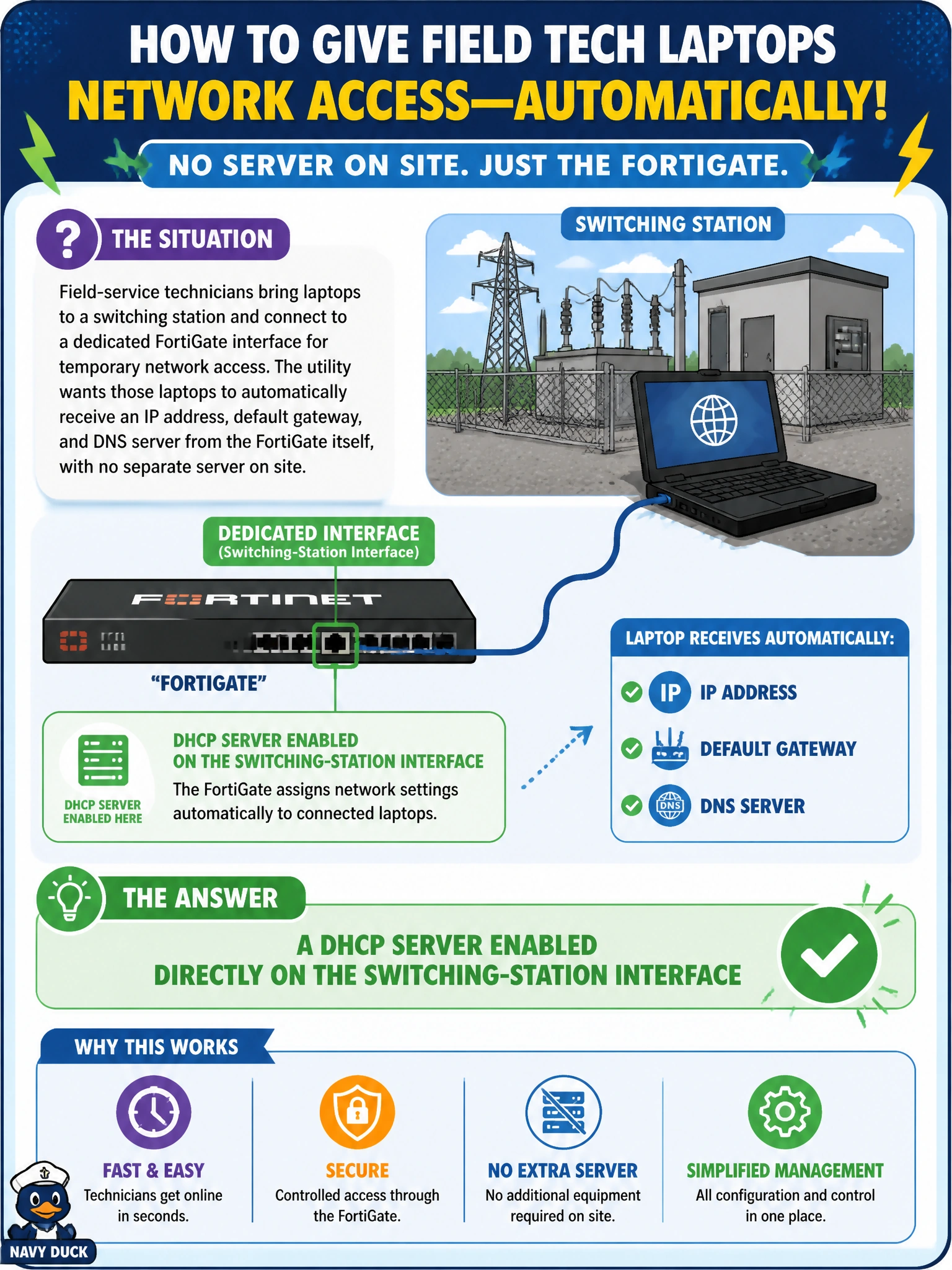
The FortiGate doesn't just route your traffic — it can hand out addresses too. Turn on a DHCP server directly on that switching-station interface and every laptop that plugs in gets an IP, gateway, and DNS automatically, straight from the firewall, with nothing extra for you to install on site.
Full Explanation
FortiGate interfaces can run a local DHCP server that leases addresses, a default gateway, and DNS servers to clients attached to that interface, which is precisely the self-contained, no-extra-hardware answer the switching station needs. Enabling this feature directly on the interface avoids the cost and maintenance burden of shipping a dedicated DHCP appliance to every remote site. A DHCP relay agent is the wrong tool here because relay forwards client requests to an existing DHCP server elsewhere on the network — it presumes a server already exists and is reachable, which contradicts the requirement of no separate server on site. Manually typing static addresses into each laptop defeats the stated goal of automatic configuration and does not scale as technicians rotate through multiple stations. A policy route only changes the forwarding path for already-addressed traffic; it has no role in assigning an IP address to a device that has none yet. When validating the deployment, check the interface's DHCP server scope and lease range for overlap with any other subnet reachable through the FortiGate, since an overlapping scope can hand out duplicate addresses across sites.