
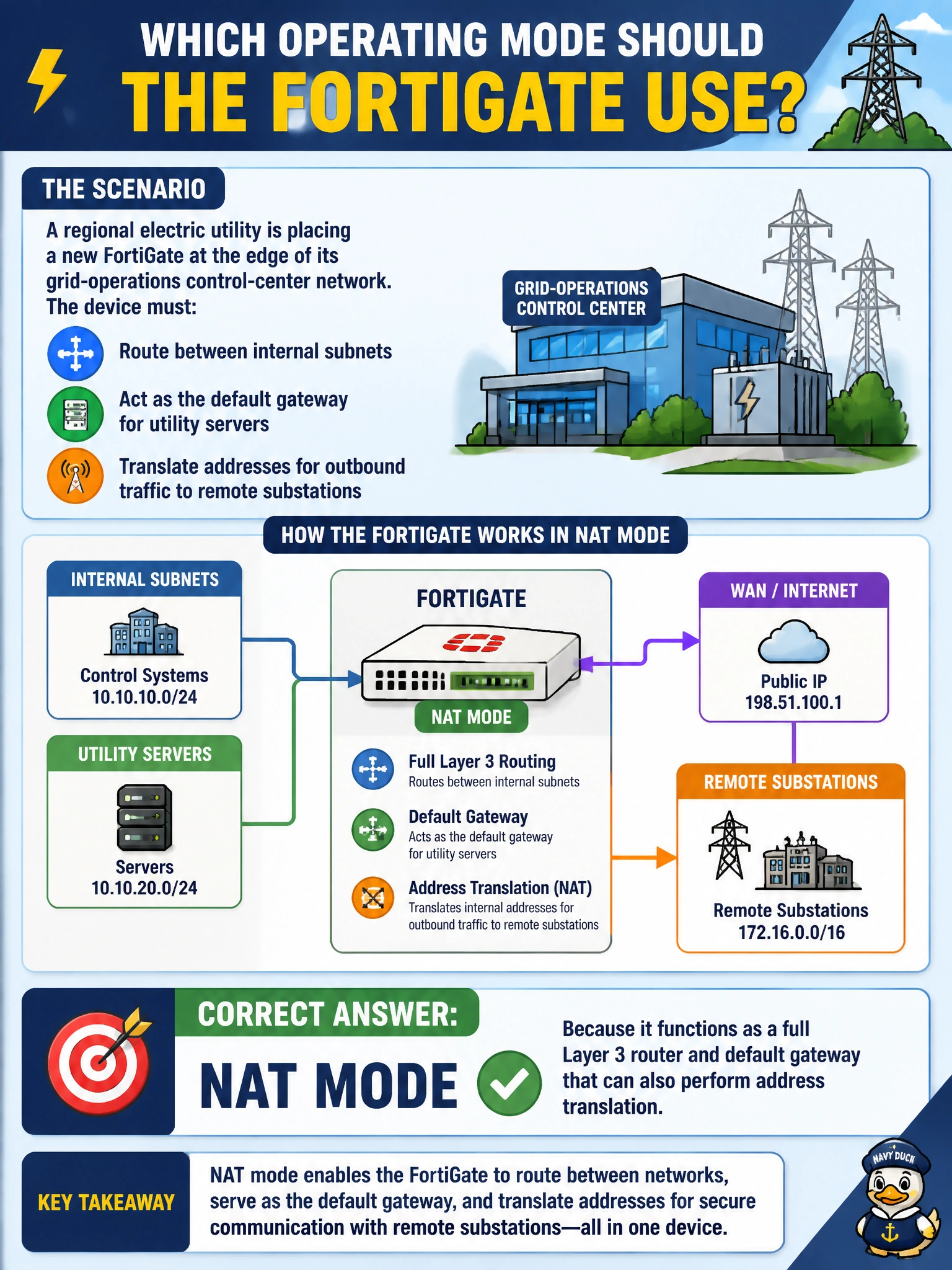
A regional electric utility is placing a new FortiGate at the edge of its grid-operations control-center network. The device must route between internal subnets, act as the default gateway for utility servers, and translate addresses for outbound traffic to remote substations. Which operating mode should the deployment team configure on the FortiGate?
Select an answer to reveal the explanation.
Short Explanation
Think of NAT mode as putting the FortiGate to work as a real router with its own address on every leg. That's exactly what you need at a control-center gateway: it routes between subnets, hands out its own IP as the default gateway, and rewrites source addresses on the way out. Transparent mode, by contrast, is invisible on the wire and never routes anything for you.
Full Explanation
NAT mode is the FortiGate's default operating mode and the one that makes it behave like a genuine Layer 3 device: every interface carries its own IP address, the unit builds a routing table, and it can serve as the default gateway for downstream utility servers while performing source or destination NAT on traffic crossing between zones. That combination of routing plus translation is exactly what a control-center perimeter firewall needs. Transparent mode fails both distractors built around it: it forwards frames at Layer 2 using a single management IP, sits inline like a bridge, and cannot perform NAT or serve as a routed gateway, so it would leave the utility's subnets unable to reach each other through the firewall. The claim that NAT mode is somehow invisible in the path is backwards — NAT mode explicitly adds a hop, decrementing TTL and appearing in traceroutes, which is a normal and expected side effect of routing. Before deploying, confirm the required mode with 'get system status', which reports the current operation mode, and verify each interface has been assigned an IP appropriate for routing rather than a single bridged address.