
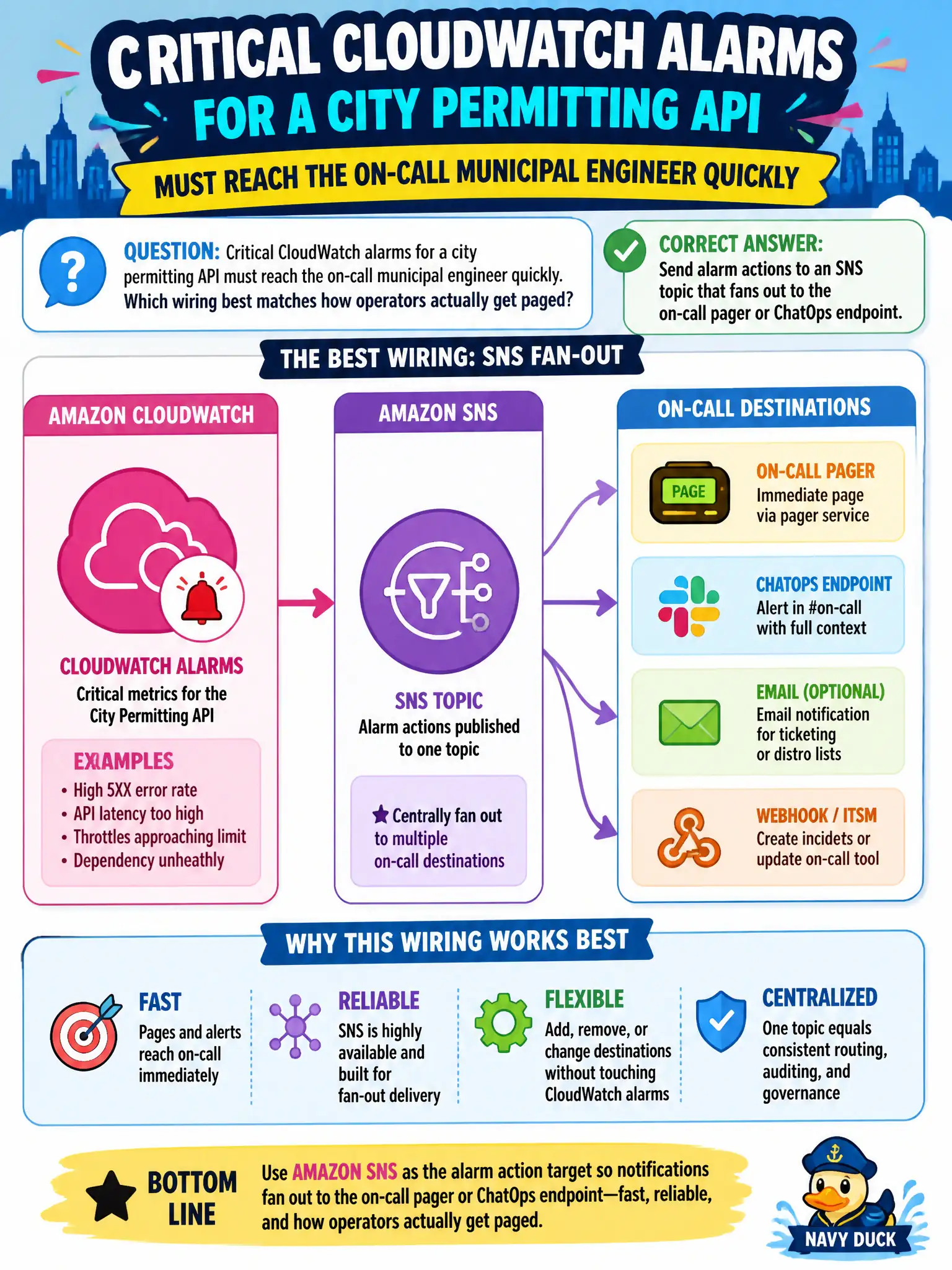
Critical CloudWatch alarms for a city permitting API must reach the on-call municipal engineer quickly. Which wiring best matches how operators actually get paged?
Select an answer to reveal the explanation.
Short Explanation
Alarms that sit quietly in a bucket are like a smoke detector with no batteries—technically there, useless in a fire. Point CloudWatch at SNS and let SNS hit the pager or ChatOps channel people already watch. That is how critical municipal pages actually land.
Full Explanation
Critical CloudWatch alarms for a city permitting API must reach the on-call municipal engineer quickly. The wiring that matches how operators actually get paged is alarm actions to an SNS topic that fans out to the on-call pager or ChatOps endpoint. CloudWatch detects; SNS delivers; humans respond. Skipping SNS in favor of passive artifact drops delays response.
Writing alarm state only to an S3 object and waiting for someone to open the bucket daily is not paging.
Exporting metrics to a monthly CSV email cannot meet critical response times.
Relying on the Lambda console recent-invocations view as the sole notification channel requires humans to be staring at it.
Exam caveat: Alarm action → SNS → subscription (email/SMS/ChatOps/pager) is the standard Associate pattern.
Operational check: Attach the permitting alarms to an SNS topic subscribed by the on-call channel, trigger a test alarm, confirm page receipt, and document escalation if nobody acknowledges within the SLA. Keep the civic/municipal context in mind: permit outages during business hours need minutes-scale paging, not daily bucket checks. Document the finding in the municipal incident ticket so the next on-call engineer inherits evidence rather than folklore.