
A citizen request crosses API Gateway into Lambda, and the team wants a service map of that path. What should they enable?
Select an answer to reveal the explanation.
Short Explanation
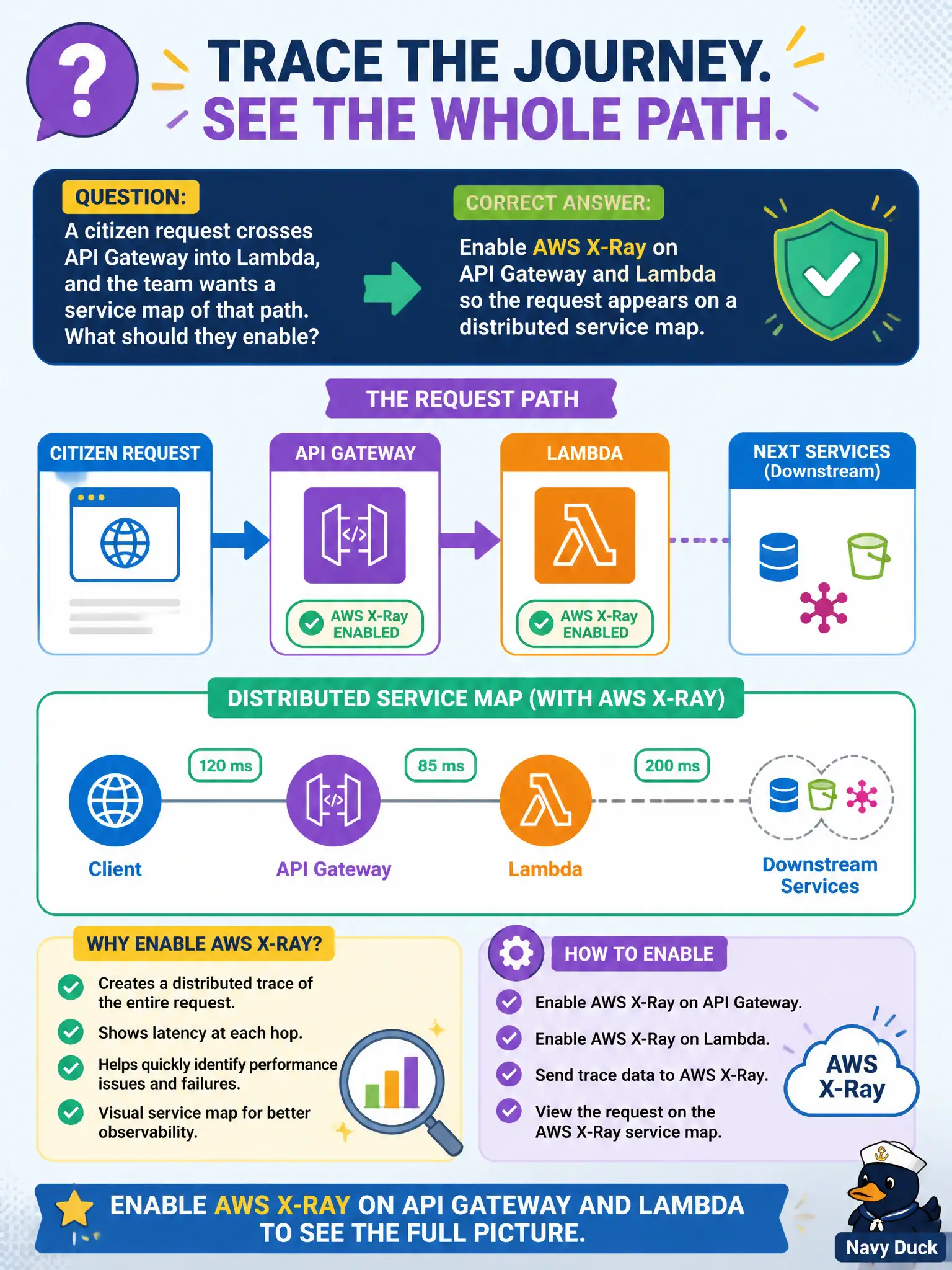
Flip X-Ray on for API Gateway and Lambda and the citizen hop shows up on a service map. That is how you see the path instead of guessing it.
Full Explanation
When a citizen request crosses API Gateway into Lambda and the team wants a service map of that path, they should enable AWS X-Ray on API Gateway and Lambda so the request appears on a distributed service map. The map visualizes hops and latency, helping municipal developers see whether time is spent in the gateway integration or inside the function for citizen lookups.
Enabling only Amazon QuickSight on the billing account produces analytics dashboards, not request service maps.
S3 Transfer Acceleration speeds object transfers; it does not substitute for application tracing.
AWS Budgets tracks cost thresholds and cannot draw microservice dependency graphs for request paths.
Exam caveat: X-Ray service maps require tracing enabled on the participating services and proper SDK/segment instrumentation where needed.
Operational check: Turn on X-Ray for the API stage and function, send a test citizen request, open the service map, and confirm both API Gateway and Lambda nodes appear with expected latency. Keep the civic/municipal context in mind: public lookup APIs need fast localization of latency ownership during council-visible slowdowns. Document the finding in the municipal incident ticket so the next on-call engineer inherits evidence rather than folklore.